
Confetti Effects: Give an Elementor Page a Moment Worth Celebrating
Confetti Effects fires six kinds of celebration on an Elementor page, on load, on view, on click or after a form sends. Five triggers, no code needed.
Most pages treat a conversion as a redirect. The visitor fills in the form, the button spins, a line of grey text appears saying “thanks, we will be in touch”, and the moment is over. Nothing about the page acknowledges that something good just happened.
Confetti effects fill that gap with the oldest trick in celebration design. Paper bursts across the screen for a second and a half, then it is gone. It is not subtle and it is not meant to be. It is the page reacting to the visitor instead of processing them.
The extension is in Sky Addons Pro and hooks into the Advanced tab of any section, container or widget. It draws on its own canvas, so nothing in your layout moves to make room for it.
| GIF overlay | Lottie animation | Confetti effects | |
|---|---|---|---|
| Page weight | 500 KB and up | 50 KB to 300 KB JSON plus player | No media file |
| Fires after a form sends | No | With custom code | Yes, a built-in trigger |
| Colours match your brand | Re-export | Edit the source file | Comma separated list |
| Shapes | Whatever was exported | Whatever was drawn | Default, emoji or your own SVG path |
| Same every time | Yes | Yes | Randomised per burst |
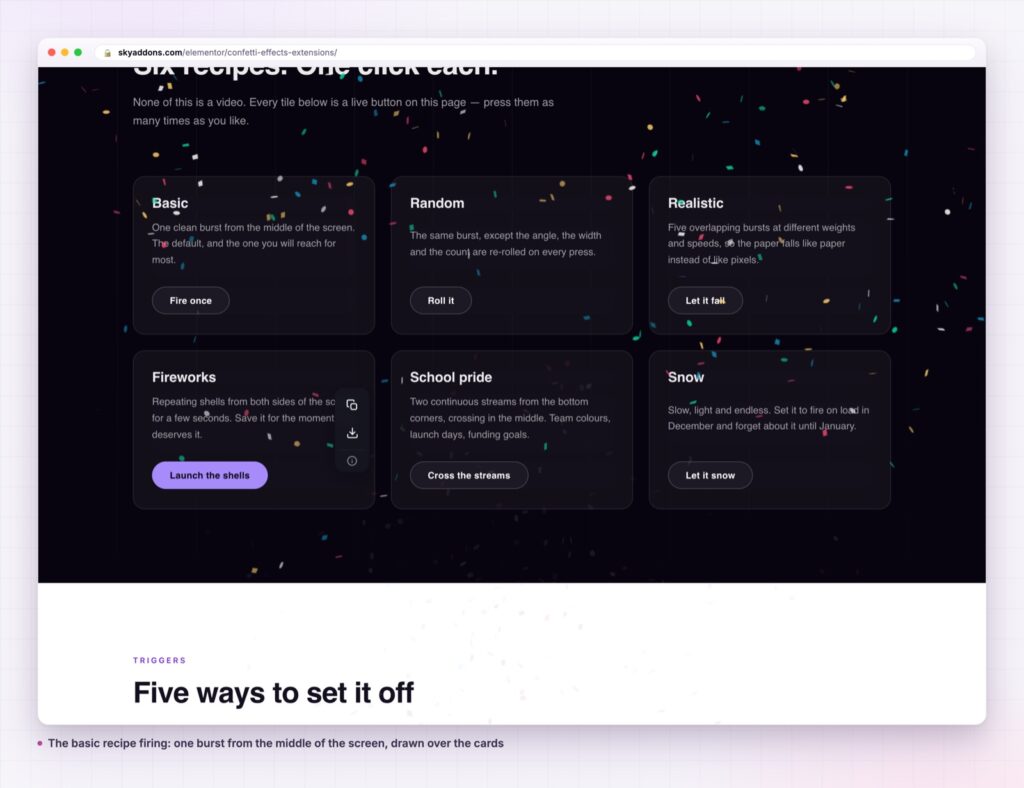
Six effect types, not one animation. Basic, random, fireworks, snow, school pride and realistic. They differ in more than speed: fireworks repeats over a duration, snow drifts for a long time, school pride streams from both edges, and realistic layers several bursts to fake physical weight.
Five triggers cover the real moments. On load, on view, on click, on mouse enter and on ajax success. Click and hover take a CSS selector, so the burst can belong to a specific button rather than the whole section.
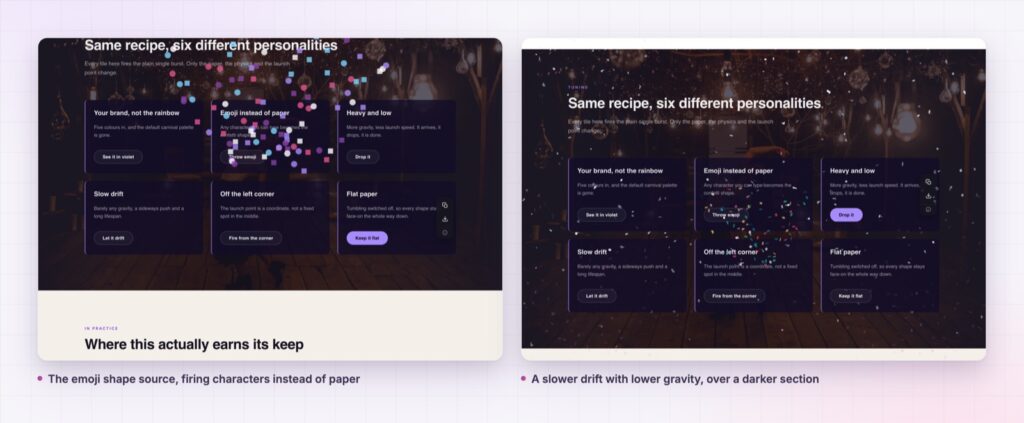
Your own shapes. Shapes come from the default set, from an emoji you type, or from a raw SVG path. A confetti burst made of your logo mark is a text field away.
Colours are a plain comma separated list. No palette picker to fight, no re-export. Paste your brand hexes and the burst uses them.
The physics are exposed. Particle count, spread, start velocity, gravity, drift, decay and ticks are all sliders. Angle appears for the types that use it, and animation duration appears for the ones that run over time.
Origin is a real coordinate. The popover sets x and y from 0 to 1 across the element, so the burst can come from behind a button rather than from the middle of the section.
Delay lets it land after the moment. A burst that fires the instant a click registers can beat the thing it is celebrating. The delay slider pushes it a few hundred milliseconds later.
The whole effect is drawn on a canvas element that sits above the page and ignores pointer events. The section keeps its own markup, its own click targets and its own height, so a burst can never push your layout around.
Because the particles are generated rather than played back, no two bursts are identical, and there is no file to download, decode or size for retina. The cost is a short script and a moment of drawing.
A success message tells the visitor the form worked. A burst of confetti tells them it mattered. The second one is what they describe to somebody else.
The script is enqueued per element and only when the switch is on, so a page with no confetti on it never loads the library.
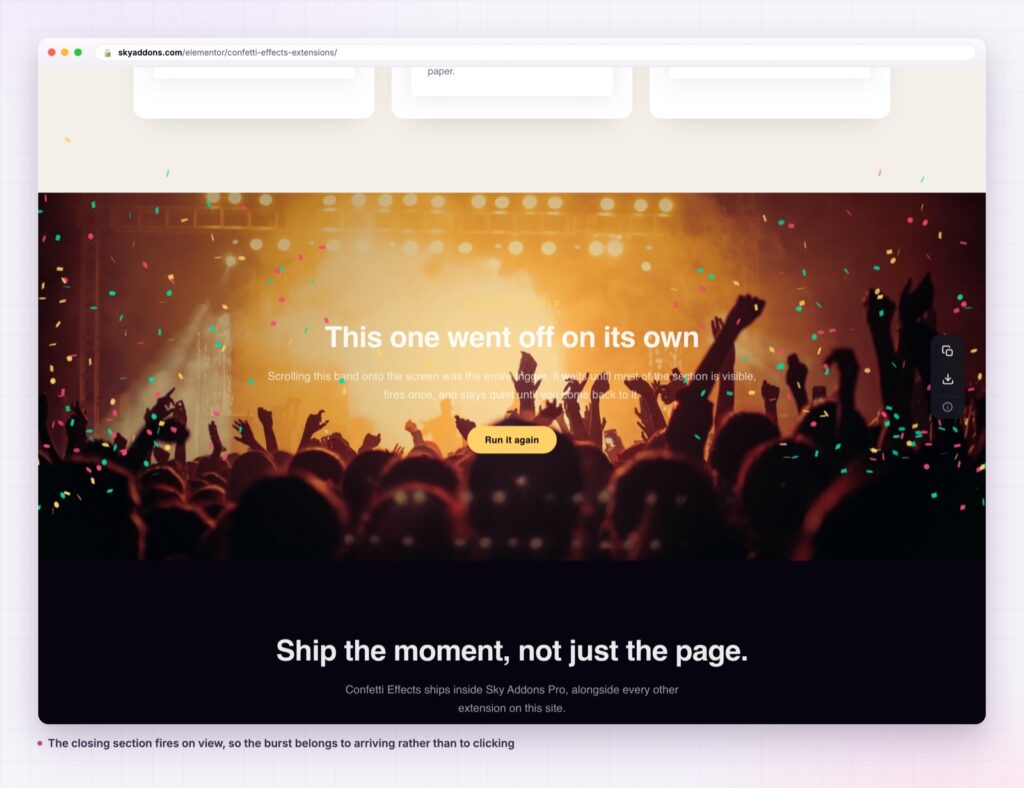
The trigger list is the part that decides whether confetti effects read as a reward or as decoration. On load fires before the visitor has done anything, which is why it suits a launch announcement and almost nothing else. On view fires when the element scrolls into the viewport, which suits a milestone band a reader arrives at. Click and mouse enter belong to a specific element through the selector field, and ajax success waits for a form to come back, which is the only trigger in the list that the visitor genuinely earns.
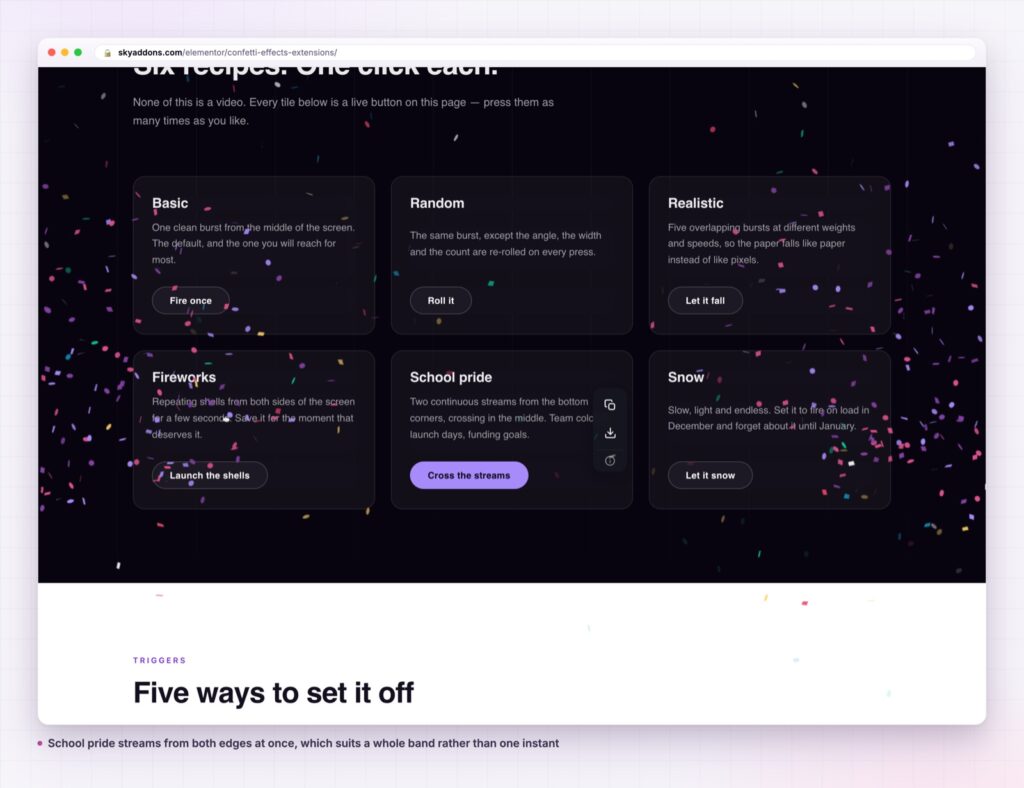
The effect belongs to whatever element you attach it to, so it scales from a whole section down to a single button. A quiz or calculator that reaches a result can carry it on the result block. A countdown that reaches zero can carry it on the band around the counter.
It also works as a seasonal layer. The snow type on a header container, with a low particle count and a long duration, gives a December page an atmosphere without a new design. Change the colours and the same setup becomes a launch week.
Pair it with the interactions you already have. A cursor effect keeps the pointer interesting on the way down the page, and confetti effects handle the moment at the end of it. On a pricing page, a comparison table does the deciding and the burst confirms the decision.
No. It is part of Sky Addons Pro. The free plugin carries a long list of extensions, but this one is in the Pro set.
No. Elementor and Sky Addons Pro are enough. The ajax success trigger works with forms that submit without a page reload, which covers the usual Elementor and form plugin setups.
The library is enqueued only for elements that have the effect switched on, and it draws on a canvas instead of downloading a video or a GIF. A very high particle count with a long duration is the only setting that costs real work.
Yes. Lower the particle count there, because the same burst covers proportionally more of a phone screen and reads as heavier than it does on a desktop.
Yes. Set the shapes source to SVG and paste the path data. Emoji work the same way through a text field.
Confetti effects give an Elementor page a real celebration: six types, five triggers including after a form sends, your own colours and shapes, and physics on sliders. It draws on its own canvas, so nothing in your layout moves. It is part of Sky Addons Pro.
See it running on the Confetti Effects demo, then read the control reference in the Confetti Effects documentation. It is a Pro extension: see the split on the free versus Pro page, and the plans on pricing.



Comments are closed.