
Wrapper Link for Elementor: Make the Whole Card Clickable, Not Just the Button
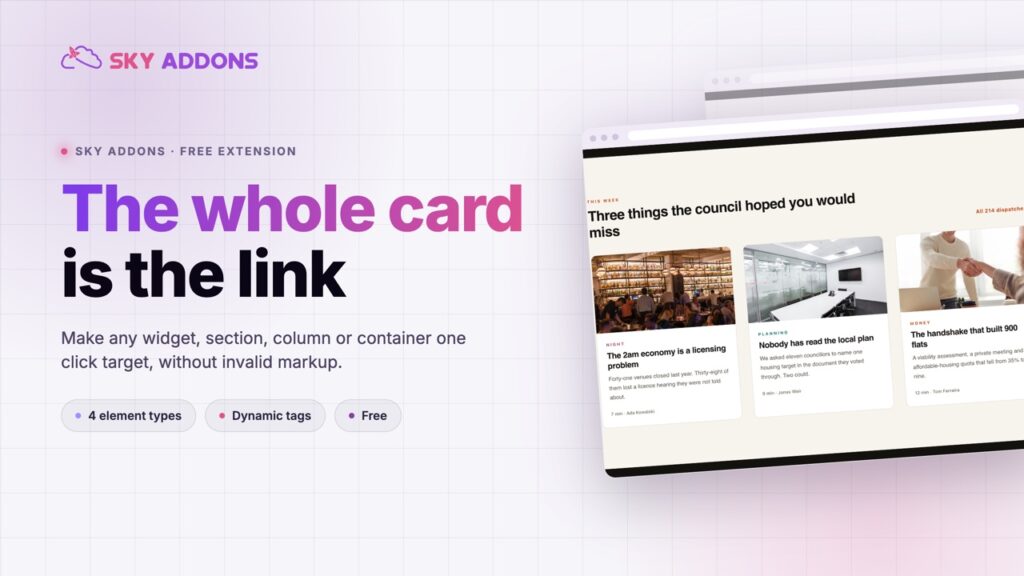
Wrapper link makes a whole Elementor card, section, column or container clickable, without nesting invalid HTML or writing a single line of code.
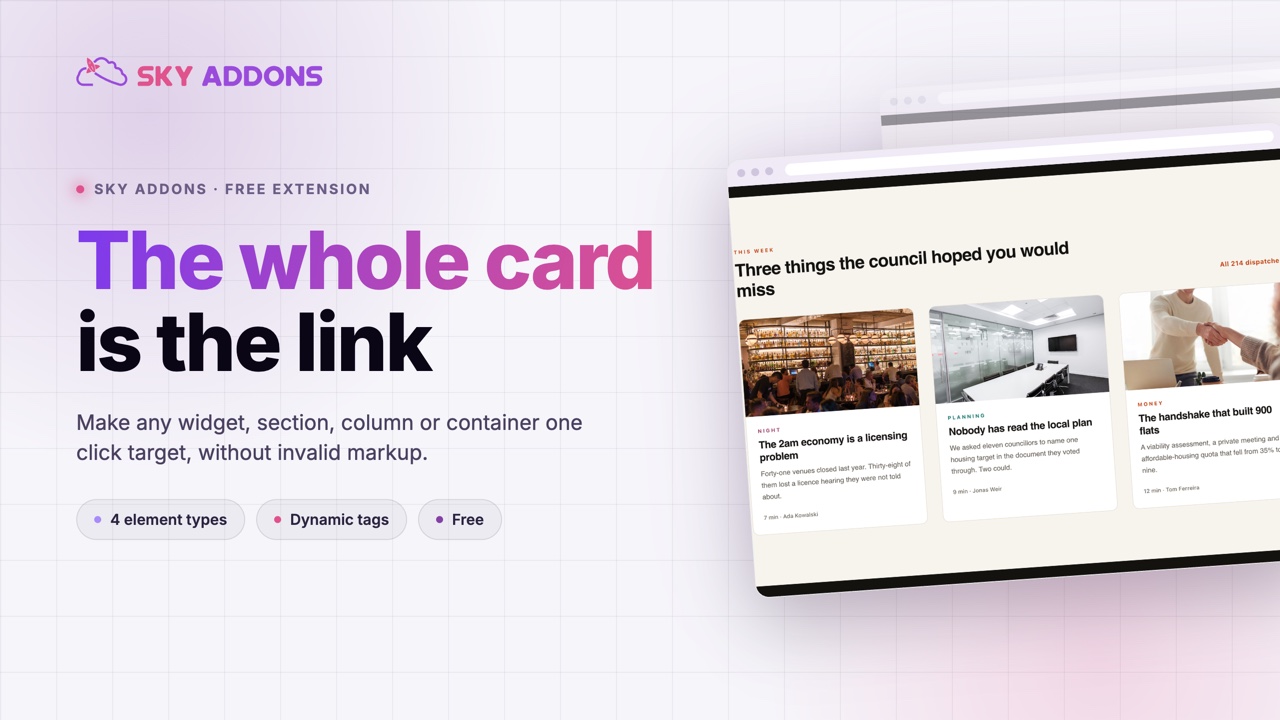
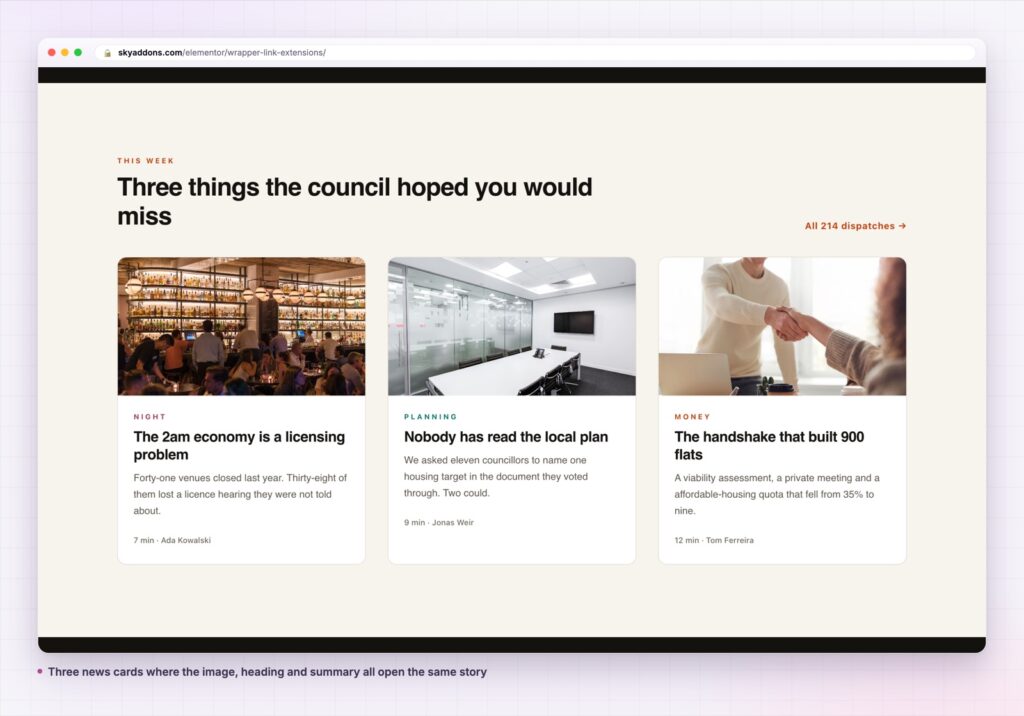
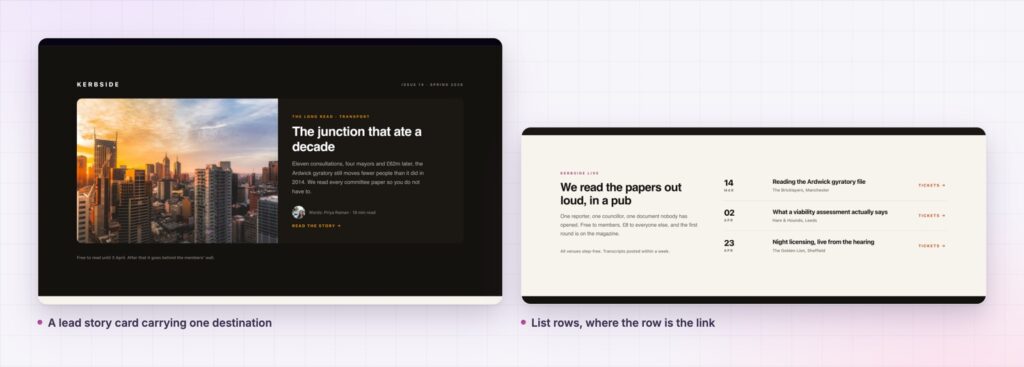
A visitor sees a card. Image, heading, two lines of description, a small Read More link at the bottom. They click the image. Nothing happens. They click the heading. Nothing happens. They hit the small link, or they give up.
Every person who has used a website expects a card to be one click target. Elementor does not build them that way, because HTML does not allow it cleanly. You cannot wrap a heading, an image and a button in one anchor tag without producing markup that is invalid the moment a link appears inside it.
Wrapper link is a Sky Addons extension that solves the problem the way modern component libraries do. It marks the element as a click target with a data attribute, and lets JavaScript do the navigation. No nested anchors, no invalid markup, and it applies to any element you can select.
| Approach | What goes wrong |
|---|---|
| A link on just the button | Most clicks land on the image or the heading and do nothing |
| Wrapping the card in an anchor | Invalid HTML as soon as a link exists inside. Unpredictable in the editor |
| A transparent overlay box | Blocks hover effects, text selection and any real link underneath |
| Custom JavaScript per card | A code block to maintain, and it breaks on every template change |
| Wrapper link extension | One URL field on the element. Valid markup, and it works on any element type |
It appears on every element type. Widgets, sections, columns and containers all get a Wrapper Links panel. On widgets it sits on the Content tab. On sections, columns and containers it sits on the Layout tab. The card, the container around it, or a single widget inside it can each be the click target.
It uses Elementor’s own URL control. That means the link picker, the search for existing content, the open in new window switch and the nofollow switch you already know. It also means dynamic tags, so in a loop template the wrapper link can resolve to each post’s own permalink rather than a fixed URL.
The markup stays valid. The extension writes the link data into a data attribute on the wrapper and adds a class plus a pointer cursor. Nothing is nested inside anything it should not be, which matters in a loop grid where the card already contains a title link and a category link.
It does not force a re-render. The URL control is set to no render type, so changing the link in the editor does not rebuild the element. Editing stays fast on a page with many cards.
Real links inside keep working. Because the card is not wrapped in an anchor, a genuine link within the card still behaves as a link, with its own destination, its own hover state and its own right click menu.
The reason this is an extension rather than a checkbox in Elementor is an HTML rule. An anchor cannot contain another anchor, and it cannot contain most interactive content. A card with a title link and a button is exactly that case, so the whole card cannot legally be one anchor.
Handling the click in JavaScript sidesteps the rule without breaking the document. The wrapper carries the destination as data, the page stays valid, and the visible links inside the card continue to be real links that crawlers follow and that keyboard users can tab to.
Making the whole card clickable is not a visual decision. It is a correction. People have been clicking cards for fifteen years, and a card that ignores the click reads as broken rather than as restrained.
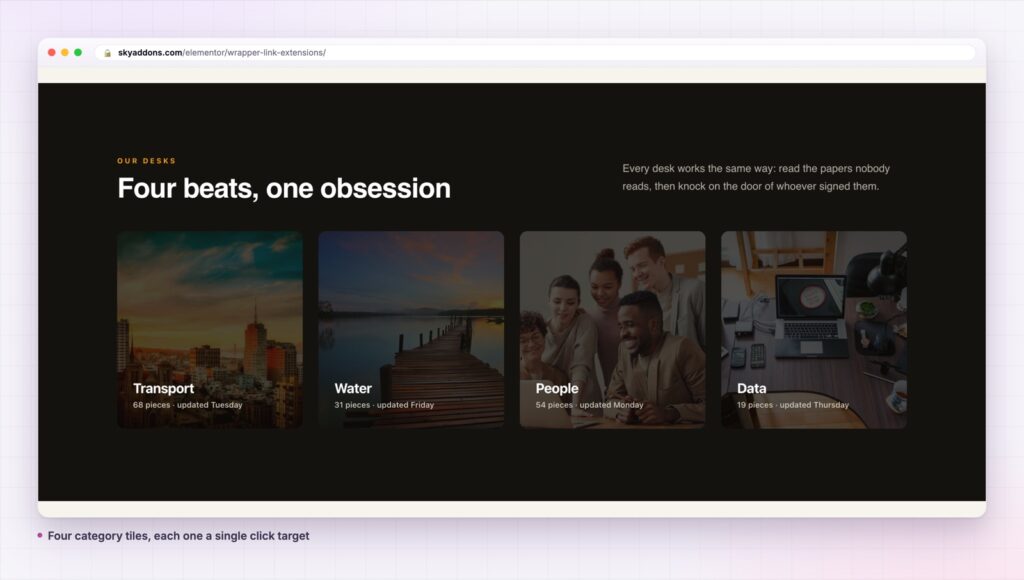
Anything selectable. A whole pricing column that opens the checkout, a statistic tile that opens the report behind it, a logo block that goes to a partner page, a testimonial that links to the full case study, an image strip in a gallery section.
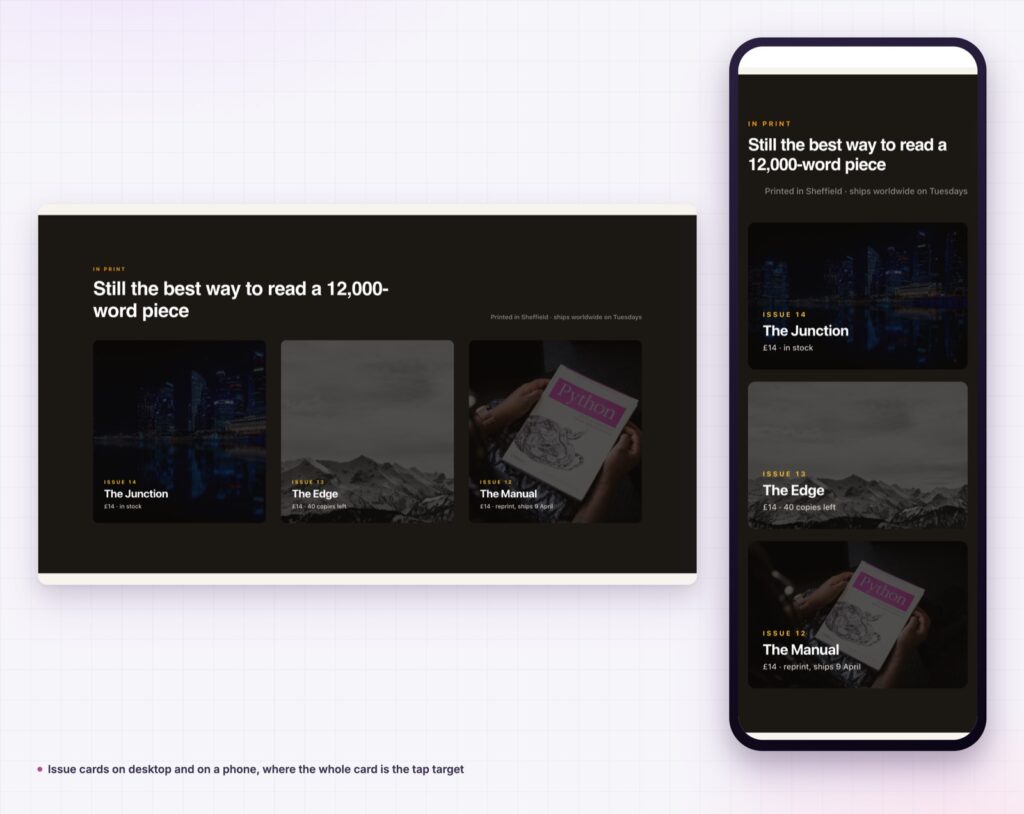
It is also useful on sections. A full width banner with a headline, a subheading and a button becomes one target, which on a phone is the difference between a tappable banner and a small button people miss.
For the rule that makes this necessary, the MDN reference on the anchor element sets out what content an anchor may legally contain, and why the nested case has to be solved another way.
It also changes how a grid is built. Once the container carries the link, the inner button becomes a visual affordance rather than the only working target, so it can be smaller, or replaced with an arrow, or dropped entirely on the cards where it adds nothing. Designers usually discover this second: the useful part is not that the card became clickable, it is that the card layout stopped being dictated by where the click had to go.
Yes. It ships in the free Sky Addons plugin and works on widgets, sections, columns and containers. See free versus Pro for what the licence changes elsewhere.
No. Elementor and Sky Addons are enough.
Barely. It adds one data attribute and a class to the element, and the click handler is part of the plugin’s shared script. There is no per card library.
Yes. A tap anywhere on the element follows the link, which is where it helps most, since small buttons are the hardest thing to hit on a phone.
The wrapper itself is not a crawlable link, because search engines do not follow a JavaScript click handler. That is why the guidance above is to keep a real link inside the card. Do that and the page has a proper link for crawlers and a large click target for people.
Wrapper link turns any Elementor widget, section, column or container into a single click target using a data attribute and a click handler, instead of nesting an anchor where HTML does not allow one. It uses Elementor’s own URL control, supports dynamic tags for loops, and leaves real links inside the card working normally.
Try it on the wrapper link demo, then read the wrapper link documentation for the control detail. Cards that link often want cards that line up, which is equal height, and cards that react, which is tilt effect. Licences are on pricing.

Comments are closed.