
Elementor Dynamic Content: Build the Layout Once, Let the Client Fill It
Elementor dynamic content turns repeaters into queries: sliders, accordions and lists that fill themselves from posts, custom fields and ACF. Free in 4.0.
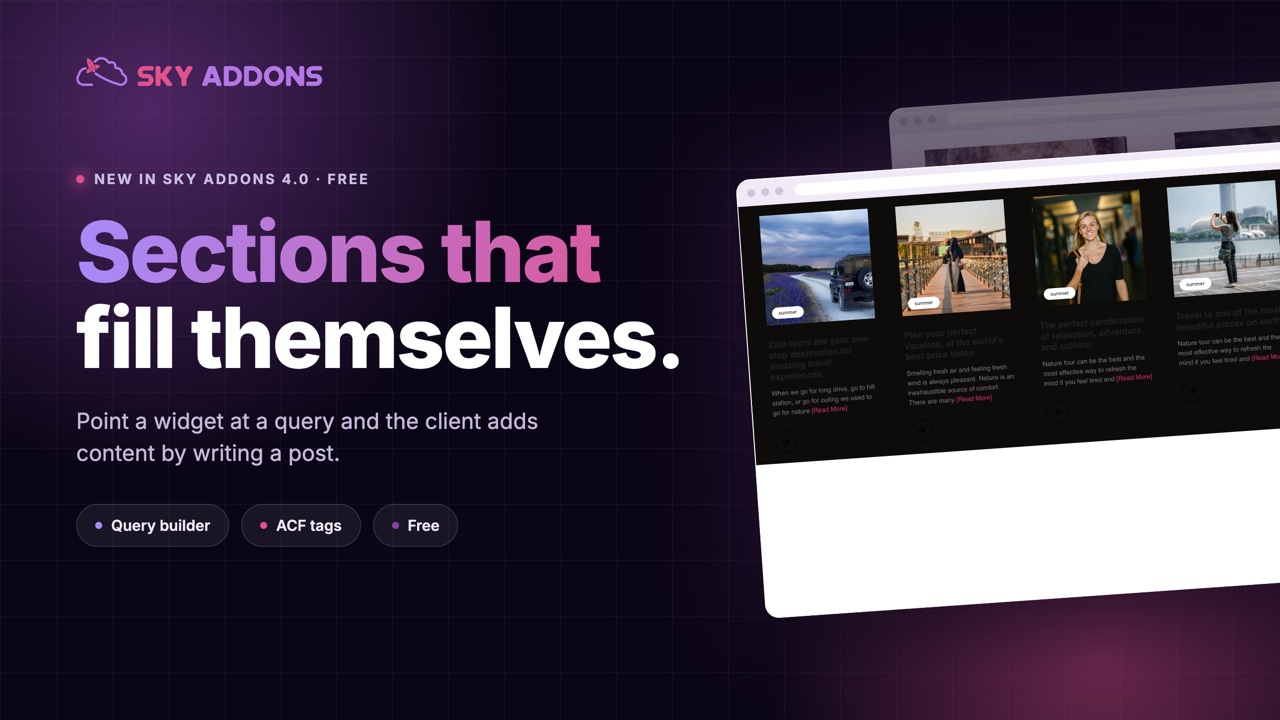
Every agency has the same conversation six months after launch. The client wants to add a case study, or a course, or a team member. The section was built as a repeater, so adding one means opening the page builder, copying an item, and hoping nothing shifts. Either they call you, or they try it themselves and the layout ends up slightly wrong on three breakpoints.
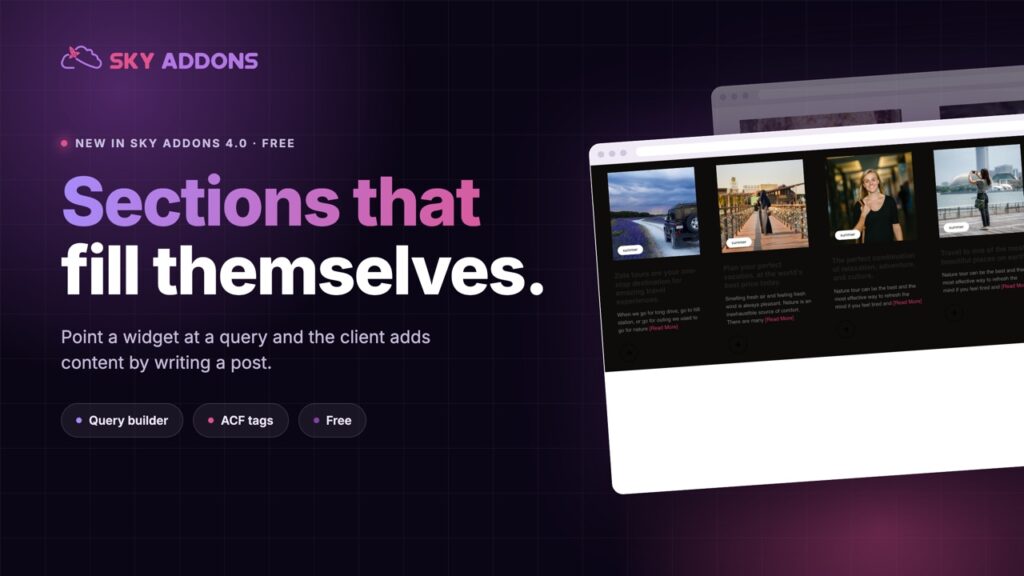
The alternative is to build the section as a query. You design one card, point it at a post type, and from then on the client adds content the way they already know how: by writing a post.
Elementor dynamic content in Sky Addons 4.0 makes that free. Repeater-based widgets stop being boxes you type into and start being queries you point somewhere.
| A repeater section | Elementor dynamic content |
|---|---|
| Client edits the design to add content | Client writes a post |
| Layout can break on edit | Layout is fixed, content is data |
| Content lives in the page | Content lives where it can be reused |
| Nothing else can use it | Search, feeds and other pages can too |
| Reordering is dragging | Reordering is a query setting |
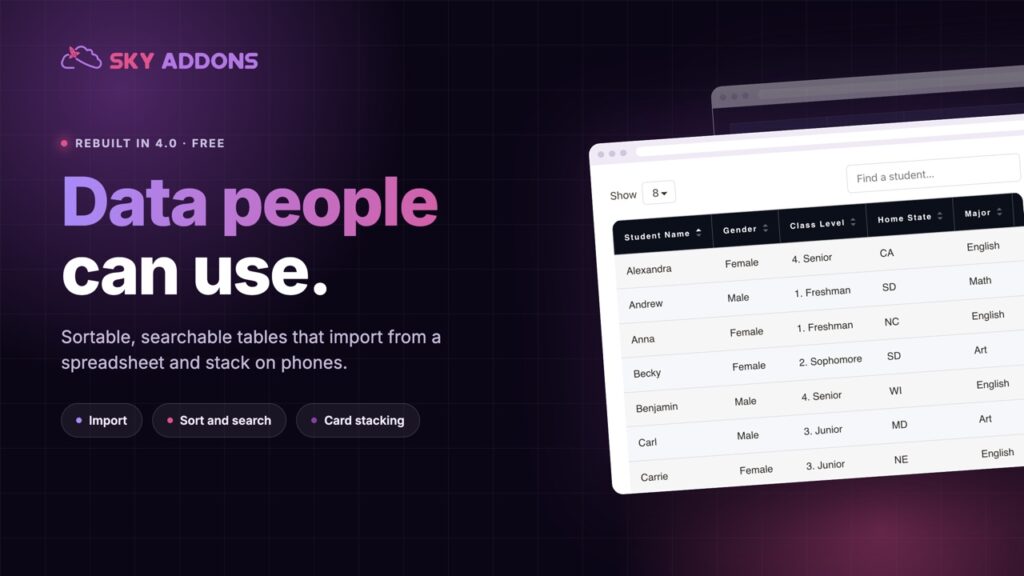
Widgets that accept queries. Accordion, Advanced Slider, Panel Slider, List Group and Tidy List can all pull from posts rather than from hand-typed items, so the sections clients actually maintain become self-filling.
A query builder rather than shortcode. Choose the post type, taxonomy, order, count and offset in the panel. No code, and no remembering the argument names.
Dynamic tags across the board. Post fields, archive fields, term and user data, media, site and search values, and WooCommerce fields, so text, links, images and backgrounds can all come from the database.
ACF support in the free plugin. Advanced Custom Fields values available as dynamic tags, which is what most agency builds actually need.
Theme Builder, also free. Archive and single page builders, so the templates that render those queries are yours as well.
It is free. All of this lands in Sky Addons 4.0, the free plugin, rather than behind an upgrade.
The test of a good handover is whether the client can add content without asking what a container is. A query passes that test; a repeater rarely does.
Content and layout should be separate things, and every time a site mixes them the client pays for it later. Queries put content where WordPress already manages it, with revisions, permissions, search and feeds, and leave the design in one place where a designer maintains it.
There is a commercial angle for agencies as well. A site that clients can update is a site that stays current, and sites that stay current renew hosting and care plans. Sites that go stale get rebuilt by somebody else in two years.
The reason this matters more in this release is the price: dynamic content used to be the reason to buy a Pro addon. Here it is in the free plugin, which changes the calculation for every small project.
If the fields are the hard part rather than the layout, the Advanced Custom Fields documentation covers how to model them before you build the card.
Yes. Dynamic content, dynamic tags and the Theme Builder additions all land in the free plugin in Sky Addons 4.0.
Yes, ACF values are available as dynamic tags.
Accordion, Advanced Slider, Panel Slider, List Group and Tidy List, with more across the blog widgets.
No. Sky Addons works with the free version of Elementor.
That is the point. They add a post; the layout is left alone.
Elementor dynamic content moves the content out of your layout and into WordPress, where the client can maintain it. Design the card once, point it at a query, and the section fills itself for years. It is free in this release, it works with ACF, and it is the single change that most reduces support requests after a handover.
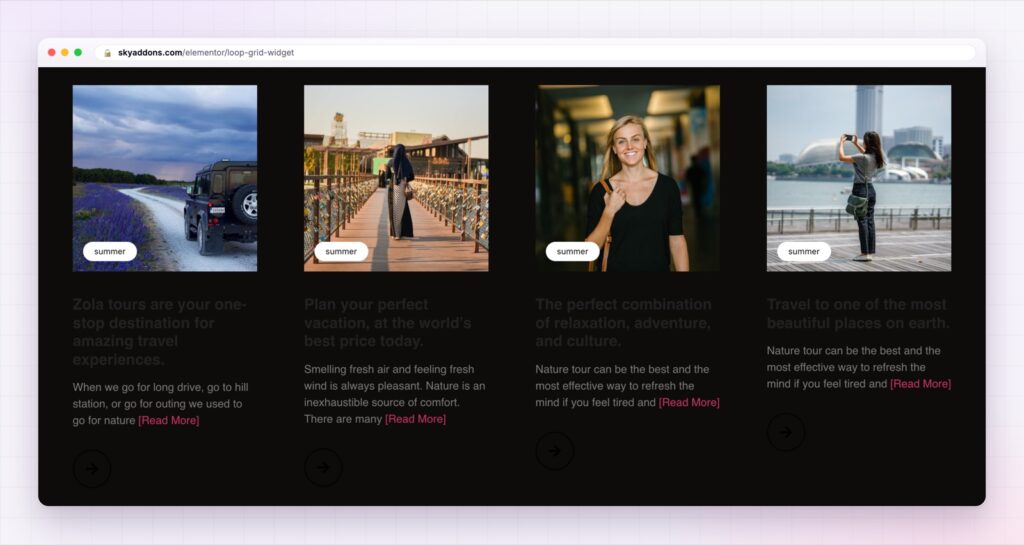
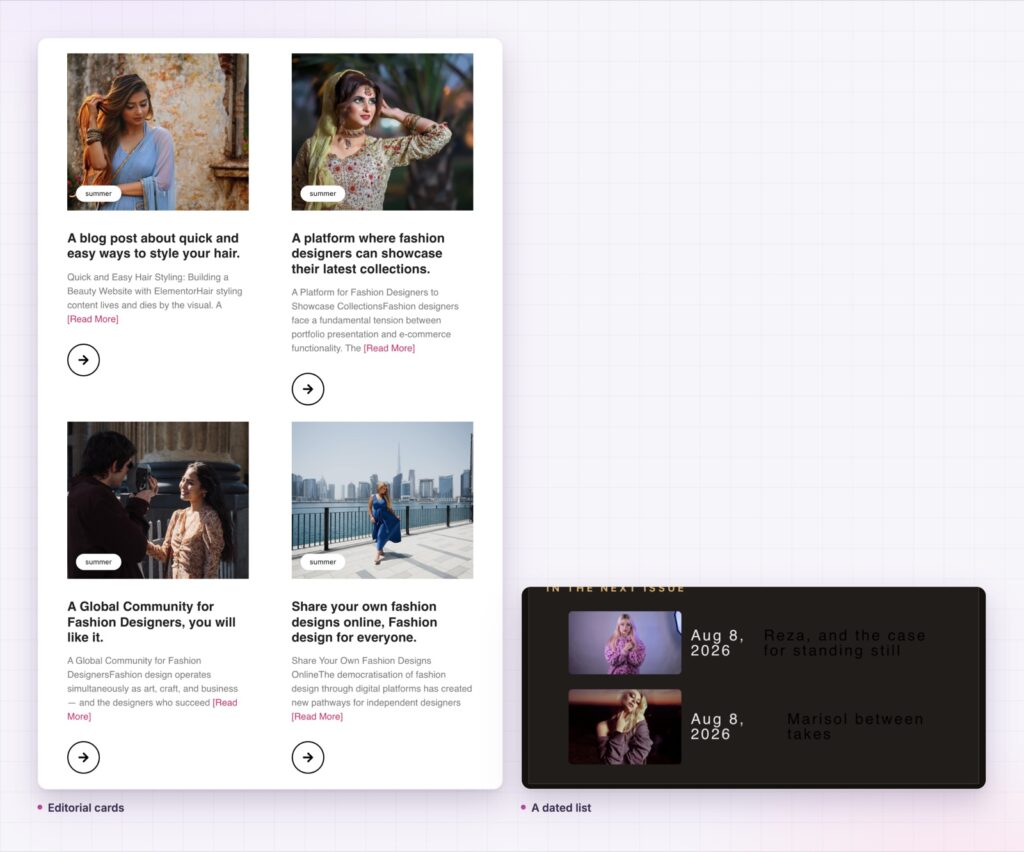
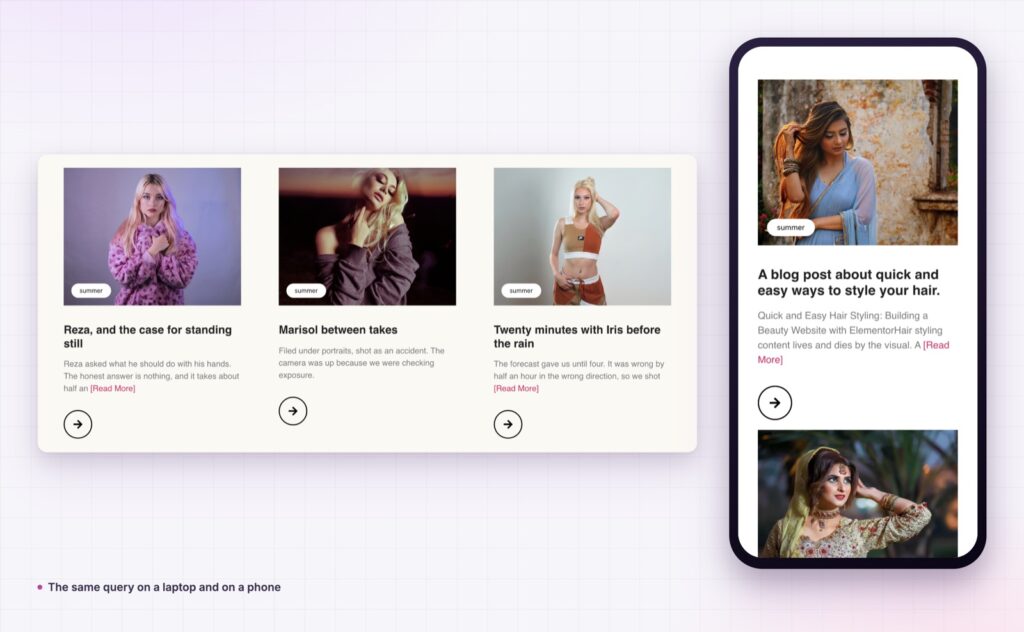
The Loop Grid demo shows one query rendered as several different layouts, which is the clearest way to see what query-driven design gives you. The dynamic content documentation covers the query builder, the tag groups and the ACF integration.
If the section is a timeline or a testimonial band, both of those can be fed the same way: see the Elementor timeline widget and the Elementor testimonial widget. Everything in the release is summarised in Sky Addons 4.0 and Pro 5.0.
Dynamic content costs nothing. Sky Addons Pro adds the motion, social and store widgets on top, and the free versus Pro page shows where the line sits.

Comments are closed.