
Elementor Horizontal Scroll: The Story Layout Clients Keep Sending You
Build an Elementor horizontal scroll section that turns a page into a story: panels pinned, side scrolling on the wheel, and a sane fallback on phones.
Picture a kitchen showroom’s website. The gallery is beautiful, the prices are clear, and the contact form sits at the bottom of every page. Someone lands on the worktop page at nine in the evening with one question: will this stone chip if a pan lands on it. They are not going to write that in a form and wait until Tuesday. They close the tab and ask the next showroom.
That is the gap this widget fills, and it is the same on almost every service site. Most visitors will not fill in a contact form. They will not ring you either. They will open a page, decide they have one question, and leave without asking it.
A chat button catches those people. It costs nothing to add, it works on the phone they are already holding, and the conversation starts in an app they use every day rather than an inbox they check twice a week.
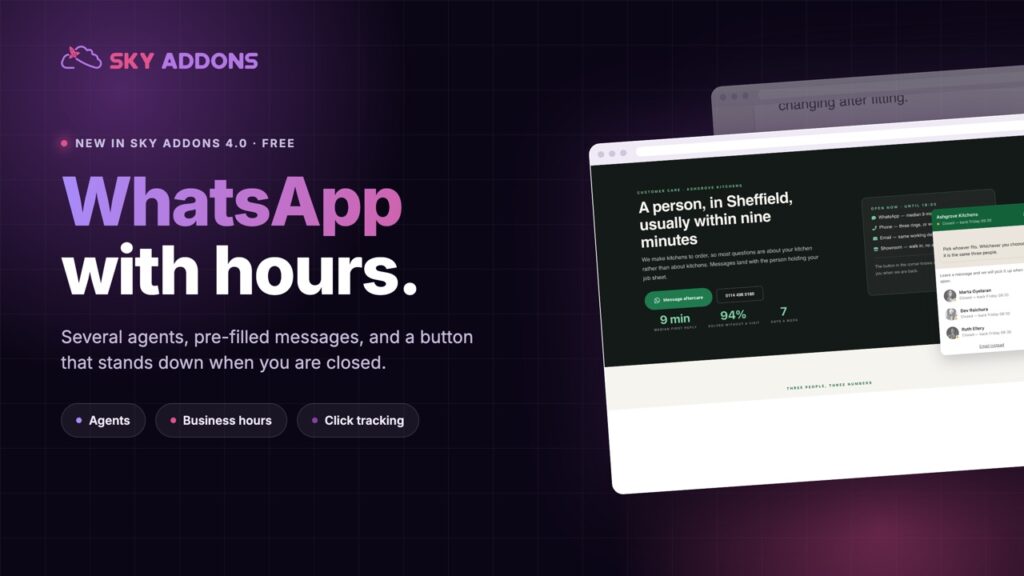
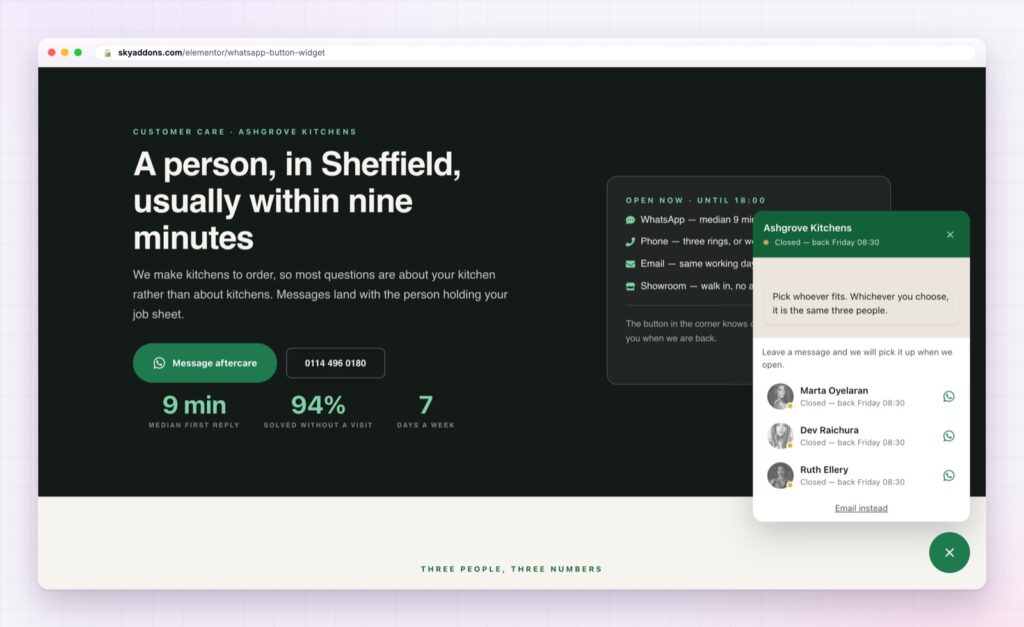
The Elementor WhatsApp button in Sky Addons 4.0 is free, and it is built for businesses that answer their own messages: a shop, a clinic, a kitchen fitter, an agency. It knows when you are open, it can route to the right person, and every message arrives already saying which page it came from.
Anyone can paste a wa.me link into a button. The difference shows up once real customers start using it.
| A plain link | The Elementor WhatsApp button |
|---|---|
| Always looks open, even at midnight | Shows your opening hours and says when you are back |
| One number for everything | Several people, each with a role and their own hours |
| Message arrives with no context | Message names the page the visitor was reading |
| No idea how many people clicked | Sends an event to your analytics |
| Sits where you put it | Floats on every page from one template |
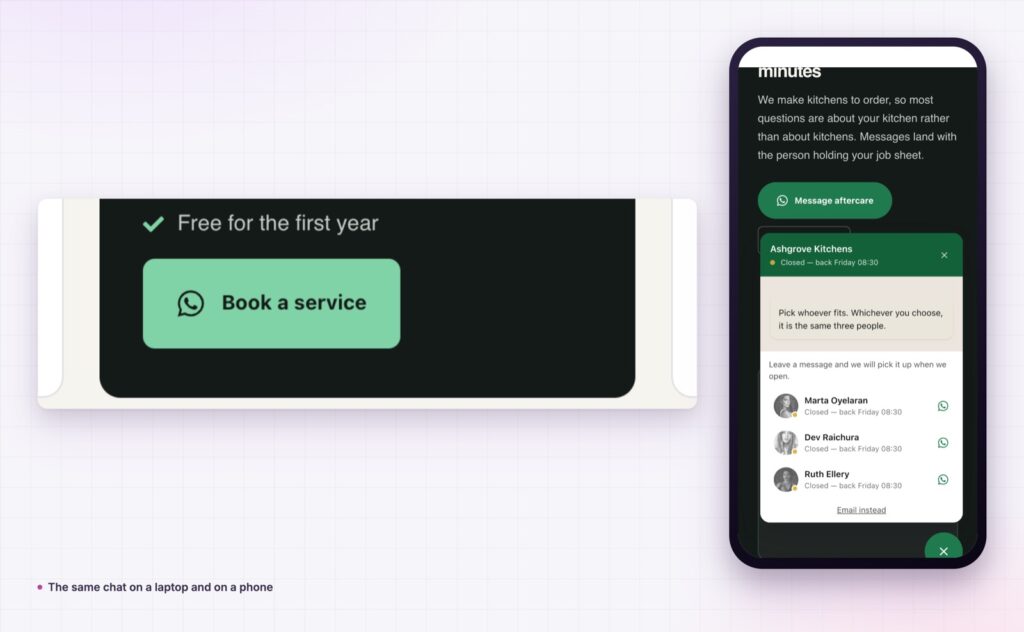
It stands down when you close. Turn on business hours and the button shows an offline state with the time you are back, plus a link to your contact page. A chat nobody answers at 11pm damages trust. A chat that says “back at 9am” does not.
It routes to the right person. Add one agent and the chat opens straight away. Add two or three, each with a name, a photo and a role, and the visitor picks who to talk to. “Kitchen fitting” and “Accounts” get very different questions, and both get answered faster.
The message writes itself. Every agent has a pre-filled message, and placeholders drop in the page title, post title, site name or URL. The first message in your phone already says what the person was looking at, which removes two replies from every conversation.
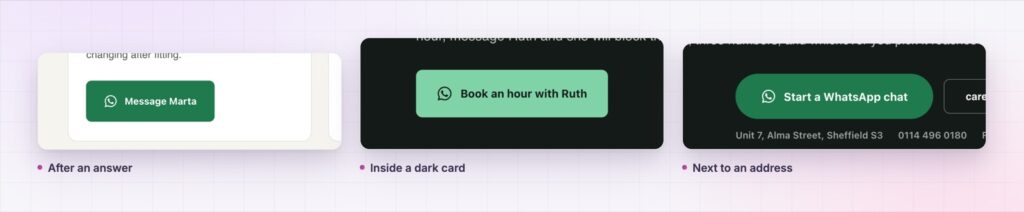
It can float or sit inline. Floating goes in your header or footer template and follows people around the site. Inline drops it next to a price, under an answer, or at the end of a service section, where the question is actually forming.
You can count it. Turn on click tracking and the button reports to Google Tag Manager, GA4 and the Meta pixel, whichever you already run, under an event name you choose. Now you can compare chats against form fills instead of guessing which one deserves the space.
When the volume outgrows one phone, the same conversations can move onto the WhatsApp Cloud API with a shared inbox behind it. The button on your page does not change.
That is the whole job. No chat plugin, no monthly fee, no third-party script loading on every page.
Reply speed beats everything else on this page. A button answered in five minutes converts better than any headline you could write above it.
The reason it works is not clever technology. It is that the question gets asked at the moment it forms, on the device already in the visitor’s hand, and the answer arrives where people actually read messages. Nothing about a form beats that for a question worth one sentence.
It also changes what you learn. Read a week of WhatsApp questions and you will find the three things your pages fail to explain. Fix those, and the same button starts producing better-qualified enquiries instead of the same five questions.
Yes. It ships in Sky Addons 4.0, the free plugin, and works with the free version of Elementor.
No. It opens a normal WhatsApp conversation with your number, so there is nothing to subscribe to.
Yes. Each person gets their own number, role, hours and message, and the visitor picks.
The button shows an offline state with the time you reopen, and can point people to a contact page instead.
It is one lightweight widget, not an external chat platform loading a script on every page.
People will ask a quick question in WhatsApp that they would never put in a contact form. The Elementor WhatsApp button puts that option on every page, sends it to the right person, respects your opening hours, and arrives with the page already named. It is free, it takes an afternoon, and it usually produces more conversations than the form it sits beside.
The WhatsApp Button demo shows thirteen real placements on one page, including the multi-agent popup and the offline state. Open it on your phone, tap the button, and see what lands. Every setting is written up in the WhatsApp Button documentation.
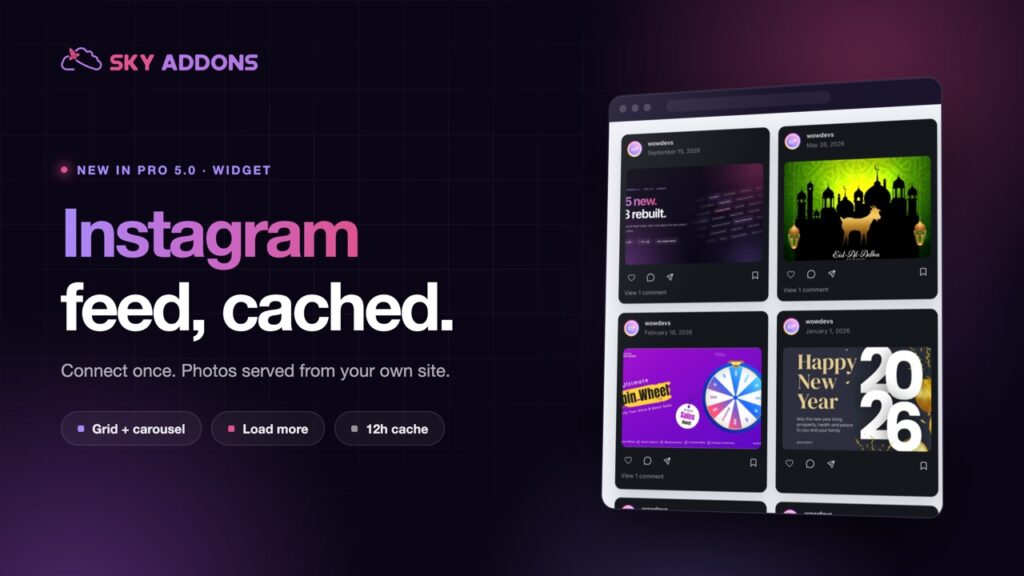
If most of your traffic arrives from social, pair it with the Elementor Instagram feed so the proof and the conversation sit on the same page. The full list of what is new is in Sky Addons 4.0 and Pro 5.0.
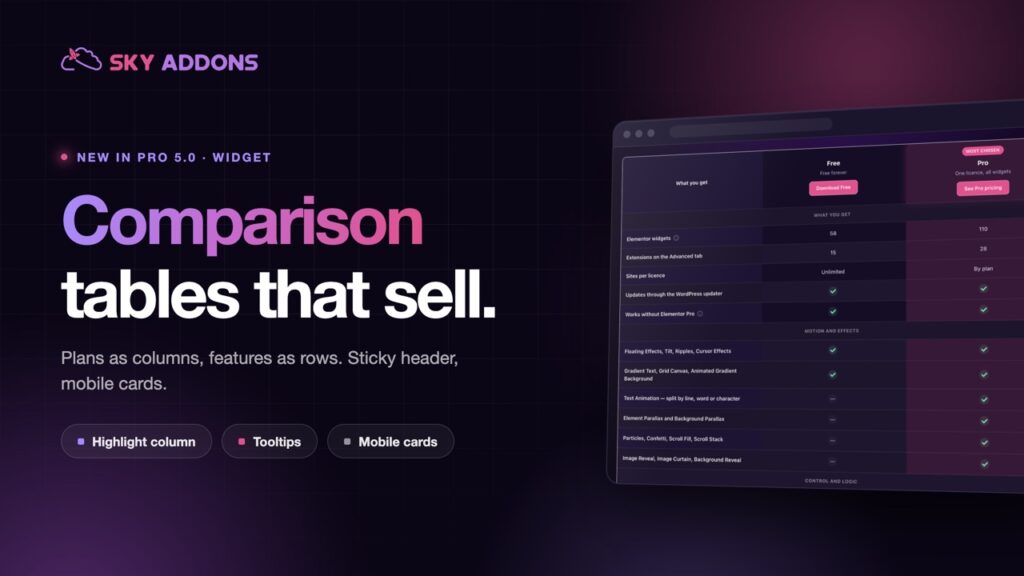
The Elementor WhatsApp button costs nothing. Sky Addons Pro adds the motion, social and store widgets on top, and the free versus Pro page shows exactly where the line sits.



Comments are closed.