
Elementor Skill Bars: Turn a List of Numbers Into a Ranking at a Glance
The Elementor skill bars widget turns scores, shares and levels into bars that fill on scroll, on any scale, with icons and colours per bar. Free to use.
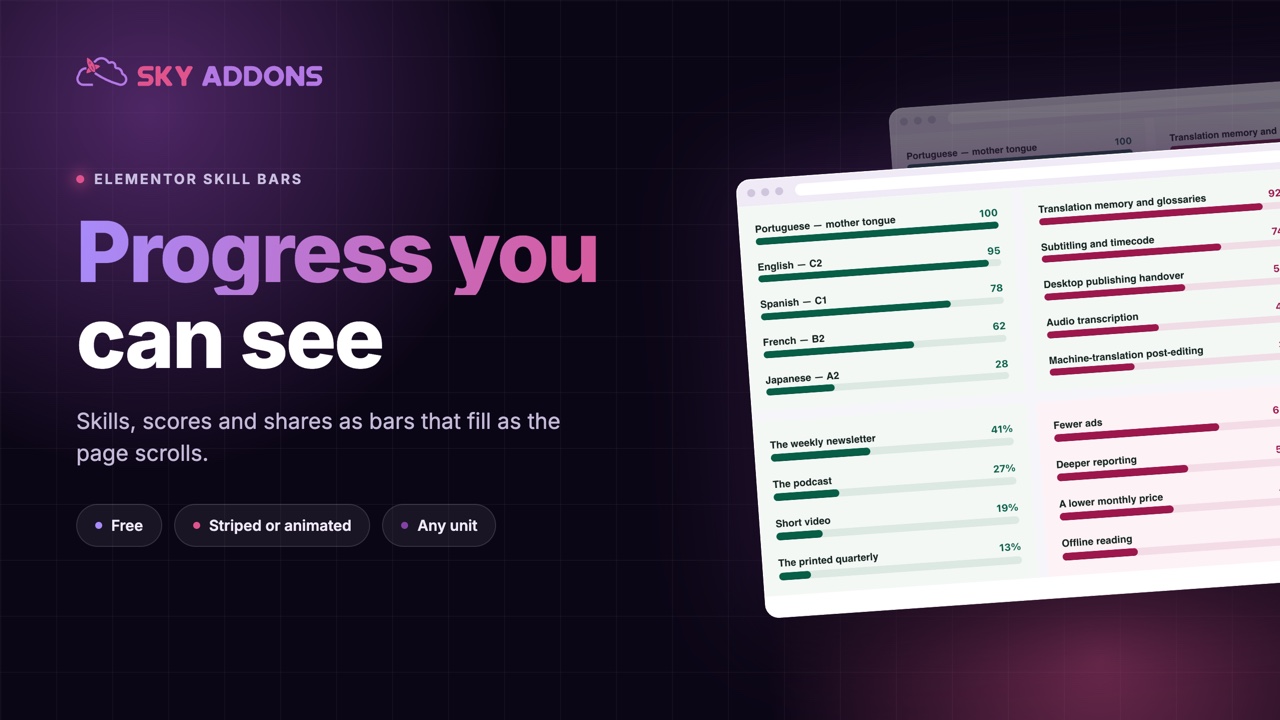
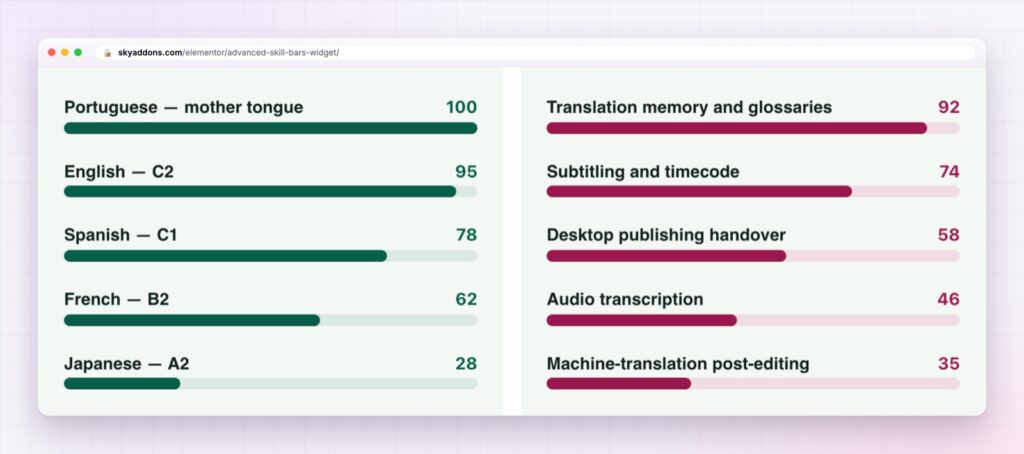
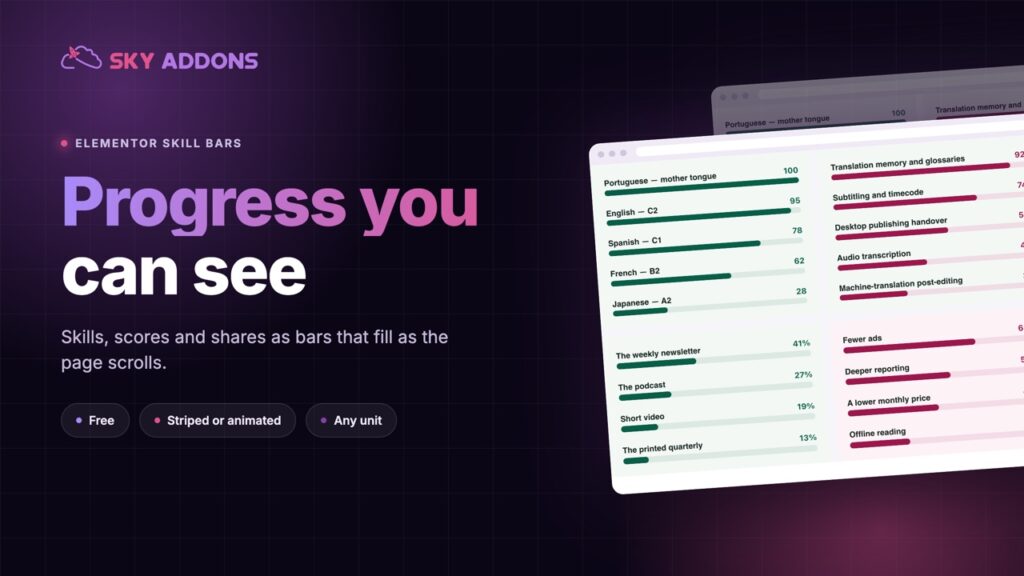
A list of skills, scores or shares is a list of numbers, and numbers are hard to compare when they are all the same size and the same grey. “Design 90, Development 75, Strategy 60” reads as three facts. Three bars of different lengths read as a ranking.
Skill bars turn each number into a length. The eye ranks them without effort, the bars fill as the page scrolls into view, and the reader gets a sense of proportion that a table cannot give.
The Elementor skill bars widget does that for any list of measured things, and it is in the free Sky Addons plugin.
| A list of numbers | Elementor skill bars |
|---|---|
| The reader compares digits one by one | The eye ranks the lengths at once |
| Every line looks equally important | The longest bar leads |
| Static | Bars fill as the page scrolls into view |
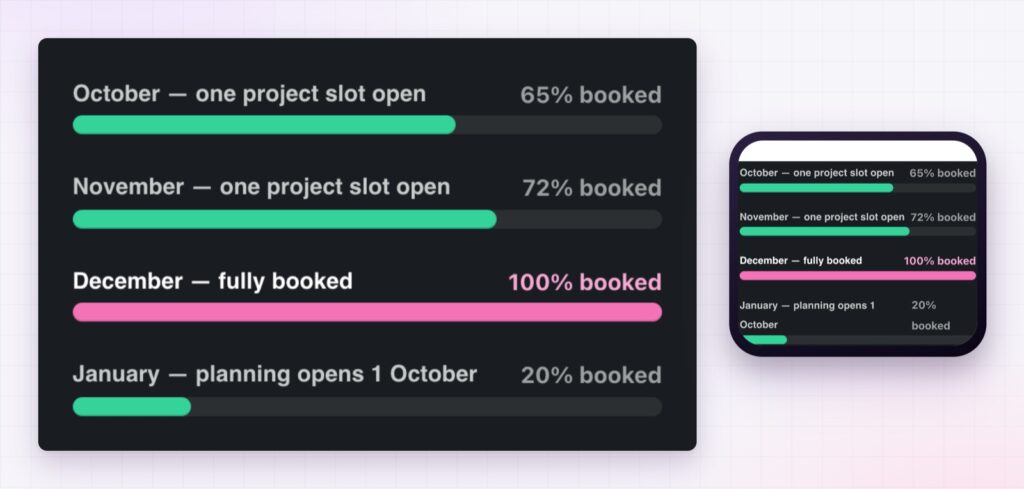
| Only percentages | Any maximum, prefix or suffix: 8.6/10, 65% booked, 214 votes |
| One look for everything | Colours, height and layout per list, or per bar |
Any scale, not just percentages. Each bar has a name, a value and a maximum, plus a prefix and a suffix. That is how a bar reads 8.6 out of 10, 65% booked or 214 votes instead of a bare percentage.
Layouts for different jobs. Choose a default layout or a vision layout, put the name above, inside or below the bar, and put the value above, inside, below or beside the name. The bars can run inline or as blocks, and in reverse.
Colour per list or per bar. Set the base track, the fill and the text colours for the whole list, then override any single bar. A hover state changes the fill, so bars respond to the pointer.
Icons and labels. An icon can sit beside each name, with its own size, colour, rotation and background. The name and the value each have their own typography, spacing and colour.
Motion you can tune. The bars animate on scroll, and you set the duration and the point in the view at which they start. Turn on stripes, animate the stripes, or run a rainbow animation through colours you choose.
Shape and space. Bar height, the gap between bars, corner radius and shadow are all adjustable, so the same widget can be a hairline meter or a chunky progress bar.
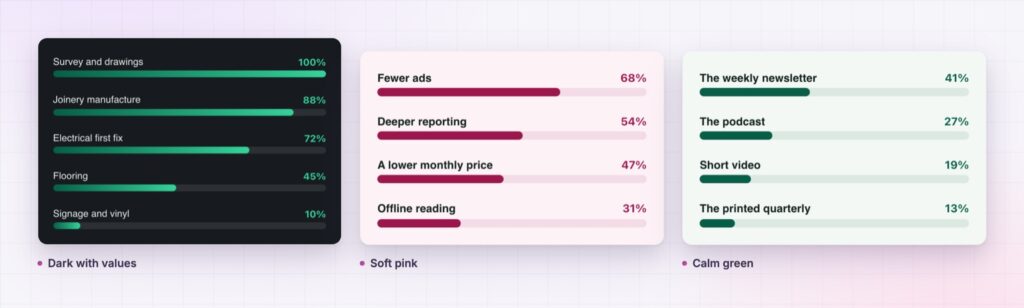
Say what the bars add up to. Shares of a whole should total the whole, and independent scores should say they are independent.
Length is the easiest visual property to compare, which is why bars beat almost every other way of showing a ranking. Each bar is a small argument that this item is bigger than that one, and the reader accepts the argument before reading the number.
Do not make the bar carry the whole message. Print the value beside it, so anybody using assistive technology or reading in grey gets the same information. The W3C meter pattern explains how a value within a known range should be conveyed to people who cannot see the bar.
Yes. The advanced skill bars widget is in the free Sky Addons plugin.
Yes. Each bar has a maximum value, and a prefix and suffix can be added, so a bar can read 8.6/10 or 214 votes.
Yes. They fill on scroll, with a duration and a trigger point you set. Stripes, animated stripes and a rainbow animation are options.
No. It is a single widget and needs nothing else.
Yes. The list resizes to its container, and the name and value positions can be chosen to suit a narrow screen.
The Elementor skill bars widget turns a list of numbers into a ranking people read at a glance. Bars can measure any scale, take colours and icons per item, fill on scroll and be striped or animated. It is free, and it is the quickest way to show proportion without a chart.
The Advanced Skill Bars demo runs seventeen lists on one page, in light, dark and coloured styles. Every control is listed in the Advanced Skill Bars documentation.
When the numbers need axes and a legend rather than a single bar, the Elementor bar chart is the matching widget.
Skill bars cost nothing. Sky Addons Pro adds the chart, motion and store widgets, and the free versus Pro page shows where the line falls.

Comments are closed.