
Emergency Locksmith Website Template: Turn 2am Lockouts and Office Rekeys Into One Booked Schedule
Emergency locksmith website template with 8 pages: a dispatch board, honest price ranges and business security. One-click import with Sky Addons Pro.
2:47am, a dispatch desk above a key shop. Two lines are ringing. One caller is on a back porch in socks; the other is a restaurant manager whose closing key snapped in the deadbolt. Fourteen vans are out across the city, every technician licensed and on payroll. Yet the owner knows a third caller tonight will pick the paid ad at the top of the search: a national call centre with no address, which quotes $35 on the phone and sends a stranger.
His firm is the honest choice. His website is a single page from 2016 with a stock photo of a padlock. An emergency locksmith website template that shows the dispatcher, the arrival time, the technician’s photo and the price before anyone drives out is how a real local company takes those calls back.
This post walks through Lockwell, a Pro emergency locksmith website template from Sky Addons, page by page.
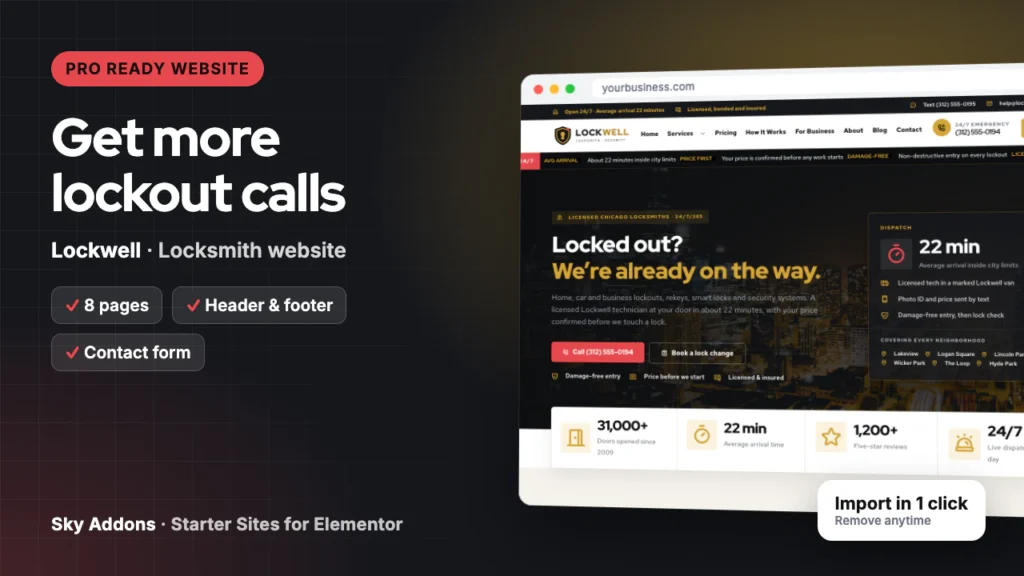
Lockwell is a complete ready website for a 24/7 locksmith and security company with several vans, a key shop and commercial clients, built in Elementor with Sky Addons widgets. One import inside WordPress sets up eight pages, the header and footer, menus, nine service entries and the callback forms, all connected.
| Item | Included |
|---|---|
| Pages | Home, Services, How It Works, Pricing, For Business, About, FAQ, Contact |
| Header and footer | Sky Theme Builder: 24/7 strip, text number, emergency phone, Book now button and a Services dropdown |
| Callback form | Sky Addons Form Builder: name, phone, email, neighbourhood or ZIP, eleven job types and a note |
| Content types | Services: nine sample jobs, from home lockouts to access control |
| Plugins it installs | Secure Custom Fields, free from WordPress.org |
| Theme | Hello Elementor, unless you keep your current one |
| Plan | Pro: requires Sky Addons Pro |
| Phones | Call 24/7 and Book online stay pinned to the bottom of the screen |
The demo is a family firm in Chicago with dispatchers, a key shop and a business team. This emergency locksmith website template also fits:
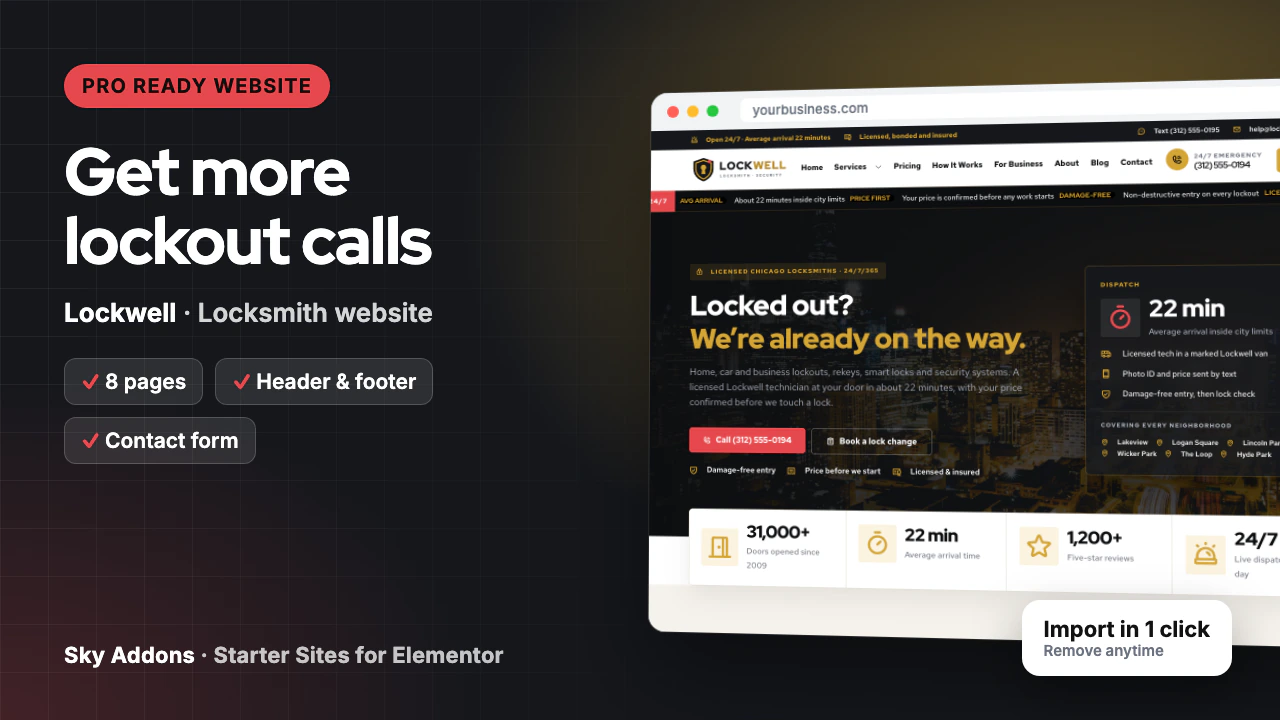
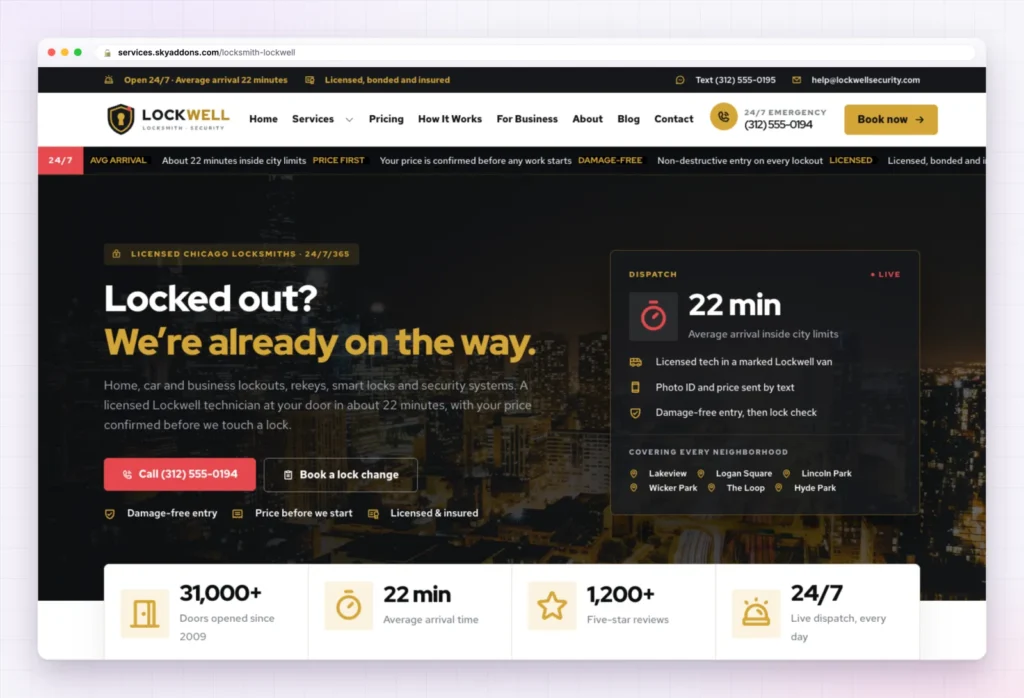
“Locked out? We’re already on the way.” sits over a city at night, with a red Call button, Book a lock change and three promises: damage-free entry, price before we start, licensed and insured.
The right side holds the piece that sells the whole kit: a Dispatch card marked Live, showing a 22-minute average arrival, a marked van, photo ID and price sent by text. Four counters sit under the hero: doors opened since 2009, average arrival, five-star reviews and 24/7 dispatch. All of those numbers are sample content to replace with your own records.
Further down:
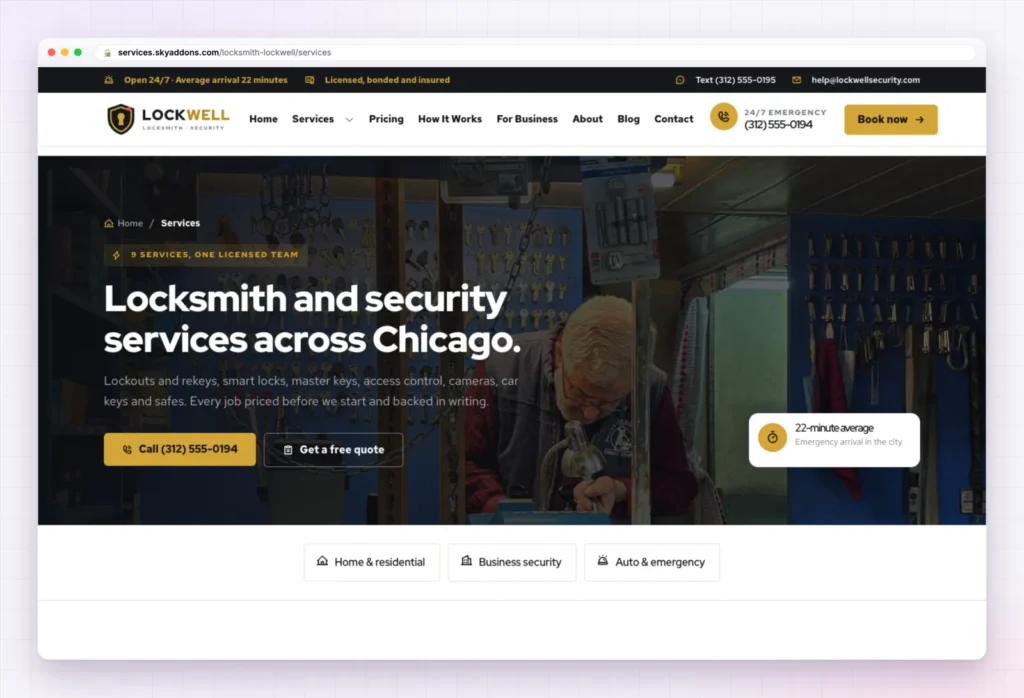
The Services page sorts the menu by who is calling. At home: Home Lockout Service, Rekey and Lock Change, Smart Lock Installation. For your business: Commercial Locks and Master Keys, Access Control Systems, CCTV and Camera Systems. For the nights that don’t go to plan: Car Lockout and Keys, Safe Opening and Installation, Emergency Board-Up and Repair.
Each job in this emergency locksmith website template is a service entry with a starting price, a response time and a warranty line. Drop the camera work if you do not do it and every menu updates.
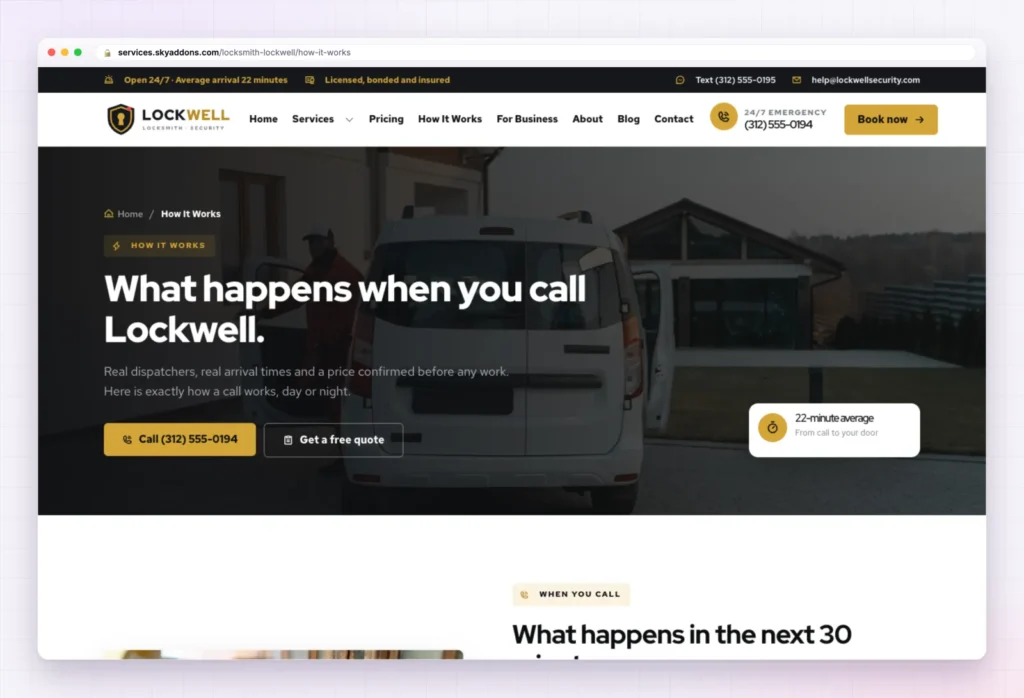
Fear of the unknown stranger is the real barrier at 2am. This page answers it in two timelines. The short one repeats the four steps. The long one, From your call to back inside, walks through a typical call: a dispatcher answers and finds the nearest van, the technician’s name, photo and price arrive by text, ID is checked both ways, entry is non-destructive first, and an itemised receipt arrives by email.
Six standards follow, then a customer story card with an 18-minute arrival and a $95 total. Treat that story as sample content until you have a real customer’s permission.
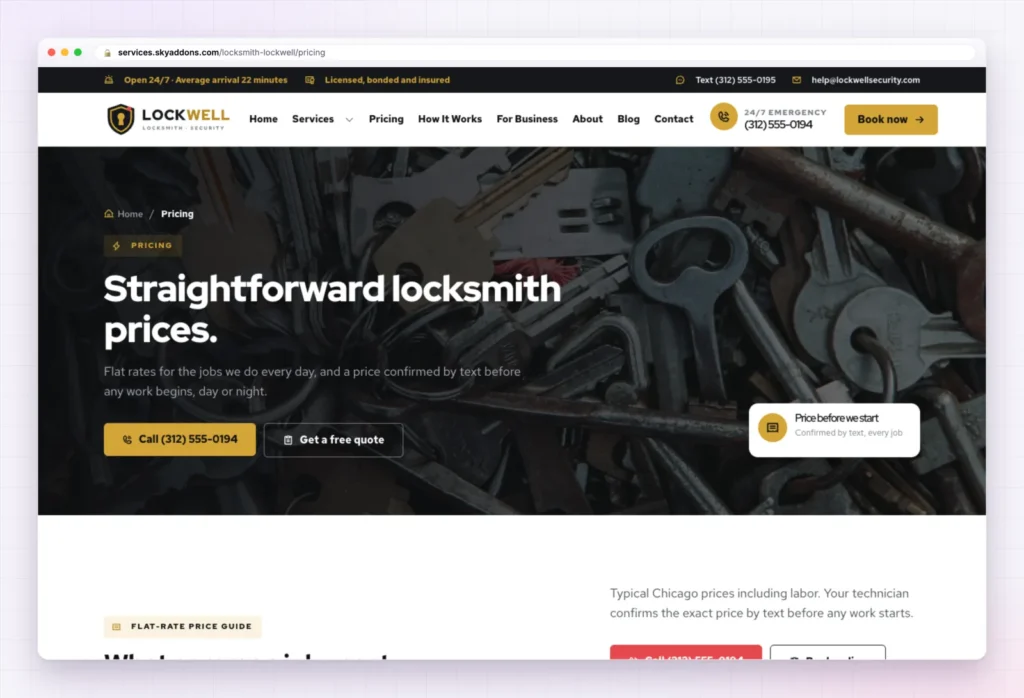
“Straightforward locksmith prices.” lists common jobs with ranges: most home lockouts $79 to $145, break-in repairs $250 to $650, safe openings from $175, replacement fobs $180 to $420. A note explains the planned-work service call and when it is waived, and an FAQ states the after-hours fee in plain numbers.
Three business plans (Key Control, Secure Site, Portfolio) follow, with a line that homeowners never need one. Every figure in this emergency locksmith website template is a demo price. Replace them, but keep the habit of naming the after-hours fee up front.
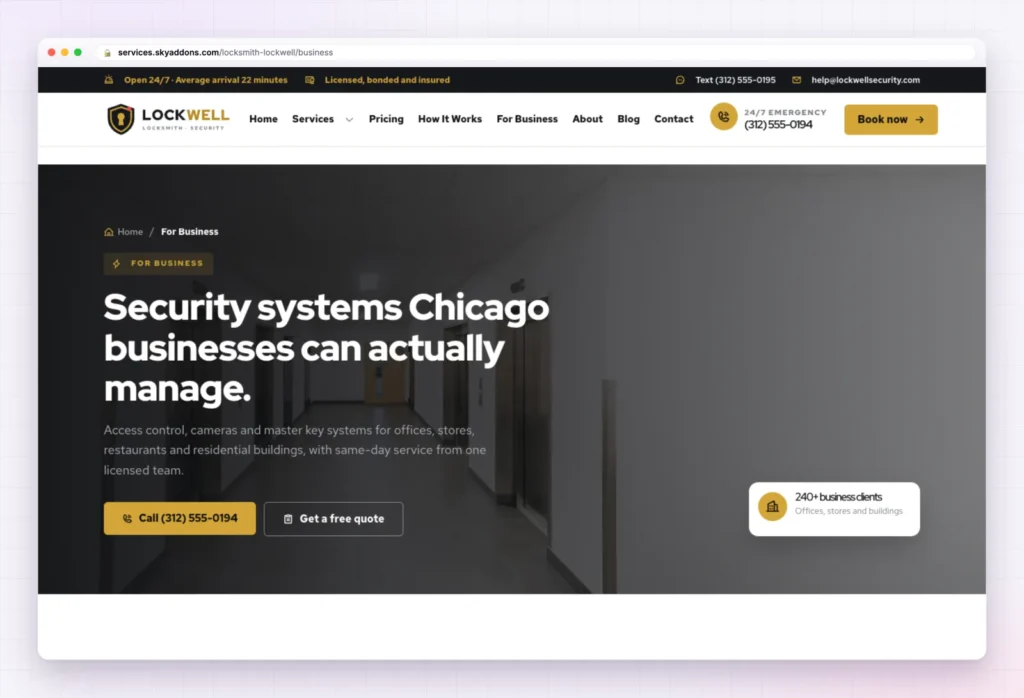
Lockouts fill the night; this page fills the day. “Security systems Chicago businesses can actually manage.” introduces four panels (access control, cameras, master keys, safes), then one section each for access control, cameras and master key systems, written for an office manager rather than a locksmith. The plans, reviews and a site survey form close it. Change the city name in the headings, and the page works anywhere.
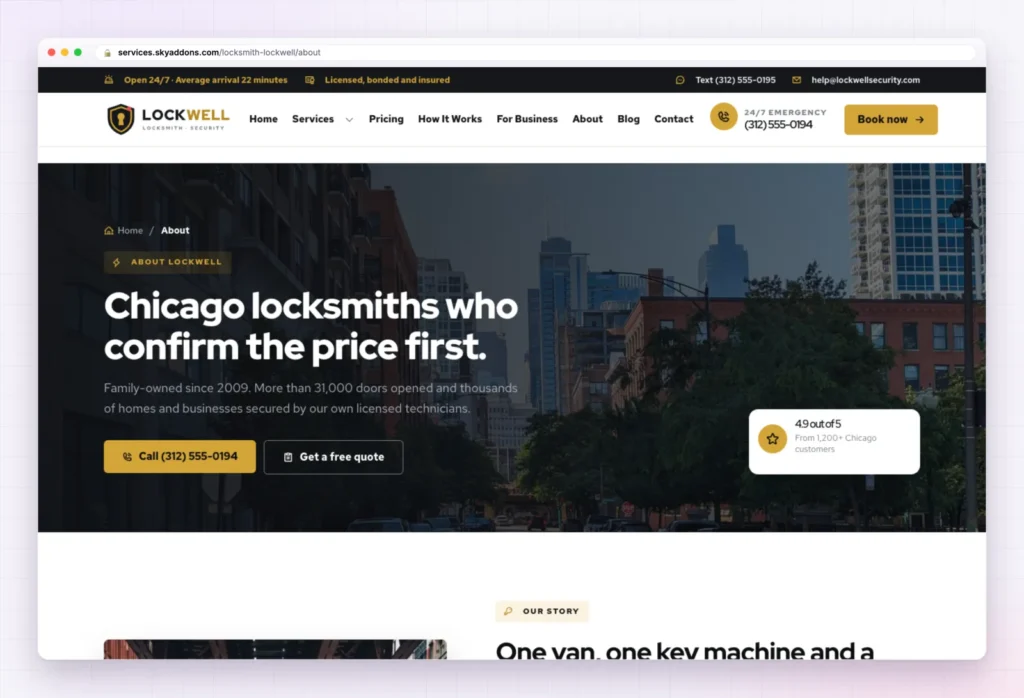
“Chicago locksmiths who confirm the price first.” tells the founder’s story: a building engineer who bought a used van and a key machine in 2009 after seeing neighbours quoted one price and charged far more. Four promises, the team (founder, head of dispatch, security team, mobile technicians) and six credentials follow. The founding year, door count and team are placeholders for your own story.
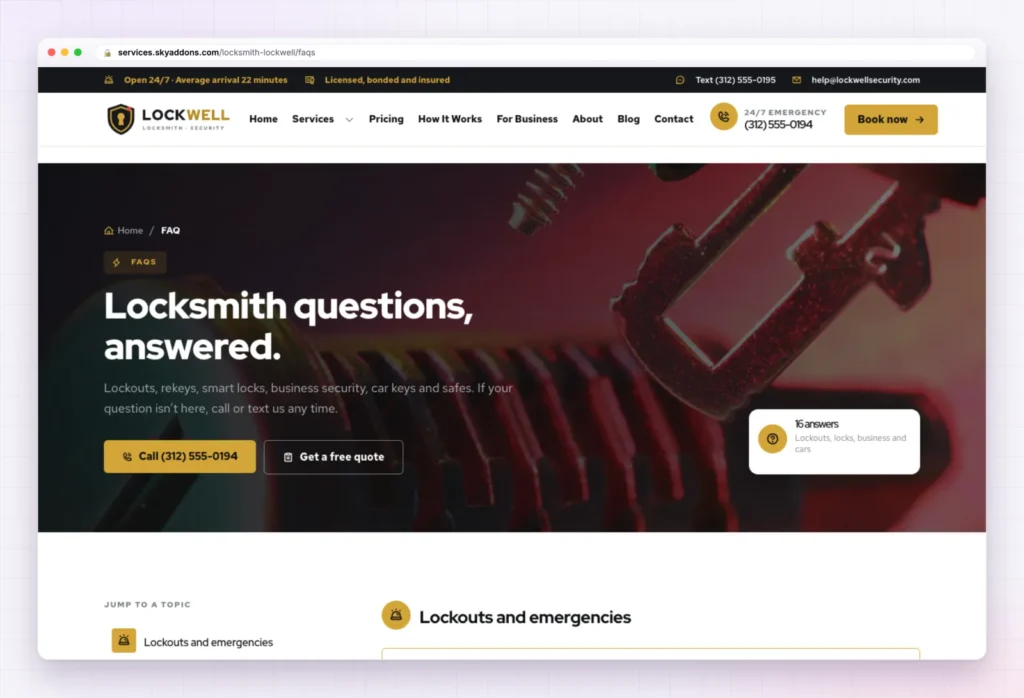
The topics are Lockouts and emergencies, Locks, keys and rekeying, Business security, and Cars and safes. For an emergency locksmith website template, the answers are unusually specific: what ID to show (photo ID plus a lease, bill or mail; the registration for a car), rekey versus replace, what a master key system is, and whether a fob costs less than the dealer.
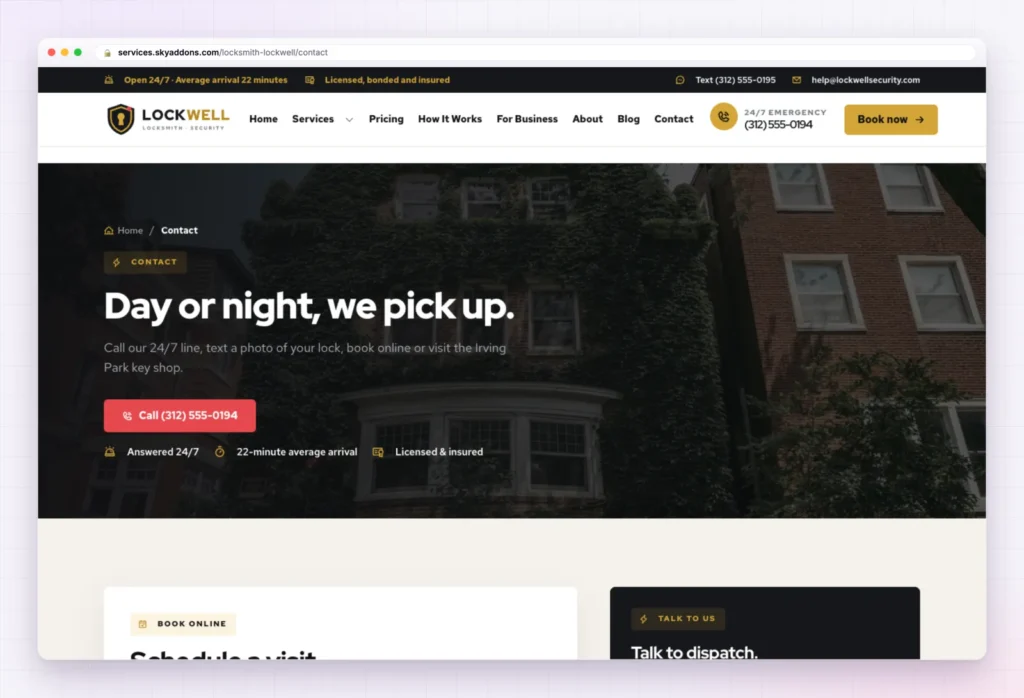
“Day or night, we pick up.” offers three routes: call 24/7, text a photo of the lock for a price range, or visit the key shop. The callback form is for planned work and says so: locked out right now, please call. Split hours and a list of covered suburbs close the page.
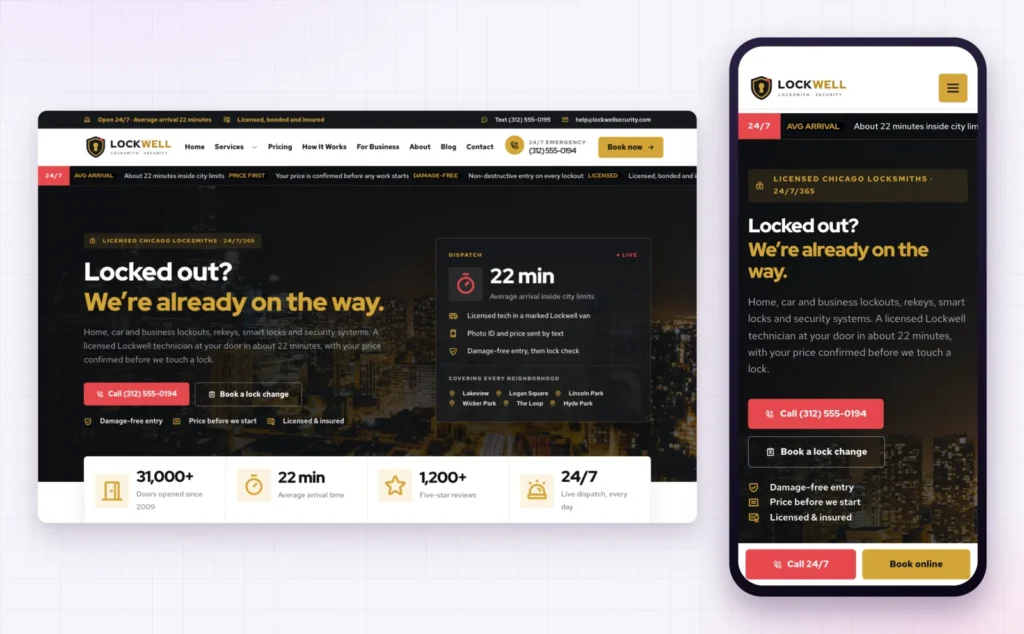
A lockout search happens on a phone, in the cold, in a hurry. Lockwell keeps the arrival line and the red call button in the first screen, and pins Call 24/7 and Book online to the bottom while the visitor scrolls. That is the job an emergency locksmith website template has to do on mobile.
| Already wired | Still yours |
|---|---|
| Eight pages in the order a caller and a manager need | Company name, logo and licence number |
| Dispatch card, ticker and counters | Your real arrival times and counts |
| Nine service entries with prices and warranties | Your services, ranges and warranty terms |
| Two-step and full call timelines | The process your dispatch actually follows |
| Business pages and three plans | Your commercial offer and plan prices |
| Callback form with eleven job types | The address your dispatch desk reads |
| Mobile bar with Call 24/7 | Photos of your vans, shop and team |
At 2am, the cheapest quote on the phone is rarely the cheapest invoice at the door. The site that shows the final price, the van and the technician’s face is the one people trust with their key.
To back out, Remove this import deletes what Lockwell added and restores your old front page, colours, header, footer and theme.
Yes. Lockwell is a Pro kit, so Sky Addons Pro must be active alongside the free Sky Addons plugin.
No. It adds and never overwrites. Remove this import restores the old site, and pages you edited after importing are kept unless you tick the box.
Yes. Edit the global colours and fonts once in Elementor’s site settings; the pages update together.
Yes. Pages stack for small screens and the call buttons stay pinned to the bottom.
No. Every price, heading, photo and button is edited by clicking it in Elementor.
Lockwell is an eight-page emergency locksmith website template with a live-style dispatch board, a minute-by-minute call timeline, honest price ranges and a business security section already built. Add your licence, real arrival times, prices and photos, and it is ready for the 2am caller and the office manager alike. It imports in one click with Sky Addons Pro and leaves just as cleanly.

Comments are closed.