
Elementor Advanced Accordion: Answer Every Question Without a Wall of Text
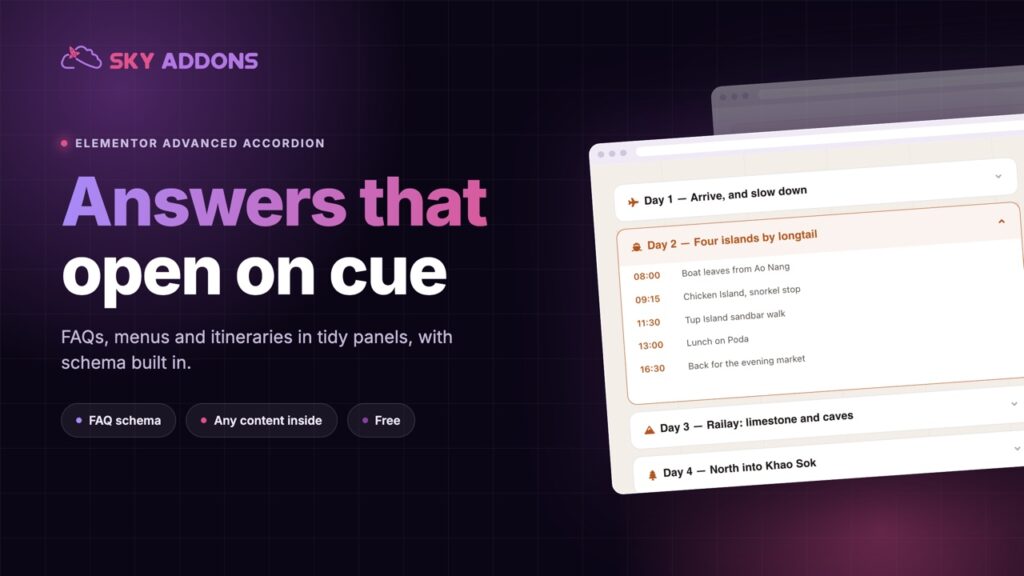
The Elementor advanced accordion holds FAQs, menus and itineraries in tidy panels, from a list, posts or ACF, with FAQ schema built in. Free to use.
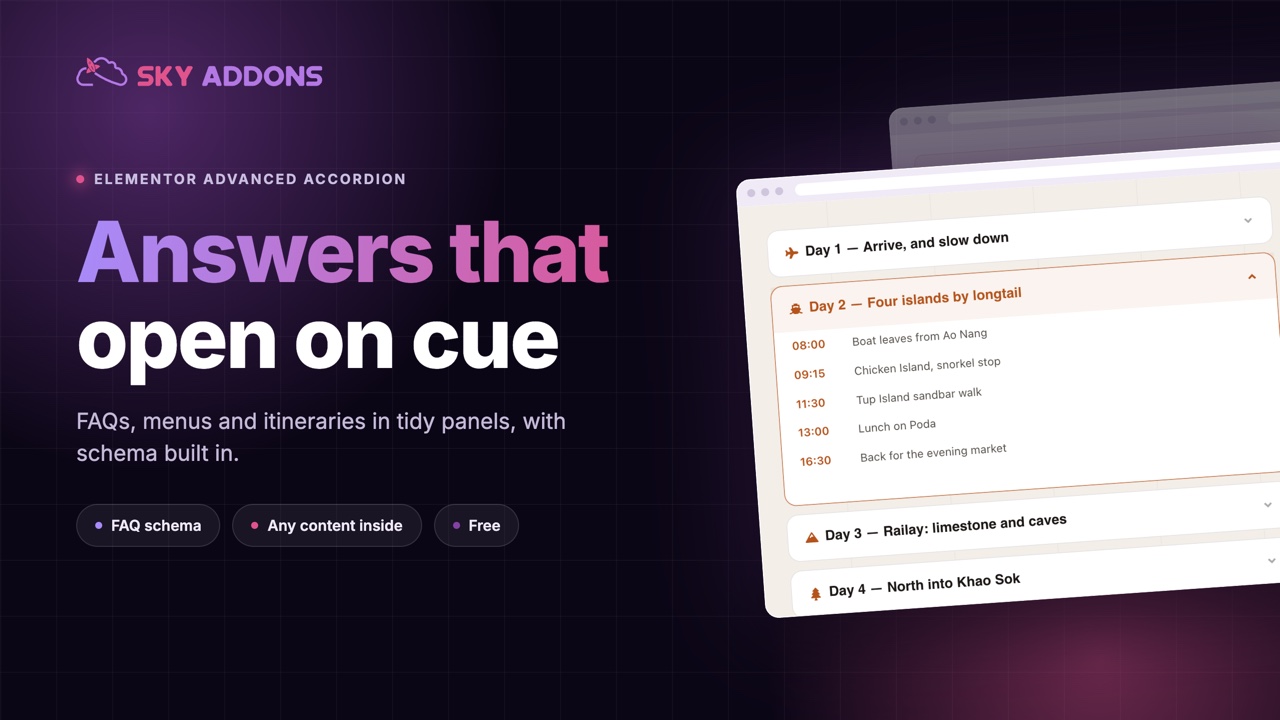
Every page has content that only some visitors need. The delivery terms, the returns policy, the answer to the one question that comes up in every sales call. Put it all on the page and the page becomes a wall. Leave it out and someone emails you asking.
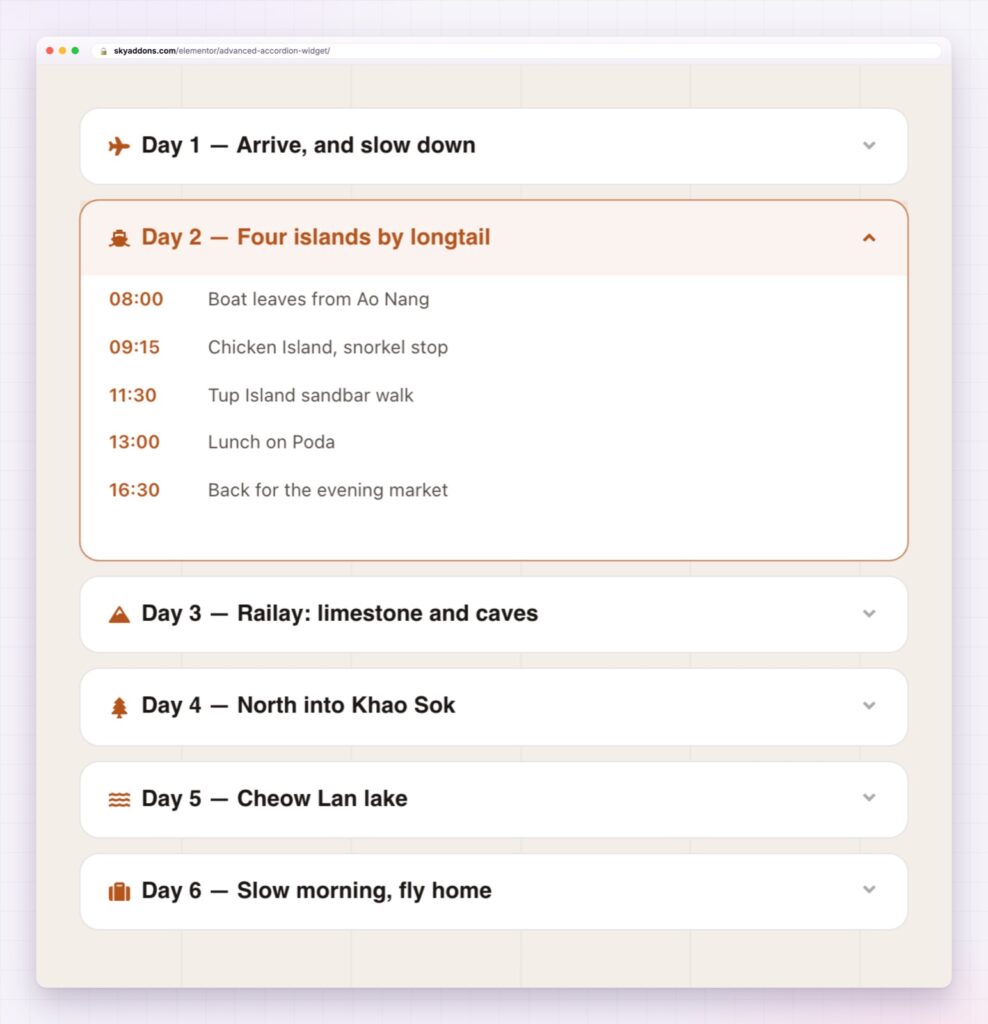
An accordion is the usual answer: a list of headlines, and the detail opens when someone wants it. The Elementor advanced accordion is that idea without the limits. A panel can hold text, images, lists, a video or a whole Elementor layout, and the panels can come from a list you type, from posts, or from ACF fields.
It is in the free Sky Addons plugin.
| A long page of text | An Elementor advanced accordion |
|---|---|
| Everything shown, so nothing stands out | Headlines visible, detail on request |
| The reader scrolls to hunt for their question | The question is already a headline |
| Text only, or a heavy page | Text, images, video or a whole layout inside a panel |
| Content typed panel by panel | Panels built from posts or ACF repeater fields |
| FAQ markup needs another plugin | FAQ structured data can be switched on in the widget |
Content from wherever it lives. Type the panels into a list, pull them from posts with a query, or map them to an ACF repeater by choosing which field is the title and which is the content. A site with fifty questions in a custom field does not have to retype them.
Anything inside a panel. Each item can hold custom content or a saved Elementor template. That is the difference between a text accordion and one that can hold a price table, a form or a photo gallery.
FAQ structured data, built in. Switch on schema output and the accordion writes its questions and answers as JSON-LD, merged across every accordion on the page. Structured data helps machines read the page. It does not promise a rich result, but it costs nothing once the FAQ is already written.
Layout you control. Run the panels in one column or several, set the gap between them, and choose which panel starts open. Allow several panels open at once, or collapse the rest when one opens, and set how fast they move.
Icons where you want them. A title icon, and an open and closed indicator that can sit at the start, the end or both. Each has its own colour for normal, hover and active states.
Styling for every state. Borders, radius, shadow, background and colour are set separately for normal, hover and active, for the title, the icon and the content. It can look like a plain list or like a designed component.
Write the headline as the question the visitor would type. If the headline needs the answer to make sense, nobody will click it.
An accordion moves the decision to the reader. They see every topic at once, so they know the answer exists, and they open only what they need. That keeps the page short without hiding anything, which is the balance long support and product pages are always trying to strike.
The W3C accordion pattern sets out how an accordion should behave for keyboard and screen reader users, and it is worth reading before you build a page around one. For search, Google documents how question and answer markup should be written in its FAQPage structured data guide.
Yes. The advanced accordion widget is in the free Sky Addons plugin.
Yes. Each item can use custom content or a saved Elementor template, so a panel can hold a form, a table or a gallery.
Yes. It can list posts from a query, or read an ACF repeater with a title field and a content field. The ACF option needs ACF or Secure Custom Fields.
Yes, if you switch it on. It writes JSON-LD for the questions and answers, merged across every accordion on the page.
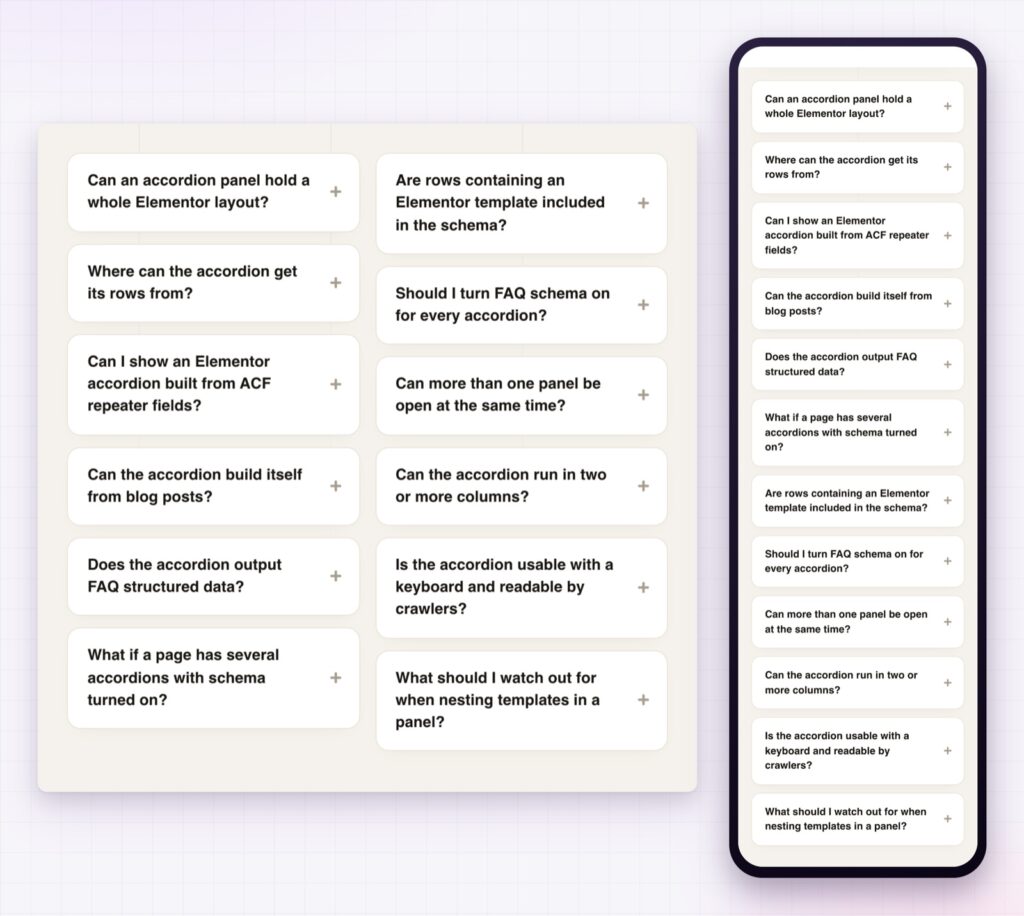
Yes. The panels stack in a single column on a phone, as in the demo.
The Elementor advanced accordion turns a long page into a short one without hiding anything. Panels can hold any content, come from a list, posts or ACF, carry FAQ structured data and be styled in every state. It is free, and it is the tidiest way to answer the questions every page raises.
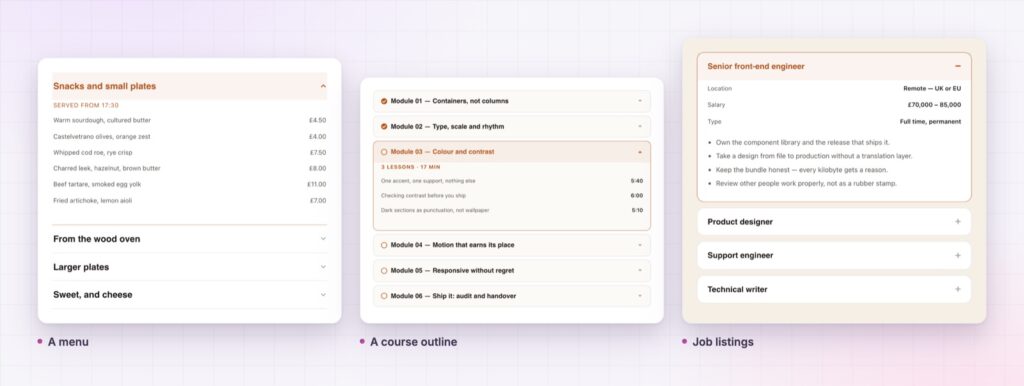
The Advanced Accordion demo runs thirteen accordions on one page, from a dark FAQ to a menu and a course outline. Every control is listed in the Sky Addons documentation.
For a long page that needs a map as well, the Elementor table of contents is the matching widget.
The advanced accordion costs nothing. Sky Addons Pro adds the motion, chart and store widgets, and the free versus Pro page shows where the line falls.

Comments are closed.