
Gym Website Template: Turn Instagram DMs Into Booked Free Intros
A gym website template with 8 ready pages built to book free intro sessions: programs, gym tour, pricing and forms. See every page of Ridgeline here.
First week of January. Your 6am class is full, and your phone holds eleven Instagram messages: “How much is it?”, “I’ve never lifted, is that OK?”, “Is there a contract?”. You answer at nine at night. By then four of them have joined the big-box gym down the road, because its website showed a price and a button.
Small gyms rarely lose members on coaching. They lose them between interest and a booked first session. A gym website template that answers price, beginner and contract questions, then takes the booking, closes that gap while you coach.
Below is Ridgeline, a gym website template from Sky Addons Pro, page by page: all eight pages, what each does to get a nervous beginner through the door, and how little you change before it carries your name.
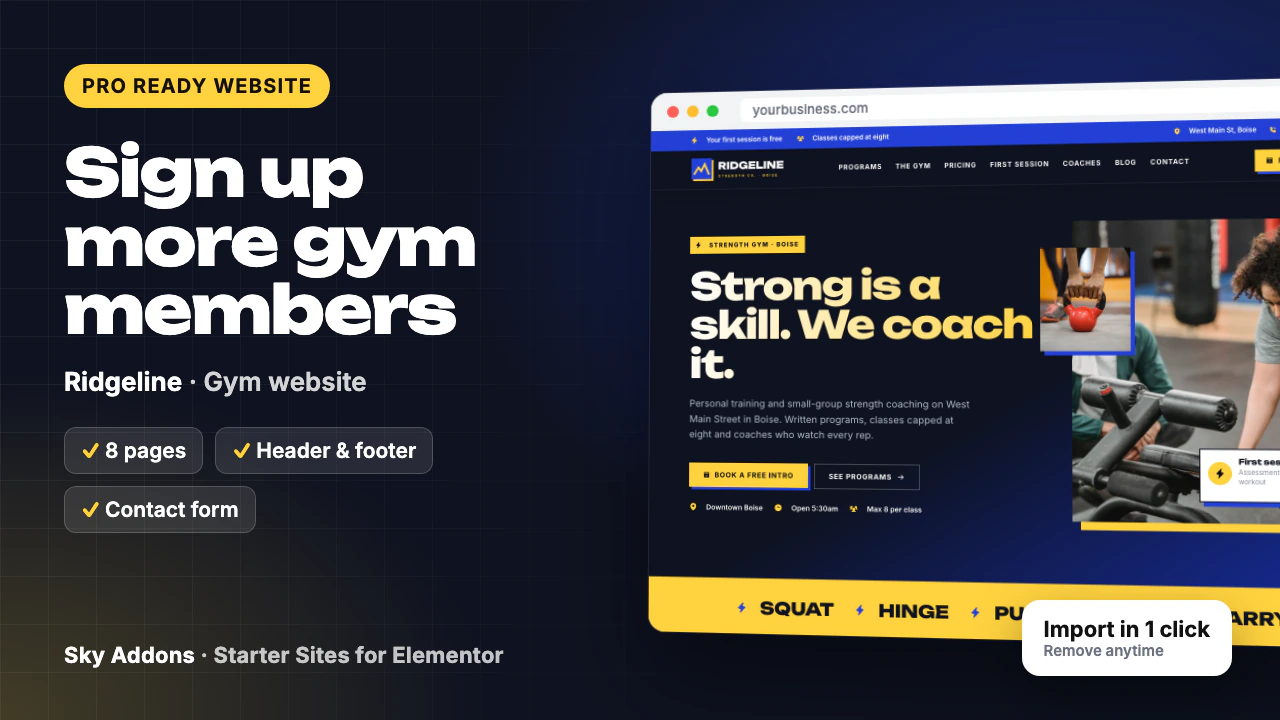
Ridgeline is a complete gym website template for a coached strength gym, built in Elementor with Sky Addons widgets. One import brings every page, the header and footer, menus and booking forms, already wired together.
| Part | What arrives |
|---|---|
| Pages | Home, Programs, The Gym, First Session, Pricing, About, FAQ, Contact |
| Header and footer | Sky Theme Builder: top bar with offers, address and phone, full menu and a Free intro button |
| Booking form | Sky Addons Form Builder: first name, phone, email, main goal, what to book and a note |
| Content types | Services, used for nine programs, each with its own page |
| Plugins it installs | Secure Custom Fields, free from WordPress.org |
| Theme | Hello Elementor, unless you keep your current theme |
| Plan | Pro: needs Sky Addons Pro active |
| Mobile | Every page adapts, with a Call and Free intro bar fixed to the bottom of the screen |
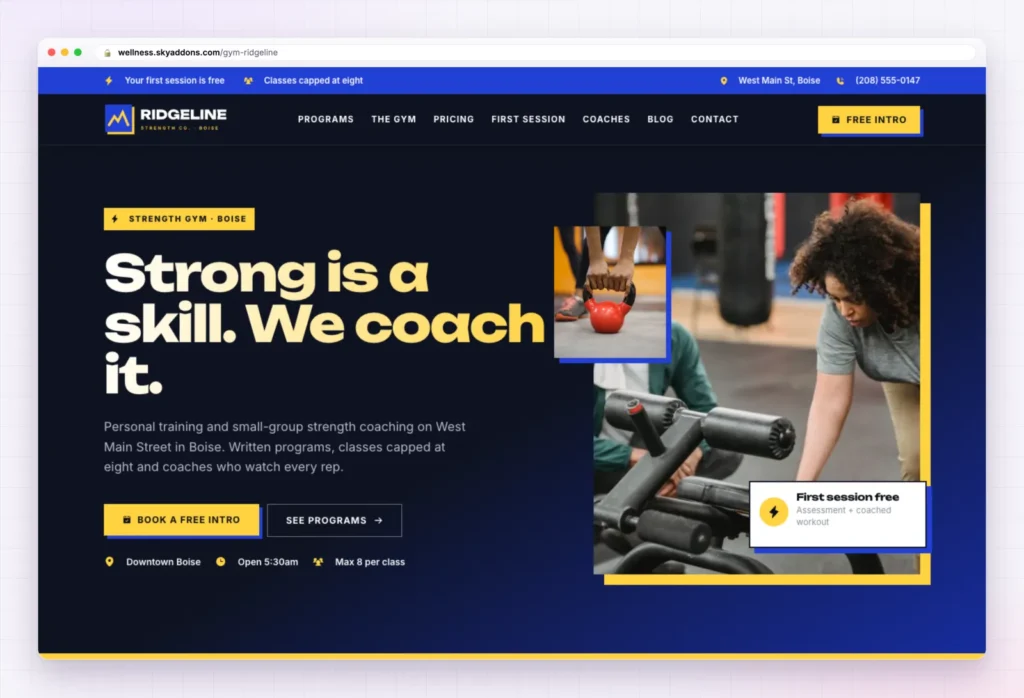
The demo is a strength gym in a Boise warehouse, but this gym website template suits most coached fitness businesses:
Everything on the Home page points at one action. The headline reads “Strong is a skill. We coach it.”, the top bar says the first session is free and classes are capped at eight, and the hero card repeats the offer. Two buttons follow, Book a free intro and See programs, then three facts: location, opening time and class size.
Below the hero, the page builds the case:
The copy mentions lifts logged “in the app”. If you do not use a training app, cut that line.
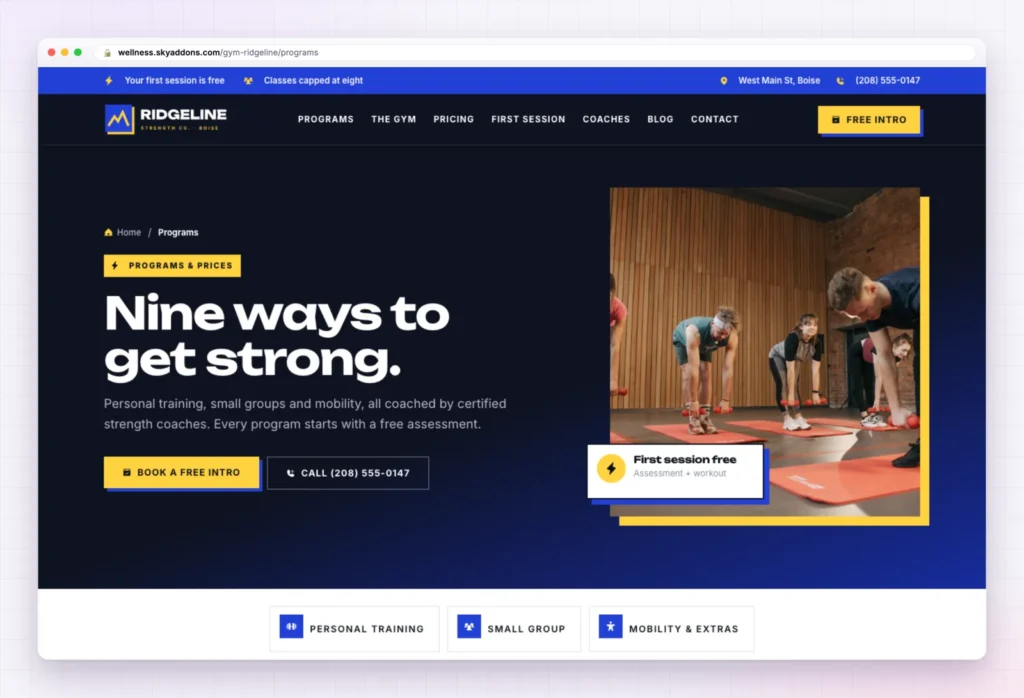
“Nine ways to get strong.” splits the programs into three groups, with jump buttons at the top. Coaching built around you holds 1:1 Personal Training, Semi-Private Training and Online Coaching. Strong together holds Strength Foundations, Small-Group Strength and Conditioning Lab. Move well, train anywhere holds Movement Assessment, Mobility Class and Open Gym.
Each program is one entry in the services content type, with its own page. Rename them to match your timetable and delete what you do not run.
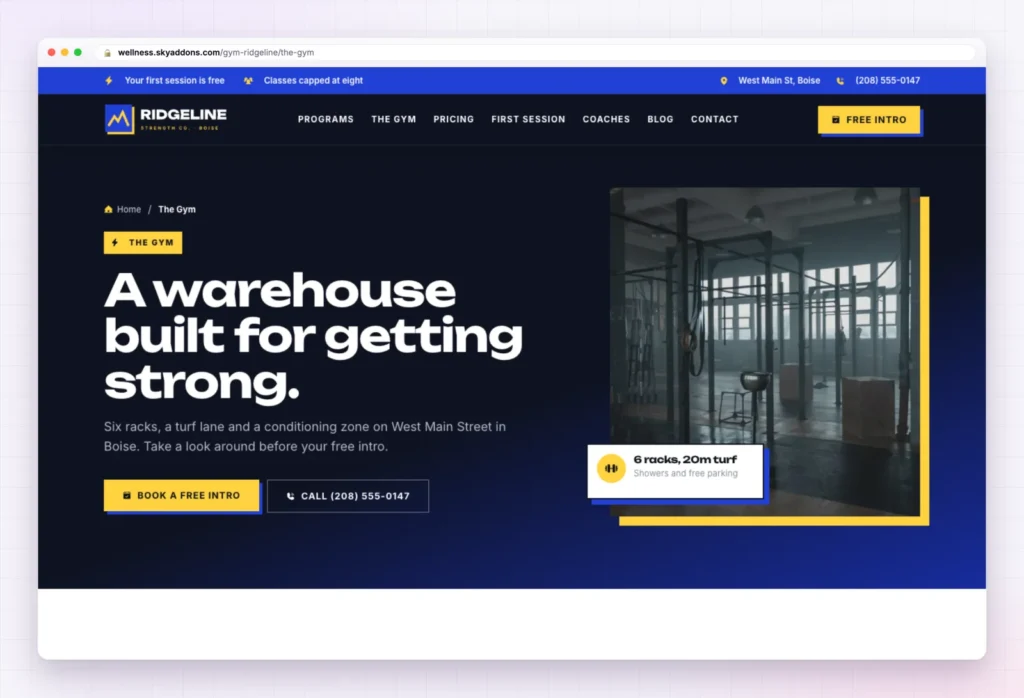
Beginners worry about walking into a room they do not understand. “A warehouse built for getting strong.” shows them the room first. Under “Everything you need, nothing you don’t.” four cards describe the kit: six racks and platforms, a conditioning zone with rowers, air bikes, ski ergs, sleds and a turf lane, lockers and showers, and a private car park with bike racks.
Swap every photo for your own floor, even phone shots. A real gym, however plain, beats a stock warehouse.
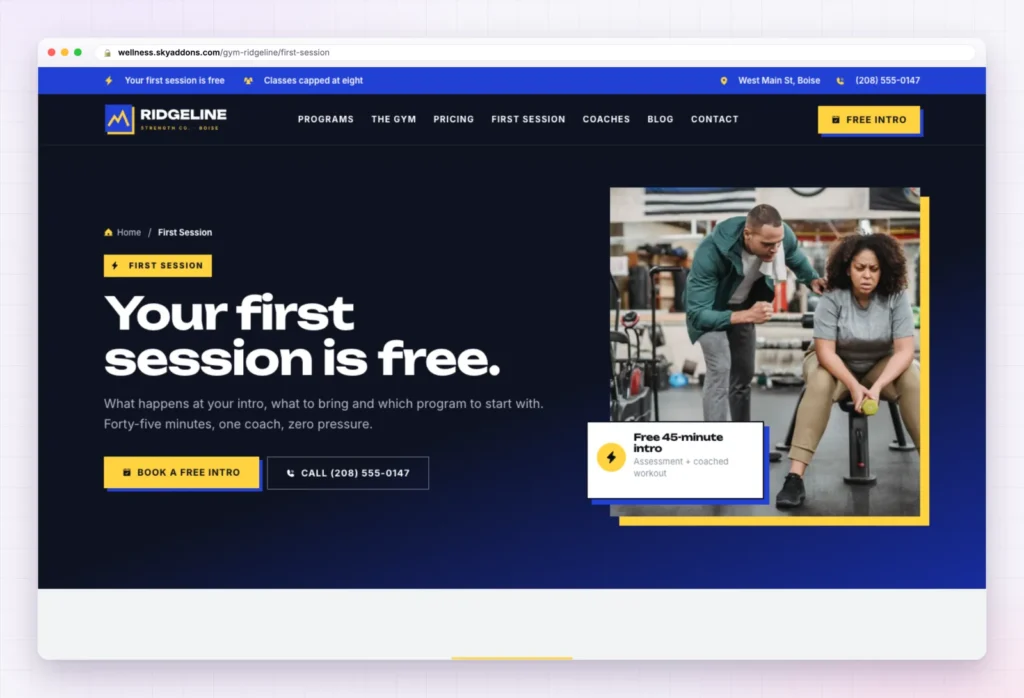
This is the page most gym sites forget. “Your first session is free.” spells out the 45 minutes in four steps: a quick hello and tour, goals and history, a movement screen (squat, hinge, push and pull) and a coached workout, with no pressure to join.
A “Before you come” list covers clothes, water, a snack and injury notes. Then “Which program fits you?” shows five panels that open on hover or tap, and four first-timer questions finish it.
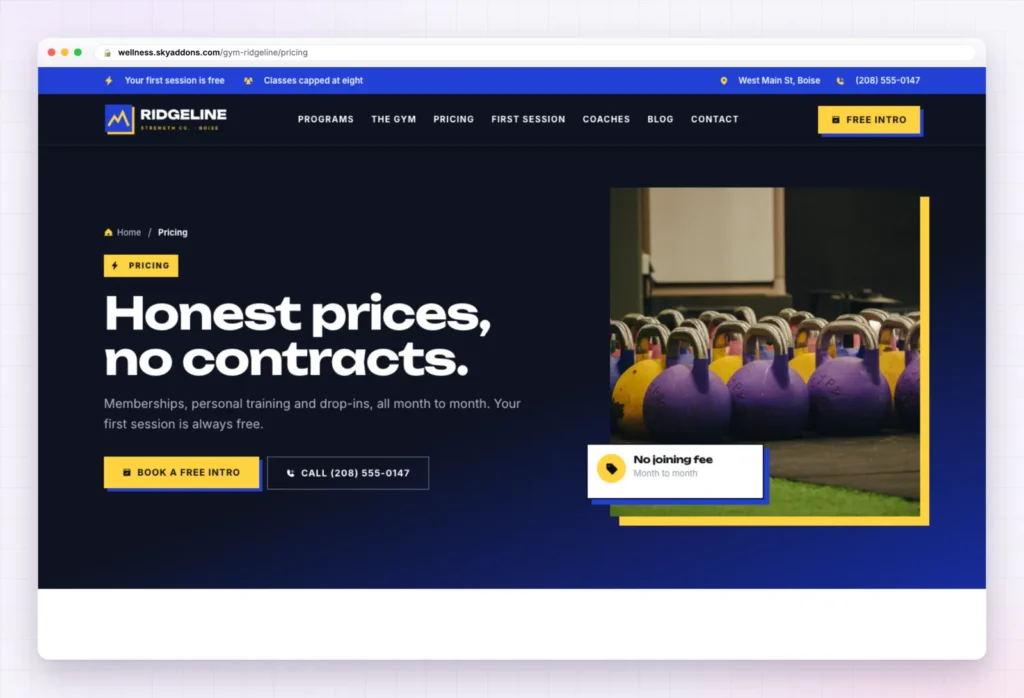
“Honest prices, no contracts.” covers memberships, personal training and drop-ins. A price list comes first, then “Pick your plan.” with three cards (Open Gym, Small Group and Personal) and a line about no joining fees and pausing any time.
A Corporate and teams section offers private sessions for groups of six to twenty, and four small-print questions follow. Every price and policy in the gym website template is sample content: set your own, and keep “pause any time” only if you allow it.
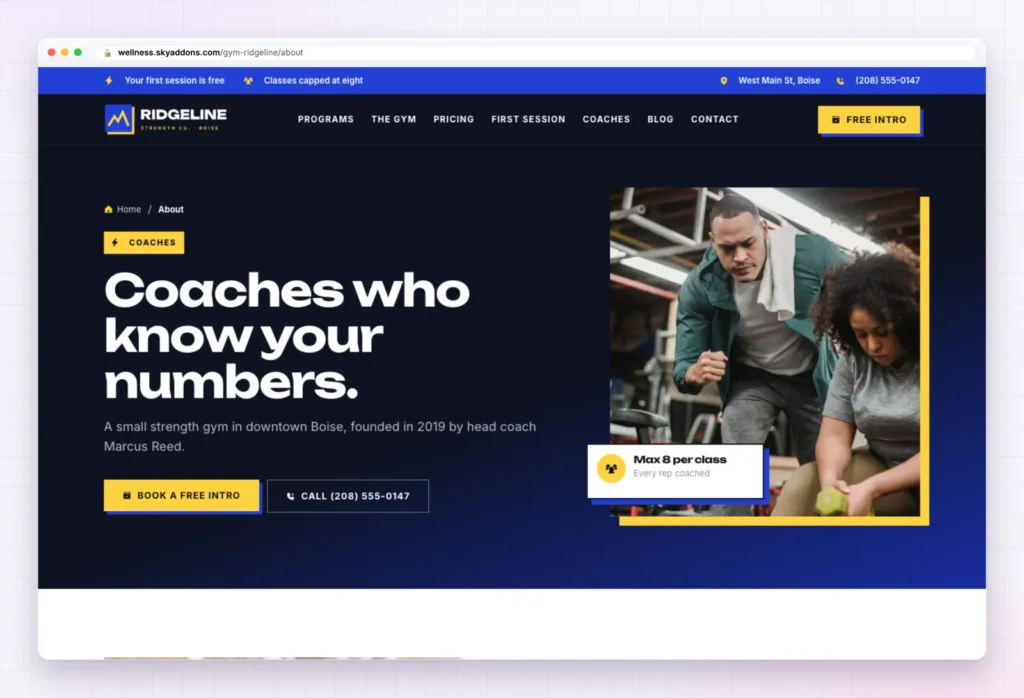
“Coaches who know your numbers.” tells the founder’s story: a decade in big-box gyms, watching members pay for machines nobody showed them how to use, then a warehouse with six racks and one rule, every rep gets coached. Three ticks back it up: classes capped at eight, written 12-week programs, certified coaches only.
“Four rules on the whiteboard”, the four coaches, a photo section and member stories follow. Write your own story here. People join a coach, not a logo.
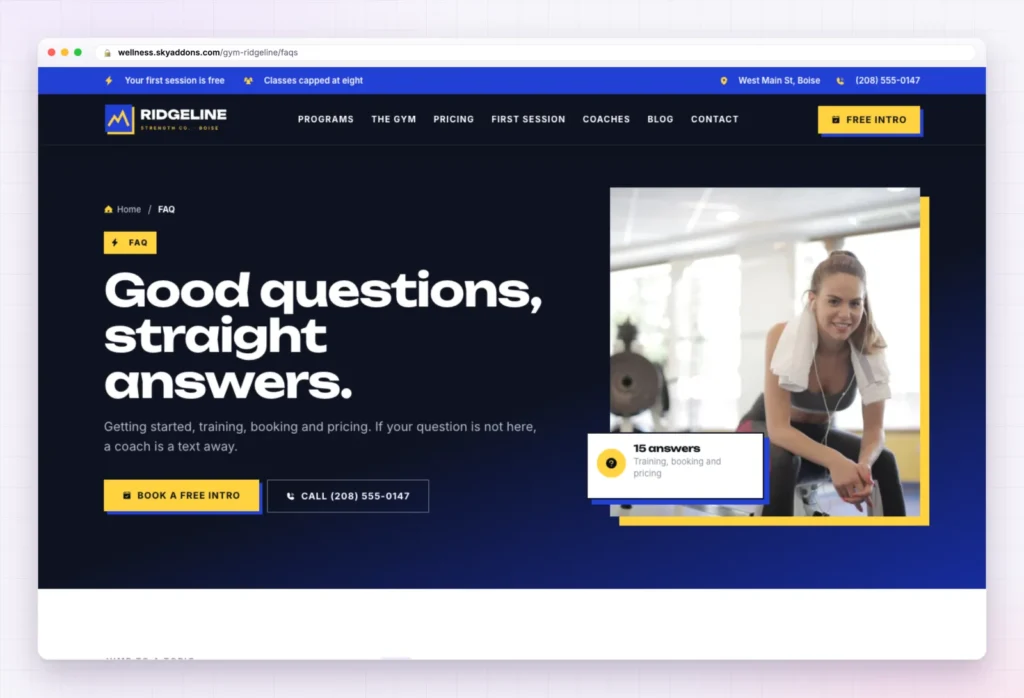
“Good questions, straight answers.” sorts fifteen questions into Getting started, Training, Booking and policies, and Pricing and memberships, from “Will lifting make me bulky?” to the cancellation policy.
Rewrite the policy answers so they match your real rules. That is where members argue later.
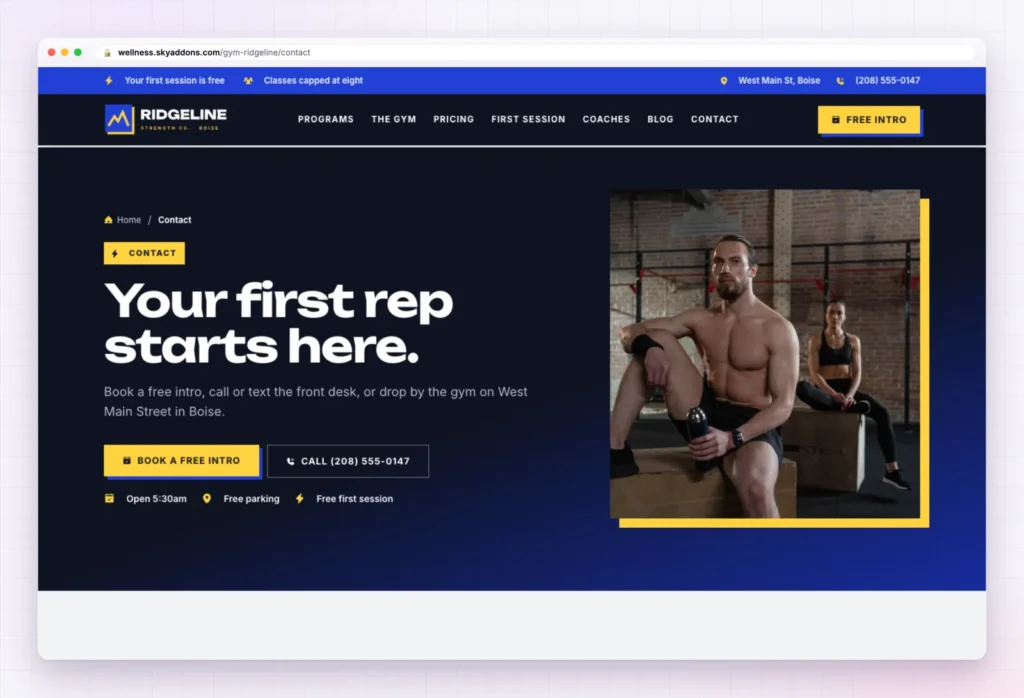
“Your first rep starts here.” offers the free intro form, opening hours, three cards (call, text, drop by) and a map. Hours, address and phone numbers are sample content.
The booking form here and on three other pages is the Sky Addons Form Builder. It asks for a first name, phone number and email, a main goal (get stronger, lose fat, move without pain, train for a sport or event, build a habit), what to book and a note. The button reads Book my free intro.
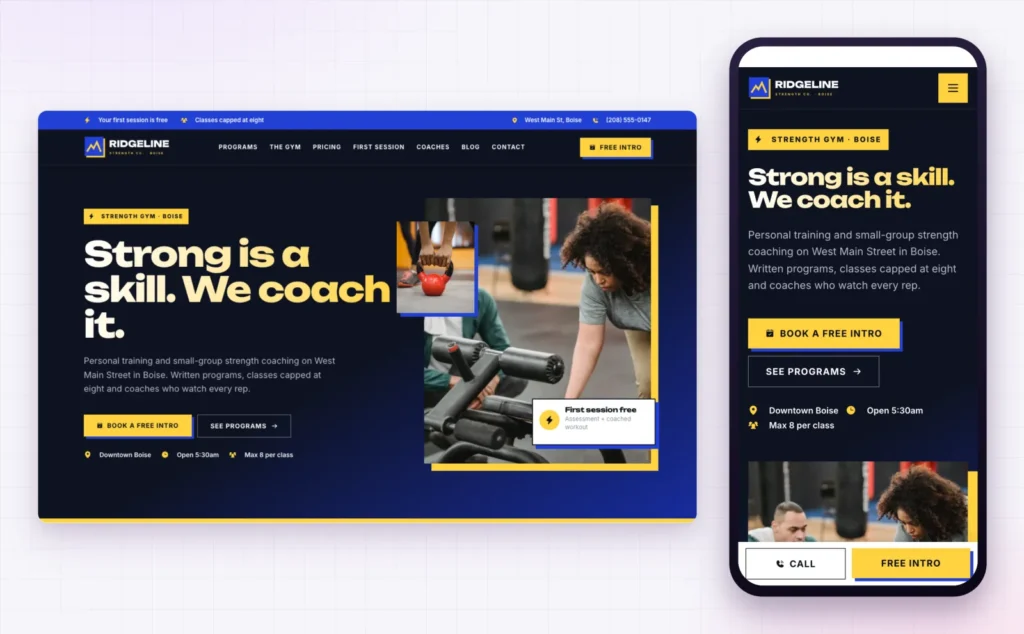
Most people find a gym on a phone, often right after a reel. On a small screen Ridgeline stacks the headline and keeps Call and Free intro fixed at the bottom, one tap from anywhere.
Keep your hours and address identical on the site and on Google. Google’s guide to local business structured data shows how opening hours and address are read for search, and mismatches confuse both people and machines.
The hard part of a gym website template is knowing what a beginner needs to read before booking. Ridgeline has that order built in.
| Done for you | Left for you |
|---|---|
| Eight pages laid out and linked | Logo and gym name |
| Header top bar, menu and Free intro button | Phone and text numbers |
| Booking forms on four pages | Address, map and opening hours |
| Nine program pages in the services content type | The programs and classes you really run |
| Free intro page with steps and checklist | Prices, plans and policies |
| Global colours and fonts | Photos of your floor, coaches and members |
| Phone bar with Call and Free intro | Your story and member stories |
A beginner is not shopping for equipment. They are deciding whether they will feel stupid on day one. Answer that on the page and the booking follows.
Not the right fit? Remove this import puts the site back as it was, with imported items deleted and your old front page, colours, header, footer and theme restored.
It is included with Sky Addons Pro. You need Pro active next to the free Sky Addons plugin to import it.
Nothing is removed. Ridgeline adds its pages beside yours, and Remove this import takes them out again and brings back your old front page, header, footer and theme.
Yes. Open Elementor’s site settings, change the global colours or fonts, and every page follows.
It does. Each page has its own phone layout, and the Call and Free intro bar stays at the bottom while visitors scroll.
No code. You change text, photos and buttons by clicking them in Elementor.
Ridgeline is a finished eight page gym website template built around one goal: getting a nervous beginner to book a free intro. Programs, a gym tour, a first session guide, prices and booking forms are already in place. Add your name, numbers, prices and photos, import with Sky Addons Pro, and remove it as easily if it does not fit.


Comments are closed.