
Ripples Effect: Turn an Elementor Hero Into Water That Answers the Cursor
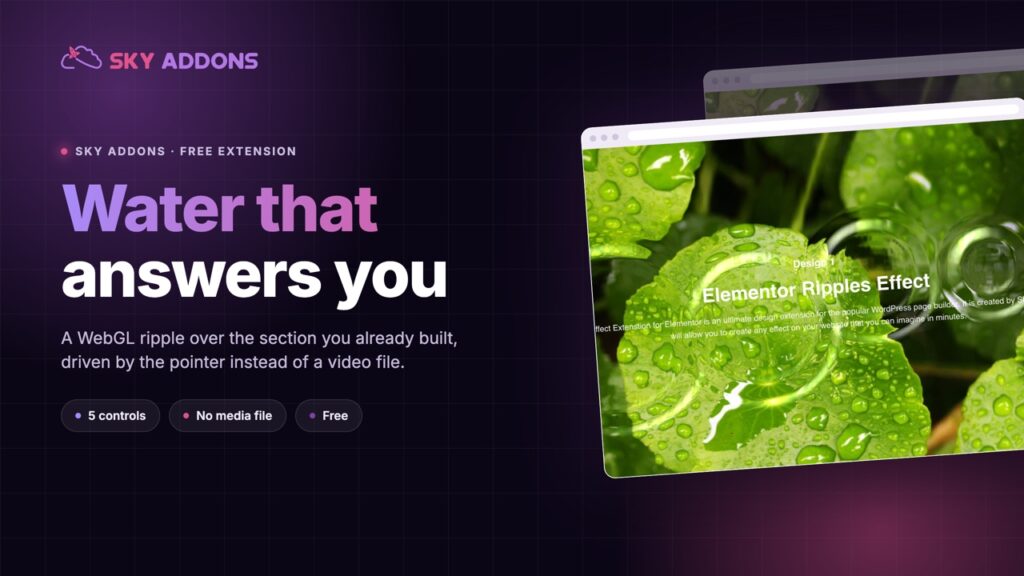
The Ripples Effect turns any Elementor section into water that reacts to the cursor. Five settings, no video file, and it ships in the free plugin.
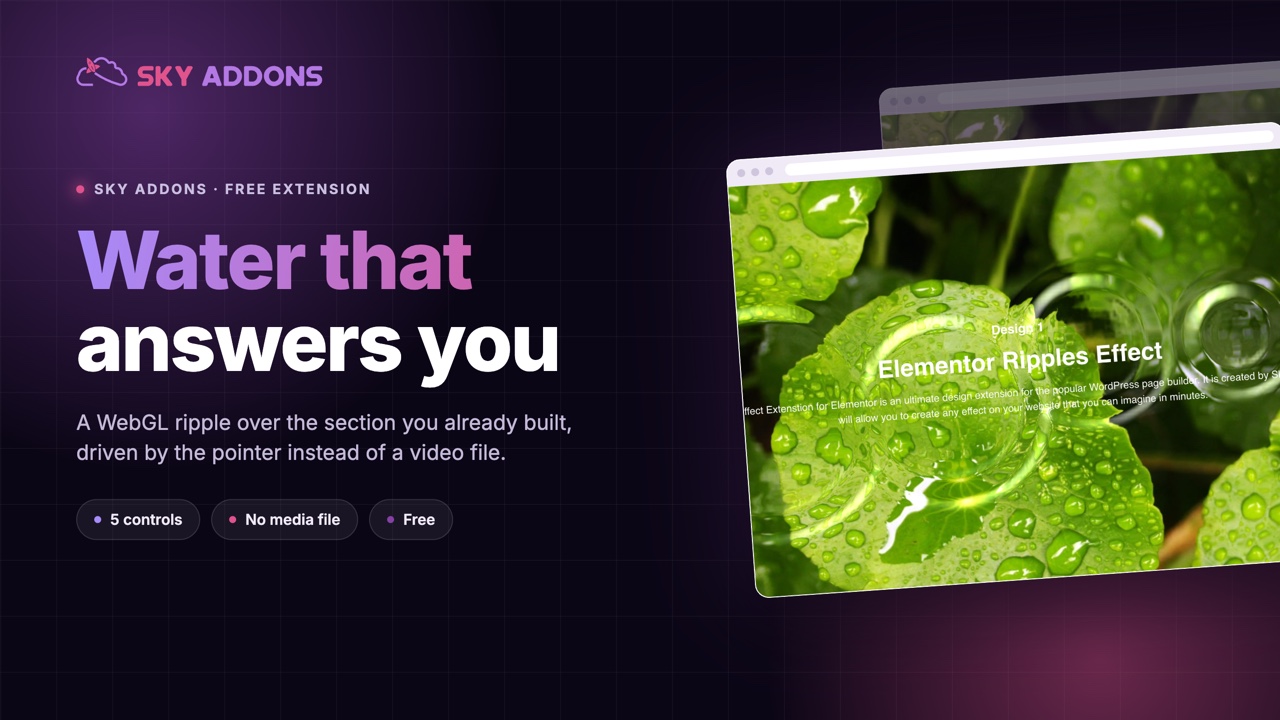
A hero section has about one second to prove the page is alive. Most sites spend that second on a background video: a 4 MB file that starts muted, loads late, and shows the same twelve frames to everyone who scrolls past. The visitor is not part of it. They watch it.
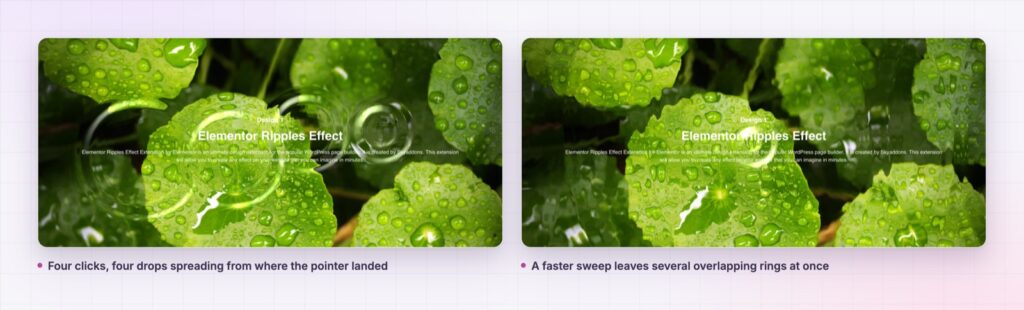
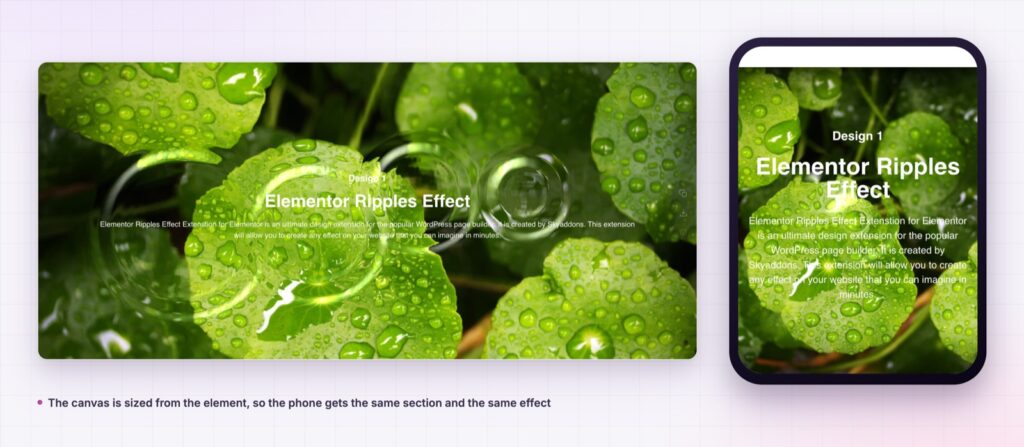
The ripples effect flips that. It puts a WebGL water surface over a section you already built, and the water answers the mouse. Move across the hero and the surface bends behind the headline. Click and a drop lands where the pointer was. Nothing is prerecorded, so nobody sees the same shape twice, and there is no file to download.
It ships in the free Sky Addons plugin as an extension, not a widget. That matters more than it sounds: you do not rebuild the section to use it. You open a section you already have and turn one switch on.
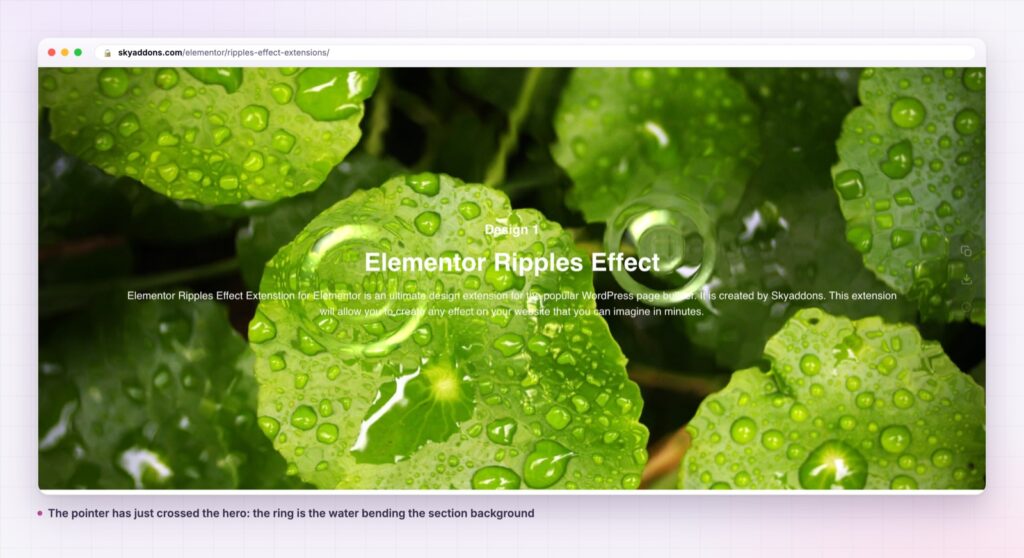
The common thread: the ripples effect belongs on a section that a visitor will hover over anyway. On a section nobody points at, it is invisible work.
| Background video | Animated GIF | Ripples effect | |
|---|---|---|---|
| Page weight | 2 MB to 8 MB | 500 KB to 3 MB | No media file |
| Reacts to the visitor | No | No | Yes, mouse move and click |
| Looks the same every visit | Yes | Yes | Never the same twice |
| Works over your existing background | Replaces it | Replaces it | Sits above it |
| Setup | Encode, upload, fallback poster | Export, upload | One toggle |
The video column is not a straw man. A looping hero video is the standard answer to “make this section feel alive”, and it is the single heaviest thing on most marketing pages.
It runs on what the section already has. The effect reads the element’s own background image and distorts it. You are not choosing a water texture from a list. Swap the section background and the ripples effect follows.
Drop Radius sets the scale of the disturbance. The slider runs 1 to 20. Low values give tight pinpricks that suit a dense photo. High values give a broad swell that suits a plain gradient.
Perturbance controls how hard the surface refracts. It runs from 0.01 to 1 in steps of 0.01, so the difference between “a hint of movement” and “looking through a rain-covered window” is a single slider.
Resolution decides the texture quality. The library default is 256. Raising it smooths the ripple edges and costs more GPU time, which is a real trade on a page that already runs a slider.
Z-index puts the canvas where you need it. The control writes directly onto the injected canvas, so the water can sit above a background image and below your headline, or above a decorative shape and below a form.
The script only loads when the switch is on. The extension hooks the element’s before-render step and enqueues the library for that element only. A page with no ripples effect never downloads it.
The effect is drawn on a canvas that the library manages, layered over the element rather than replacing anything inside it. Your headline, button and form keep their own markup, their own styling and their own click targets. Nothing underneath becomes unclickable.
Because the distortion is computed from the element’s background in real time, there is no asset to size, compress or swap for retina. The same section renders correctly on a phone and on a 27 inch display, and the effect costs one script rather than one download per visitor.
Motion earns its place when the visitor causes it. A loop plays at the page. A ripple answers the person reading it.
The extension also rebinds on window resize, with the handler debounced at 200 milliseconds, so rotating a tablet or dragging a desktop window to another monitor does not leave the canvas at the old size.
overflow: hidden on a parent. A clipping ancestor cuts the canvas, so the effect stops at the boundary instead of filling the section.crossOrigin set to anonymous, which needs the right CORS headers when the image comes from a CDN on another origin.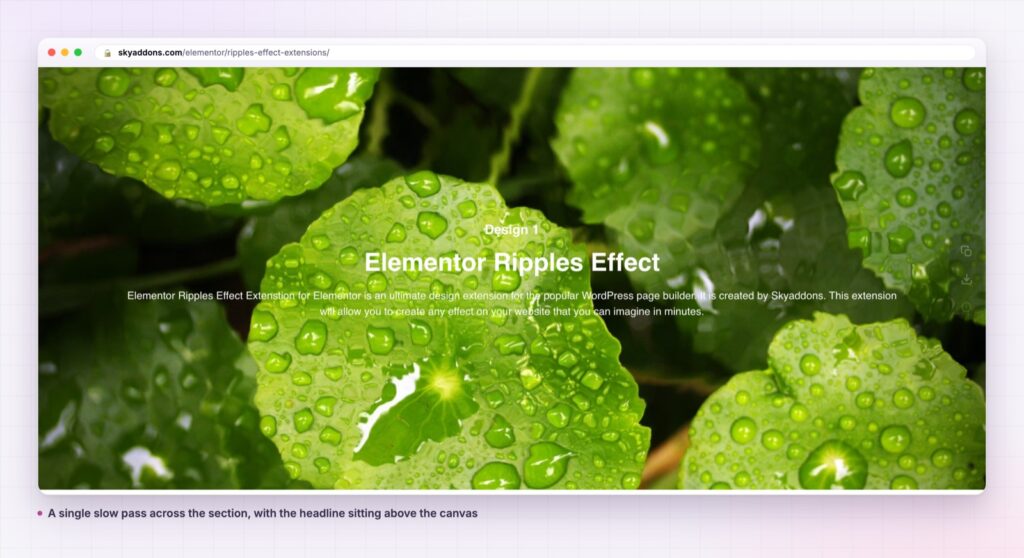
The panel appears on sections, containers, columns and individual widgets, which opens up smaller uses than a full-width hero.
A single image widget inside a two-column layout can carry the ripples effect on its own, so a product photograph reacts while the copy beside it stays still. A pricing card can take it at a very low perturbance, where the movement is barely readable as water and just makes the card feel warm. A footer band with a dark photograph can carry it at a high drop radius, where each ripple is slow and wide.
It also pairs with things you have already placed. Run it under a tilt effect card and the card leans while the surface behind it moves. Combine it with a cursor effect and the pointer itself becomes part of the composition rather than a stock arrow crossing a still image.
Yes. It is part of the free Sky Addons plugin, in the extensions group rather than the widget list. There is no Pro requirement and no feature held back.
No. It needs Elementor and Sky Addons. The WebGL library ships with the plugin and loads only for elements where the switch is on.
The script is enqueued per element, so a page without the effect never loads it. There is no image or video to download, which usually makes it lighter than the background video it replaces. Resolution is the one setting that costs real GPU time, so leave it at the default unless you can see stepped edges.
The canvas is drawn and resized on phones, and the library handles touch through the same interactive mode. Treat it as a desktop-first flourish: a visitor with a finger on the glass moves across far less of the surface than a visitor with a mouse.
The effect does not initialise and the section renders exactly as you designed it, background and all. Nothing breaks and no error is shown, so the page is never worse than the version without it.
The ripples effect gives an Elementor section a water surface that reacts to the cursor, using the background you already chose. Five controls decide how big, how strong, how smooth and where it sits in the stack. It costs one script instead of a multi-megabyte video, and it is in the free plugin.
See it running on the Ripples Effect demo, then check the control reference in the Ripples Effect documentation. The extension is free: compare what else is in the box on the free versus Pro page, and see the full plans on pricing.


Comments are closed.