
Electrician Website Template: Look Reachable Before the Phone Even Rings
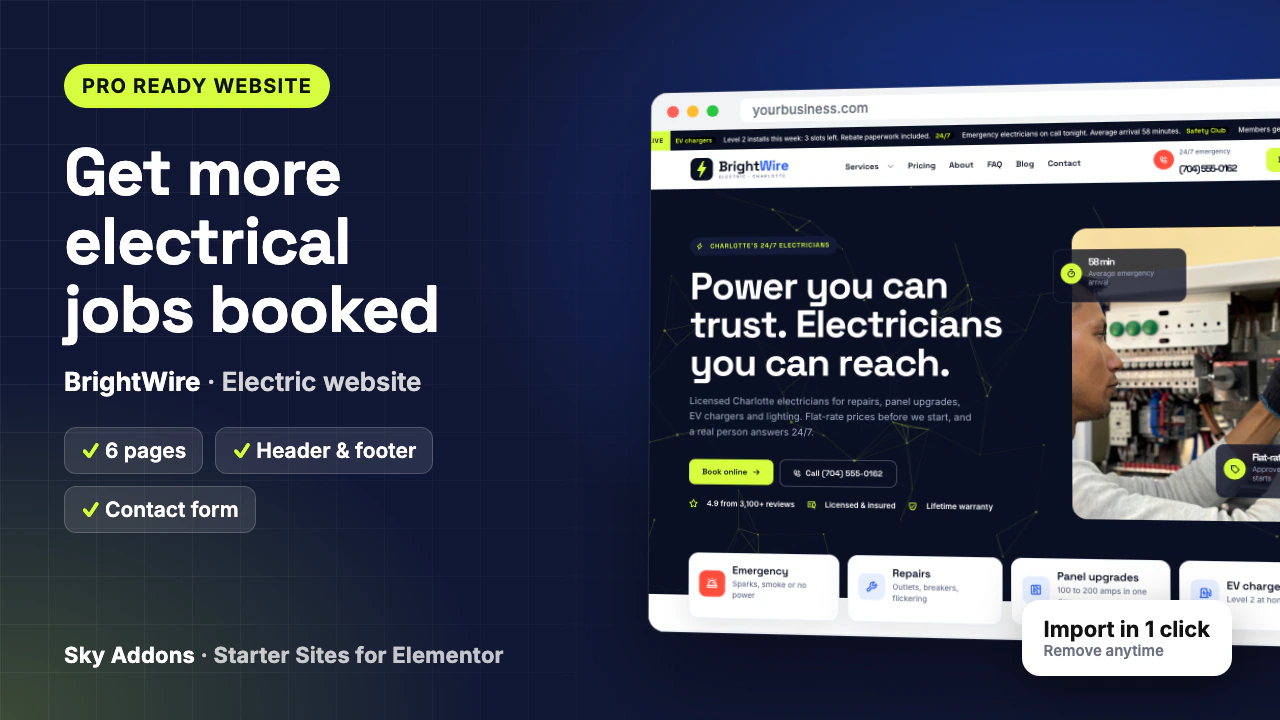
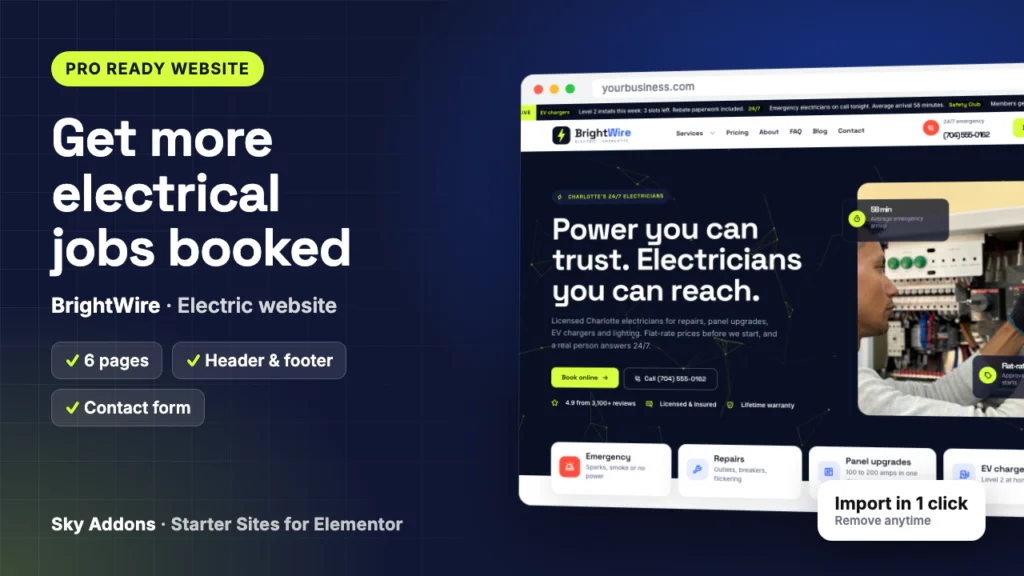
BrightWire is an electrician website template with six pages, flat-rate pricing, a booking form and a 24/7 call bar. See each page and what you change.
The new car arrives on a Friday. By Saturday morning the owner knows the wall socket in the garage will take two days to charge it, so she sits on the bottom stair with her phone and opens four electrician websites. One has no prices. One has a broken contact form. One gives a mobile number that goes to voicemail. The fourth shows a flat-rate price for a Level 2 charger, a Book online button and a line that says a real person answers around the clock. She books the fourth.
That electrician may not be the best in town. He just looked reachable. An electrician website template built around that idea gives a small shop the same edge without a designer or a six-week project.
This case study opens BrightWire, an electrician website template from Sky Addons Pro, and walks through its six pages: what each one says to a homeowner, where the sample figures sit, and what you change before it goes live.
BrightWire is a complete ready website for a residential electrical contractor, built in Elementor with Sky Addons widgets. One import brings the pages, header, footer, menus, booking form and twelve sample services, already linked.
| Circuit | What is on it |
|---|---|
| Pages | Home, About, Services, Pricing, FAQ, Contact |
| Header and footer | Sky Theme Builder: scrolling news bar, Services dropdown, 24/7 number, Book online button and a full footer |
| Booking form | Sky Addons Form Builder on the Contact page: name, phone, email, ZIP code, job type, timing, property and a description |
| Content types | Services (12 samples), each on its own page with a Book this service button |
| Extra templates | A blog article layout and a 404 page that says the page “tripped a breaker” |
| Plugins it installs | Secure Custom Fields, free from WordPress.org |
| Theme | Hello Elementor, unless you keep your current theme |
| Plan | Pro: needs Sky Addons Pro active |
| Mobile | Every page has a phone layout, with Call 24/7 and Book online pinned to the bottom |
The demo is a family-owned company in Charlotte, North Carolina, but this electrician website template fits most residential electrical businesses:
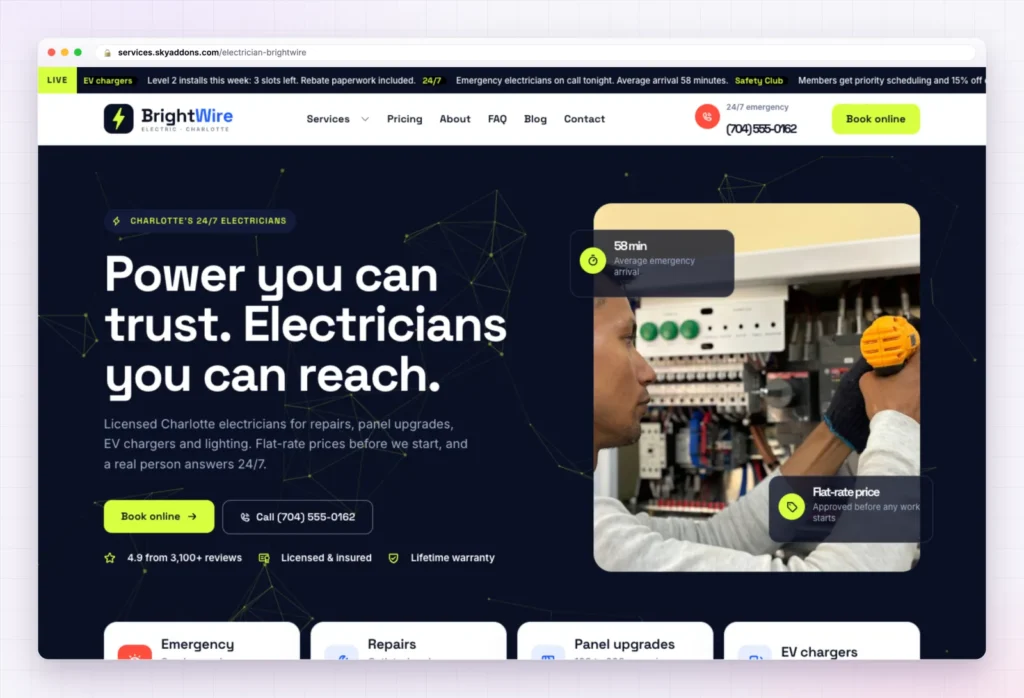
The headline reads “Power you can trust. Electricians you can reach.” Under it sit Book online, a call button and three trust lines: a review score, licensed and insured, and a lifetime warranty. Two cards on the photo show an emergency arrival time and a flat-rate price note.
Four cards follow at once: Emergency, Repairs, Panel upgrades and EV chargers, so a worried visitor finds their door in one glance. Then:
The review score, arrival time and review count are sample content: use your own or delete them.
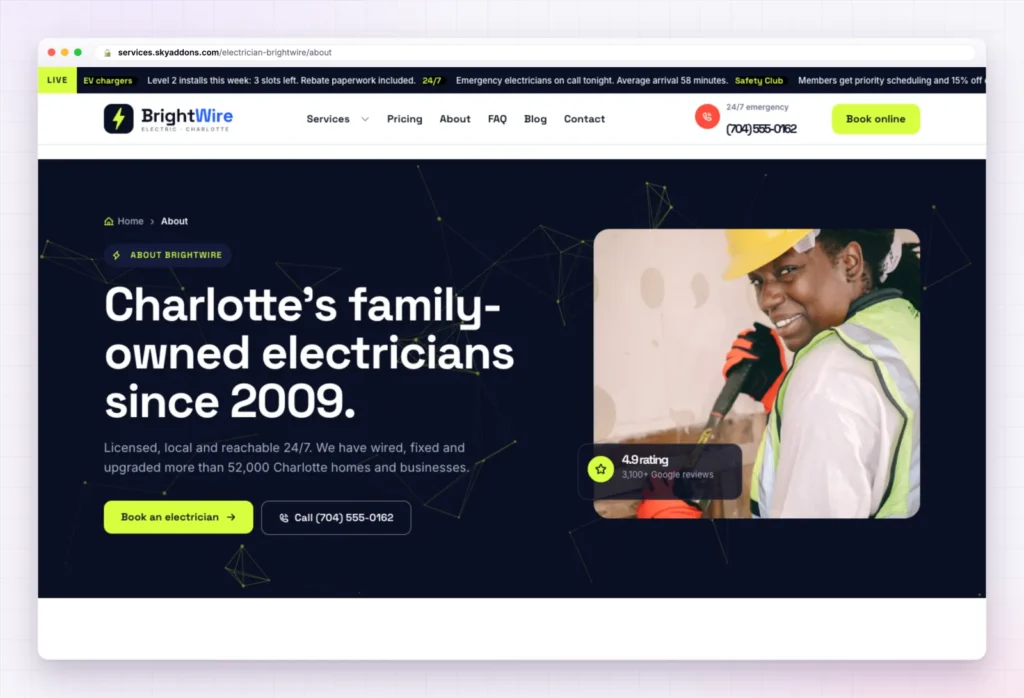
“Charlotte’s family-owned electricians since 2009” introduces two brothers who started the company after too many calls about electricians who never showed up.
Four team profiles follow, then “Four rules every electrician follows” and a credentials section. A hiring pitch for electricians and apprentices closes the page, with benefits and an Apply in 3 minutes button. Good electricians are as hard to find as good customers, so it earns its space.
The founding year, home count and names are sample content. Write your own story, even if it is two sentences.
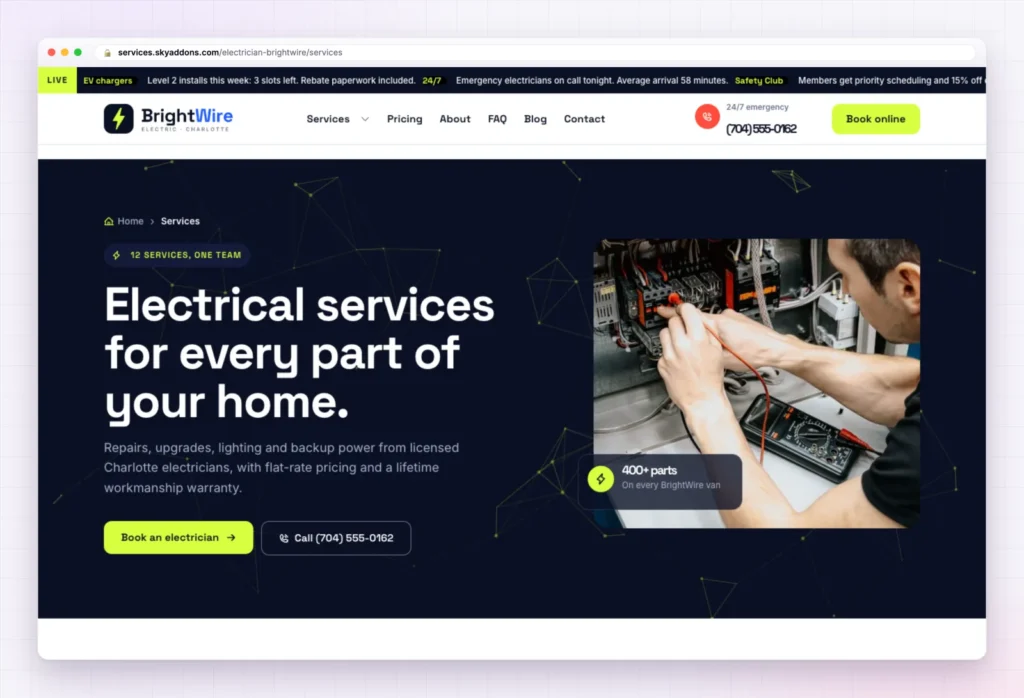
The Services page sorts the twelve sample services into four groups:
Below them, a switch flips between residential and light commercial work, and “The BrightWire standard” lists six things every visit includes, such as two-hour arrival windows. Each service is one entry in the services content type, so dropping generators changes one entry, not the design.
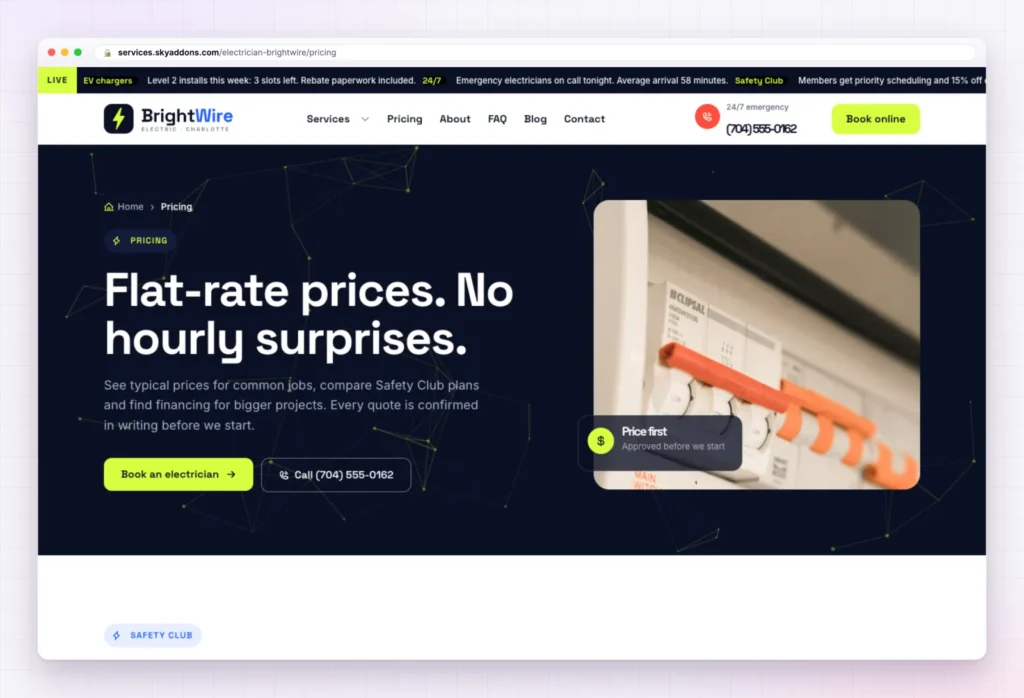
Homeowners fear the meter running more than the price. “Flat-rate prices. No hourly surprises.” answers that with two tables.
The first compares Pay per visit, Safety Club and Club Plus on diagnostic visits, after-hours fees, repair discounts and warranties. The second, “What common jobs cost”, lists ten jobs from an outlet swap to a 200-amp panel upgrade, each with a standard price and a member price.
Financing, rebates and a price-match promise follow, then four cost questions. Every price, discount and financing term in this electrician website template is sample content, and the membership table is easy to cut if you run no plan.
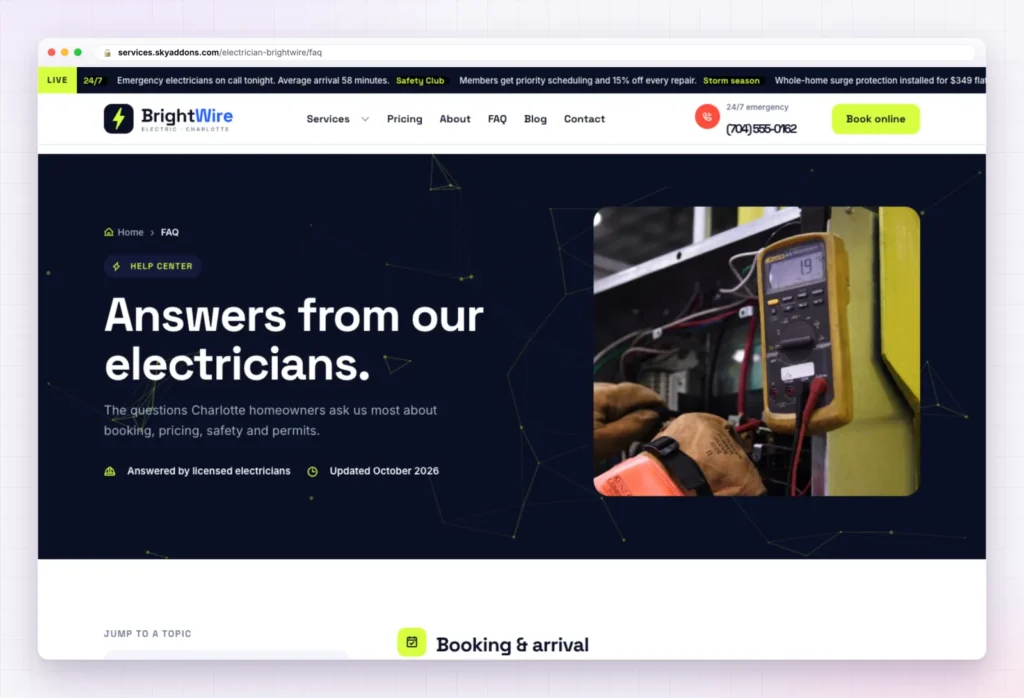
“Answers from our electricians” splits twelve questions into four topics: Booking and arrival, Pricing and payment, Safety and emergencies, and Upgrades, permits and warranty. An “Emergency right now?” card tells anyone in trouble to skip the reading and call.
The safety group is the most useful: “What counts as an emergency?” and “Why does my breaker keep tripping?” are calls you take every week. Answer them in your own words and update the date in the hero.
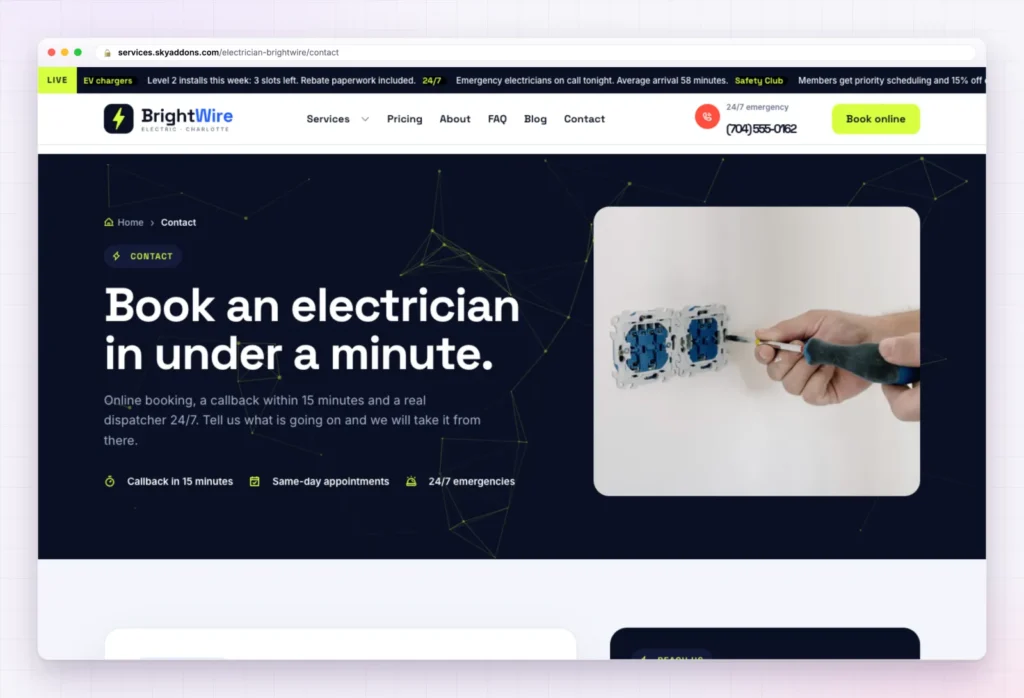
“Book an electrician in under a minute.” leads to “Tell us what is going on.”, the Form Builder form. It asks for name, phone, email, ZIP code, the job, timing, property type and a description, so a dispatcher knows the job before calling back.
Beside it, “Talk to a person, not a machine” lists hours for scheduled service, emergencies and the showroom. A service area section with Get directions closes the page. The address, hours and 15-minute callback are sample content.
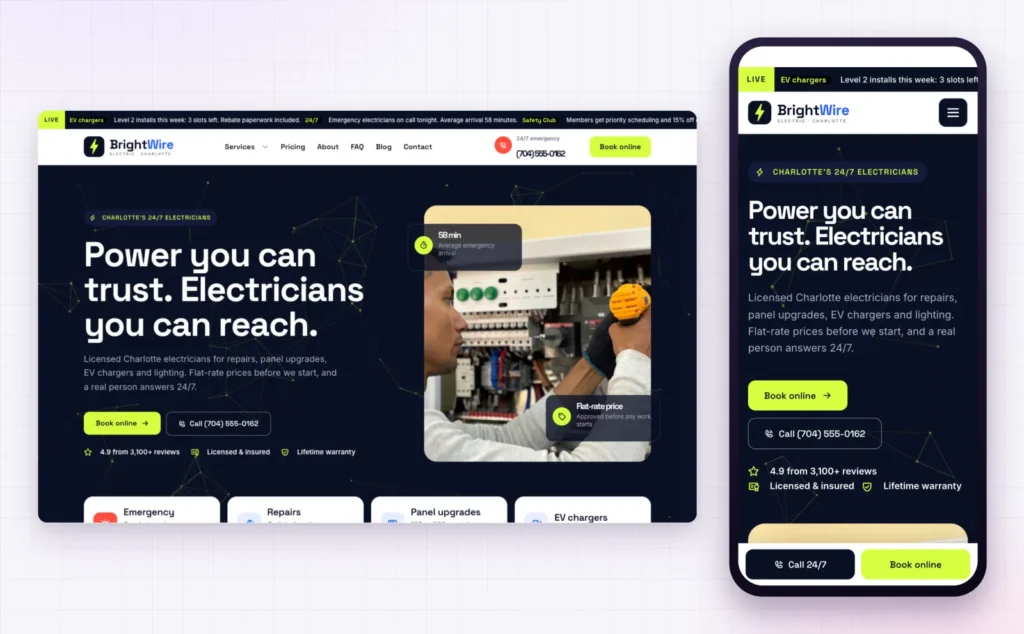
People rarely search for an electrician at a desk. They search on a phone, next to the panel with a flashlight. On a small screen this electrician website template folds the menu into a button, stacks the headline and pins Call 24/7 and Book online to the bottom of every page.
The slow part of any site is deciding what goes where: emergency first, price second, proof third. That order is built in.
| Wired already | You connect |
|---|---|
| Six pages, built and wired together | Logo and company name |
| News bar, header and Book online button | Phone number, email and address |
| Booking form with job type and timing | The form’s Email Receiver, if not the admin email |
| Twelve sample services, one entry each | The work you really do, and your service area |
| Membership and price guide tables | Your prices, discounts and financing, or delete them |
| Global colours and fonts | Photos of your vans, crew and finished panels |
| Phone bar with Call 24/7 and Book online | Licence number, ratings and warranty terms |
A homeowner with a dead circuit is not comparing wiring skills. They are looking for proof that someone will answer, and a price they can live with.
Not right for you? Remove this import strips out the BrightWire pages and puts back your old front page, colours, header, footer and theme.
No. BrightWire is a Pro kit, so it needs Sky Addons Pro active next to the free Sky Addons plugin.
No. It only adds. Remove this import restores what you had; pages you edited after importing stay unless you tick the box.
Yes. The dark navy and lime come from global colours, so one change in Elementor’s site settings repaints every page.
Yes. Every page has a phone layout, and the Call 24/7 and Book online bar stays at the bottom of the screen.
No. You edit this electrician website template by clicking any headline, price or photo in Elementor.
BrightWire is a finished six page electrician website template that answers the emergency, the price and the trust question in that order. Services, a price guide, an FAQ and a booking form are in place. Add your number, licence, prices and photos, import it with Sky Addons Pro, and remove it just as easily if it does not suit.



Comments are closed.