
Esthetician Website Template: A Booked-Out Facial Studio Site Without Hiring a Designer
An esthetician website template for Elementor with 8 ready pages, a facial menu, prices, a first facial guide and booking forms. Add your photos and go.
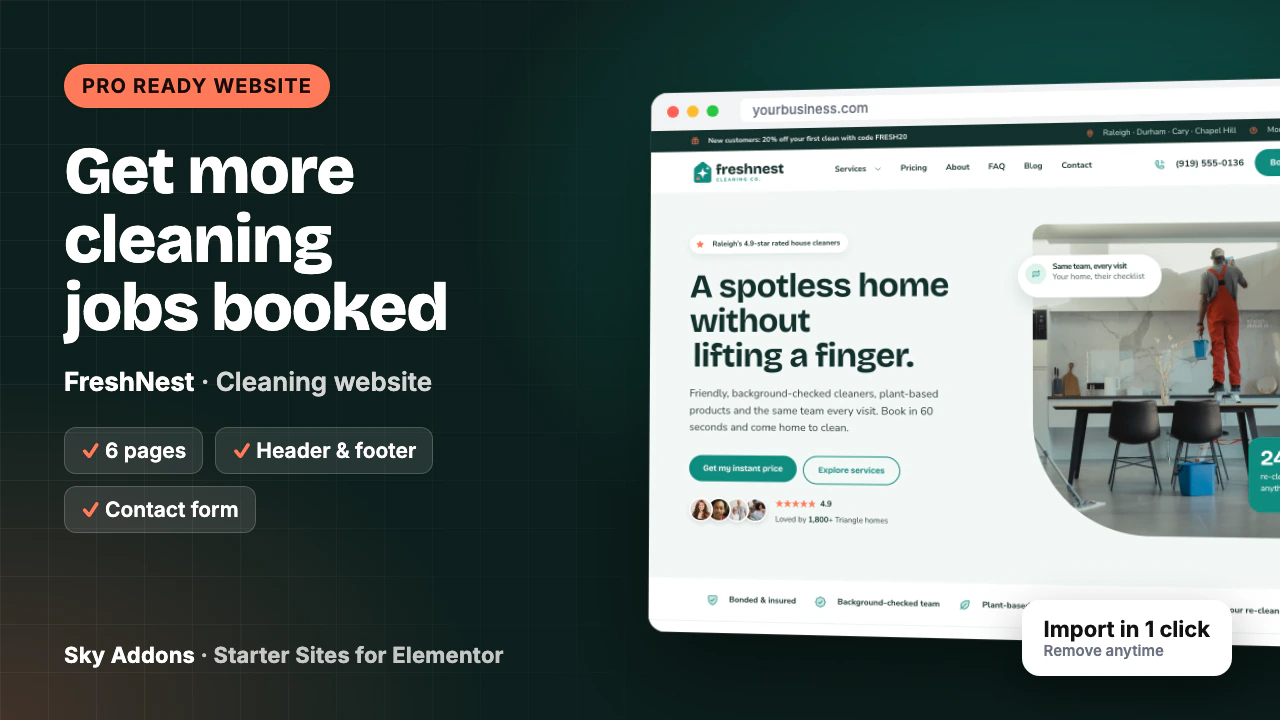
A mother of two has the lockbox code in her notes app and three cleaning company tabs open. She is deciding which strangers will walk through her kitchen on Tuesday while she is at work. One site shows a phone number and a stock photo. Another says who the cleaners are, that they are insured, what a three bedroom clean costs and what happens if a spot is missed. She books the second one before the kettle boils.
Cleaning is a trust purchase before it is a price purchase. Many small companies still run on a one-page site from years ago, because evenings go on quotes. A cleaning website template that already answers the trust and price questions closes that gap without hiring anyone.
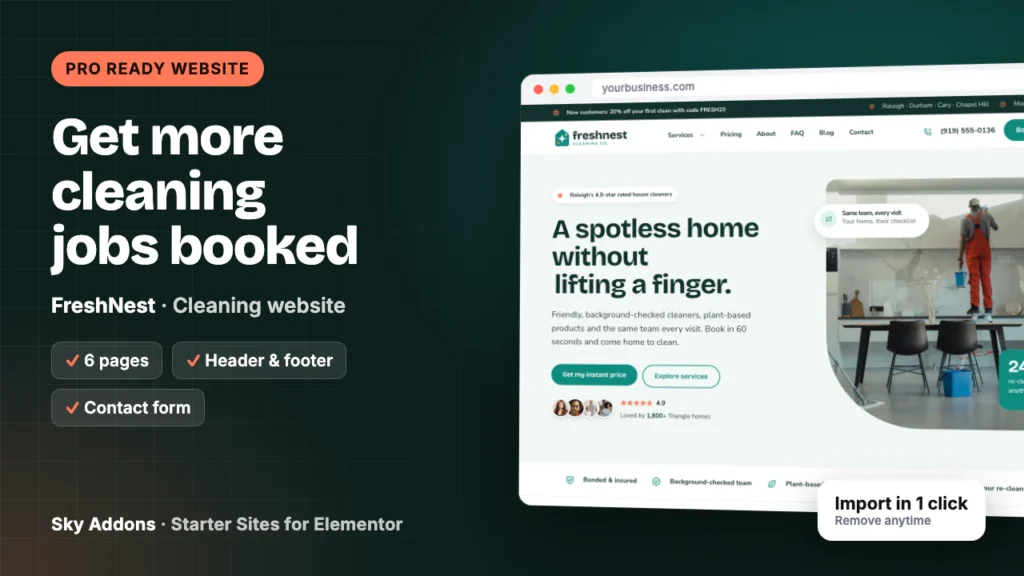
This post opens FreshNest, a cleaning website template from Sky Addons Pro, page by page: what each of its six pages says to a careful homeowner, which details are sample content, and what you change before launch.
FreshNest is a complete ready website for a residential cleaning company, built in Elementor with Sky Addons widgets. It imports from inside WordPress with its pages, header, footer, menus and booking forms already connected.
| Piece | What arrives |
|---|---|
| Pages | Home, About, Services, Pricing, FAQ, Contact |
| Header and footer | Sky Theme Builder: offer bar with service area and hours, Services dropdown, phone and Book a clean button; footer with a cleaning tips signup |
| Booking forms | Sky Addons Form Builder: a full booking request on Contact and a quick price form on each service page |
| Content types | Services (twelve samples), each with its own page |
| Plugins it installs | Secure Custom Fields, free from WordPress.org |
| Theme | Hello Elementor, unless you keep your current theme |
| Plan | Pro: needs Sky Addons Pro active |
| Mobile | Every page adapts, with Call and Book a clean pinned to the bottom |
The demo is a house cleaning company in Raleigh, North Carolina, but this cleaning website template fits most work sold by the visit:
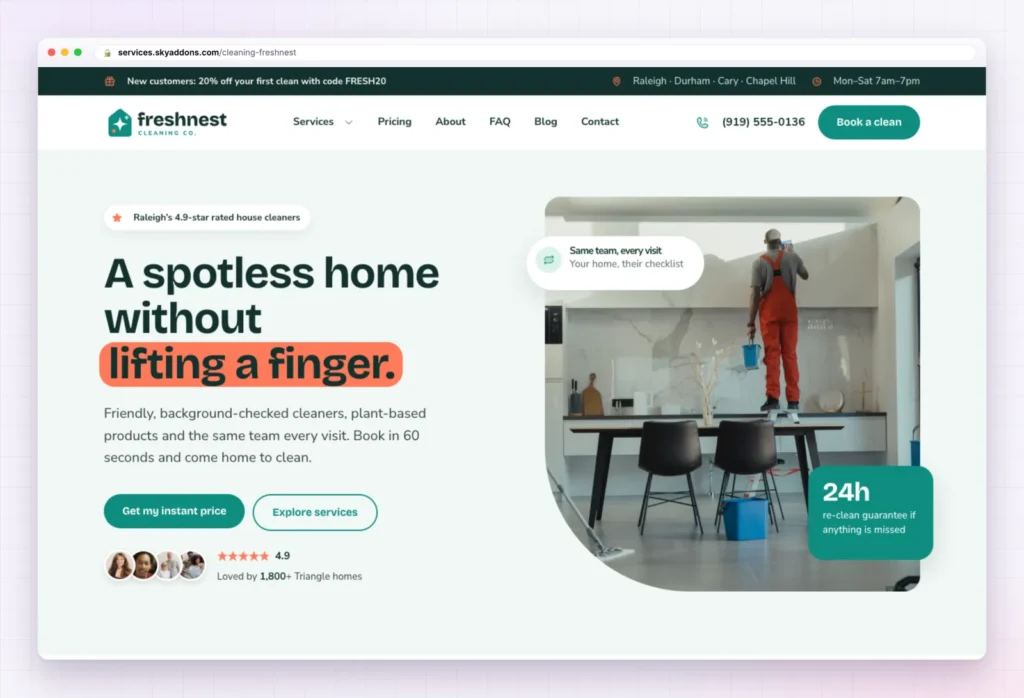
The first screen of this cleaning website template carries three answers at once. The headline promises “A spotless home without lifting a finger.”, the line below names background-checked cleaners, plant-based products and the same team every visit, and two buttons offer Get my instant price and Explore services. A star rating with review avatars sits under the buttons, and a badge on the photo promises a re-clean within 24 hours.
Further down, each section takes on one worry:
The calculator matters most: a homeowner who sees a number at 10pm does not need to text you for one. The rating, review count and coupon code are sample content.
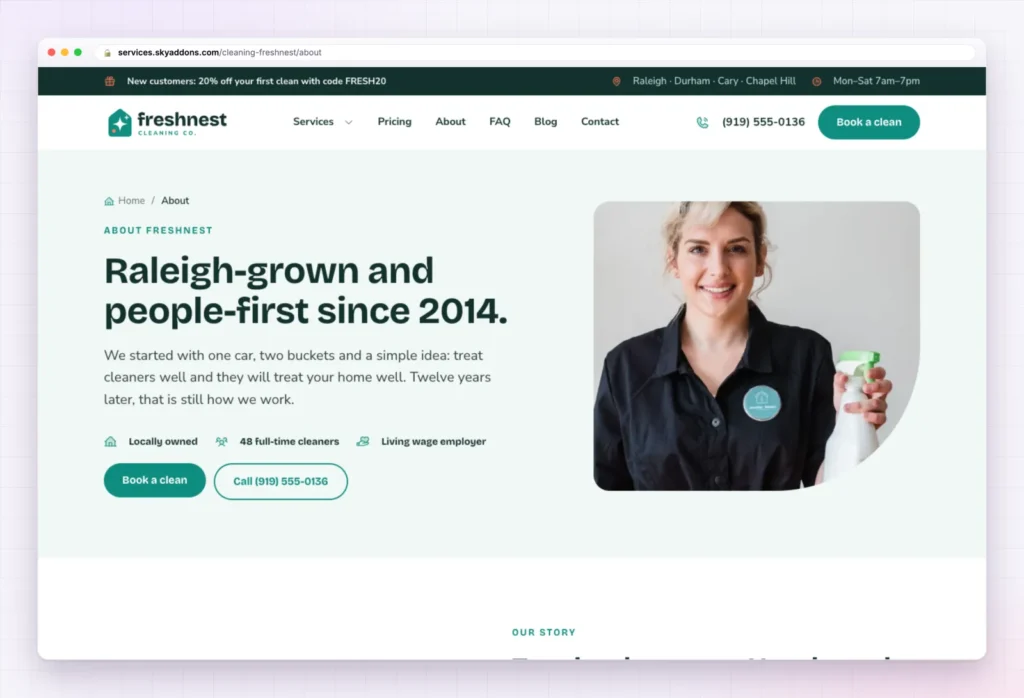
“Raleigh-grown and people-first since 2014.” opens with three chips: locally owned, a count of full-time cleaners and living wage employer. The story section explains why the founder started the company: clients kept firing services that sent a new face every week.
Then come Four promises behind every clean, five team profiles, and a six step timeline from one car to a growing team. The page ends with “Cleaning is a real career here.”, a hiring pitch with pay, training and benefits. Every number, name and benefit is sample content. If your team is three people, say so.
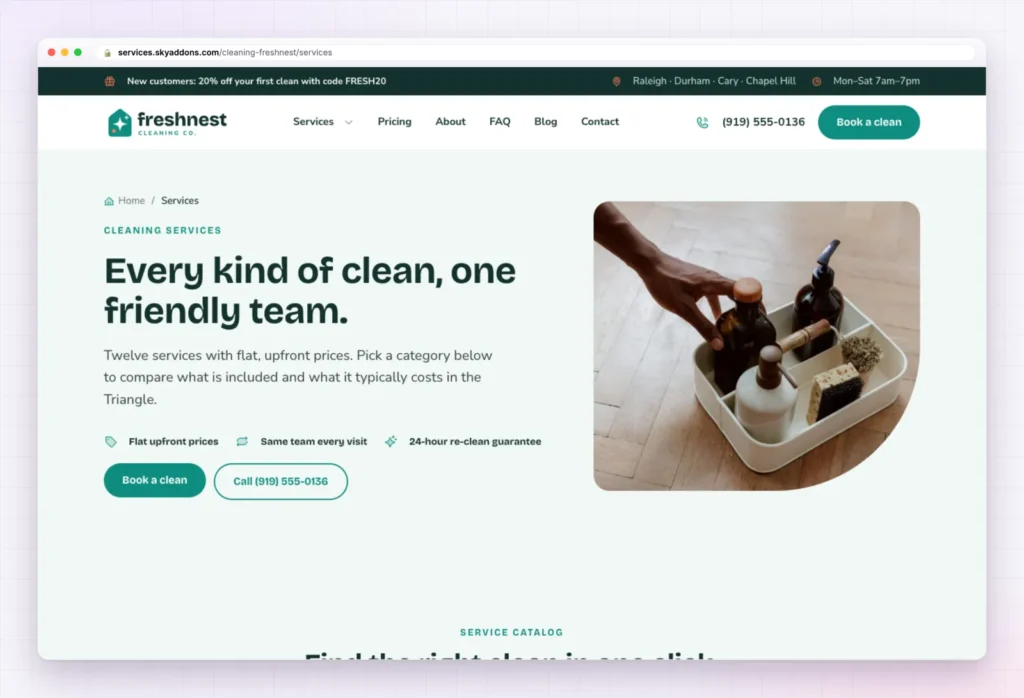
“Every kind of clean, one friendly team.” leads into a tabbed catalogue, Find the right clean in one click, where each card shows a starting price and links to its own page. The twelve samples run from Standard Home Cleaning, Deep Cleaning and Recurring Maid Service to Vacation Rental Turnovers, Inside Oven and Fridge, Laundry and Linen Service and Eco Green Cleaning.
A section on where a deep clean spends its time and a service area block follow. Each service is one entry in the services content type, and every service page in this cleaning website template carries a quick See my price form, so a visitor landing from search can ask for a price right there.
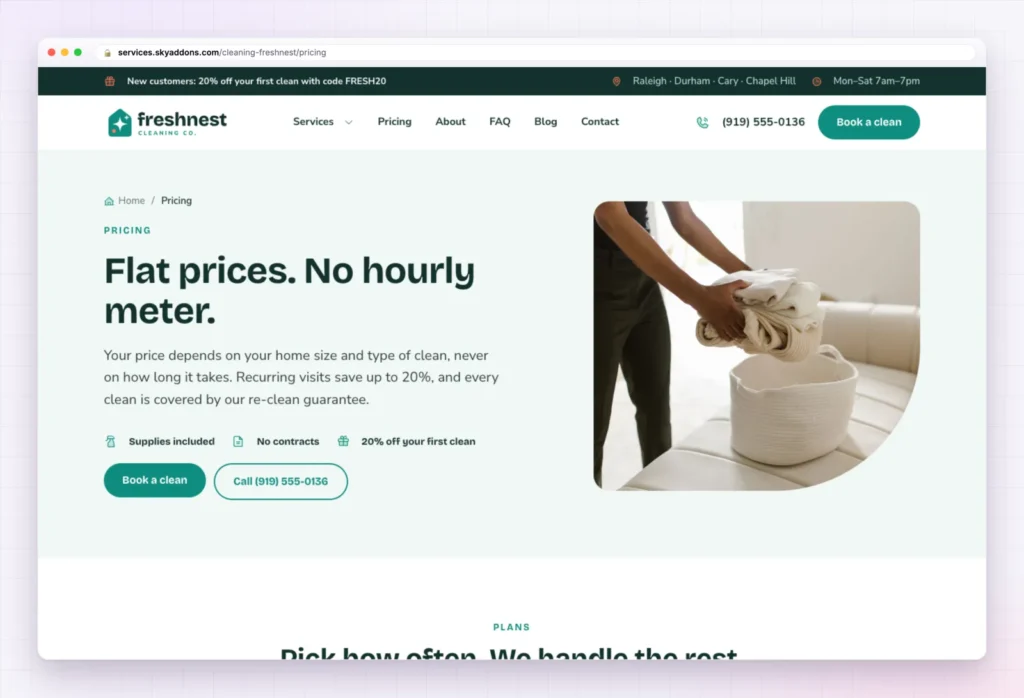
Hourly pricing makes homeowners nervous. “Flat prices. No hourly meter.” answers that, and the page backs it up in four layers:
| Section | What it shows |
|---|---|
| Pick how often | Three plan cards: one-time, every 2 weeks and weekly, with the recurring savings |
| One-time prices by home size | A table from a studio up to large homes, for standard, deep and move-in or move-out cleans |
| Standard, deep or move-out? | A comparison of what each type of clean includes |
| Little extras, big difference | Eight add-ons, such as inside oven, interior windows and heavy pet hair |
Five pricing questions and the booking band close the page. Every price, discount and add-on is sample content. Put in your own rates and keep the structure: it answers “how much for my house?” before anyone asks.
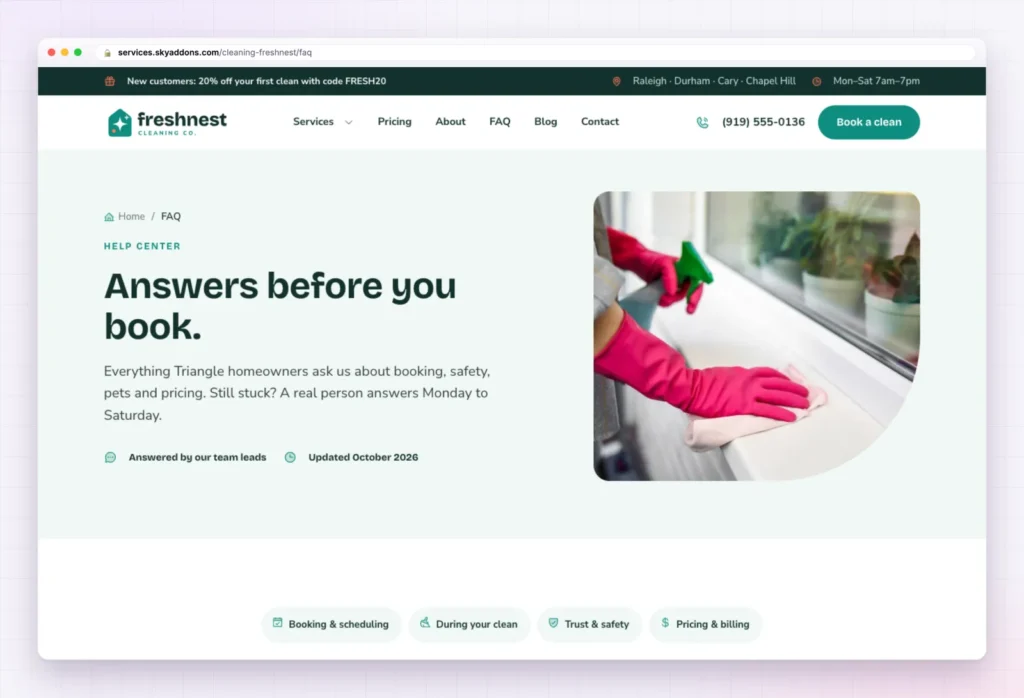
“Answers before you book.” groups sixteen questions under four tabs: Booking and scheduling, During your clean, Trust and safety, and Pricing and billing. The trust tab is the one that sells. It answers whether cleaners are background-checked, whether the company is insured, what happens if something is damaged, and how keys and door codes are kept.
Three help cards close the page. The hero shows an “Updated” date; change it when you edit the answers.
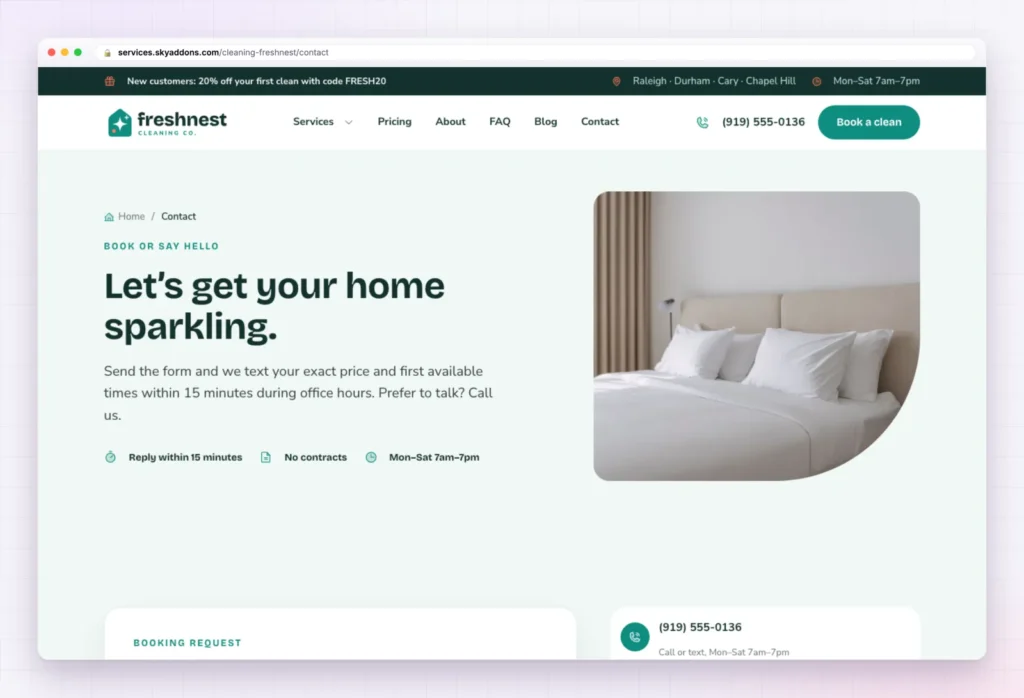
“Let’s get your home sparkling.” promises a text back with a price and first available times during office hours. The Booking request form, built with the Sky Addons Form Builder, asks for name, phone, email, address or ZIP, type of clean, home size, how often (one time, weekly, every 2 weeks, monthly) and a note, then Request my booking. That is enough to quote without a call.
Beside the form sit the phone card, office hours, a gift card offer and directions to the office. Set each form’s Email Receiver to the inbox you schedule from.
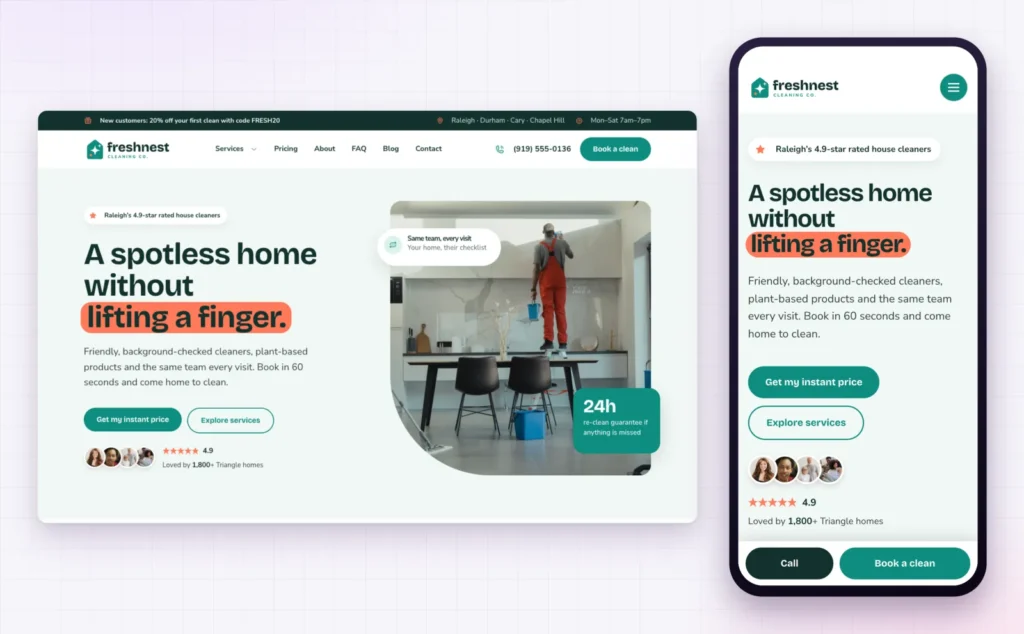
Most homeowners look for a cleaner on a phone, often in a car park. On a small screen the cleaning website template stacks the headline, keeps Get my instant price high and pins Call and Book a clean to the bottom of every page.
A homeowner is not buying a clean floor. She is buying the confidence to leave strangers alone in her house. Every page that explains who comes and what it costs earns that confidence before the first visit.
The hard part of a cleaning website template is the order of reassurance: who, how much, what if. That order is built in.
| Finished on import | Personal to you |
|---|---|
| Six pages laid out and linked | Company name, logo and colours |
| Offer bar, header and Book a clean button | Phone, service area and office hours |
| Booking request and quick price forms | Who receives each form |
| Twelve services in the services content type | The cleans you actually offer |
| Plan cards, price table, add-ons and calculator | Your real prices and discounts |
| Room checklist and FAQ tabs | Your checklist and policies |
| Phone bar with Call and Book a clean | Team photos, reviews and your story |
Changed your mind? Remove this import deletes what it added and puts back your old front page, colours, header, footer and theme.
No. FreshNest is a Pro kit, so it imports when Sky Addons Pro is active next to the free Sky Addons plugin.
No. The import only adds. Remove this import deletes what came in and restores your earlier front page, colours, header, footer and theme.
Yes. Swap the teal and coral for your own in Elementor’s global colours and fonts, and every page follows.
Yes. Every page has a phone layout, with Call and Book a clean pinned to the bottom of the screen.
No. Prices, services, photos and form fields are all edited by clicking them in Elementor.
FreshNest is a six page cleaning website template that answers who comes, what it costs and what happens if something is missed. Services, flat pricing, a calculator, trust answers and booking forms are in place. Add your prices, people and photos, import with Sky Addons Pro, and remove it cleanly if it is not the right fit.

Comments are closed.