
Esthetician Website Template: A Booked-Out Facial Studio Site Without Hiring a Designer
An esthetician website template for Elementor with 8 ready pages, a facial menu, prices, a first facial guide and booking forms. Add your photos and go.
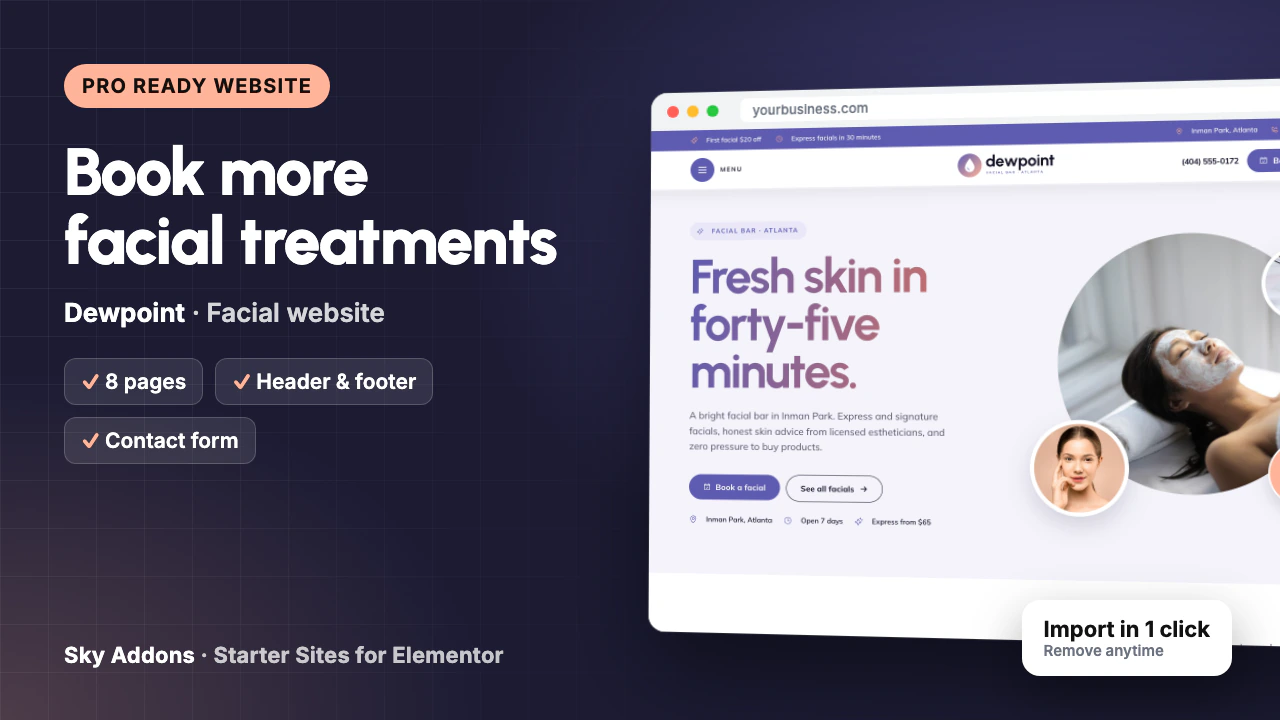
Your days are full of facials, and your marketing is an Instagram grid and a link to a booking app. New clients still message you the same questions: how much is a facial, which one should I book first, will I be red afterwards? Every reply is time you do not have between appointments.
Meanwhile, the studio across town has a proper website with a menu, prices and a first-facial guide, and it gets the booking.
This post walks through Dewpoint, an esthetician website template from Sky Addons Pro. It shows every page you get, what each one does for your studio, and how little is left to change before the site is yours.
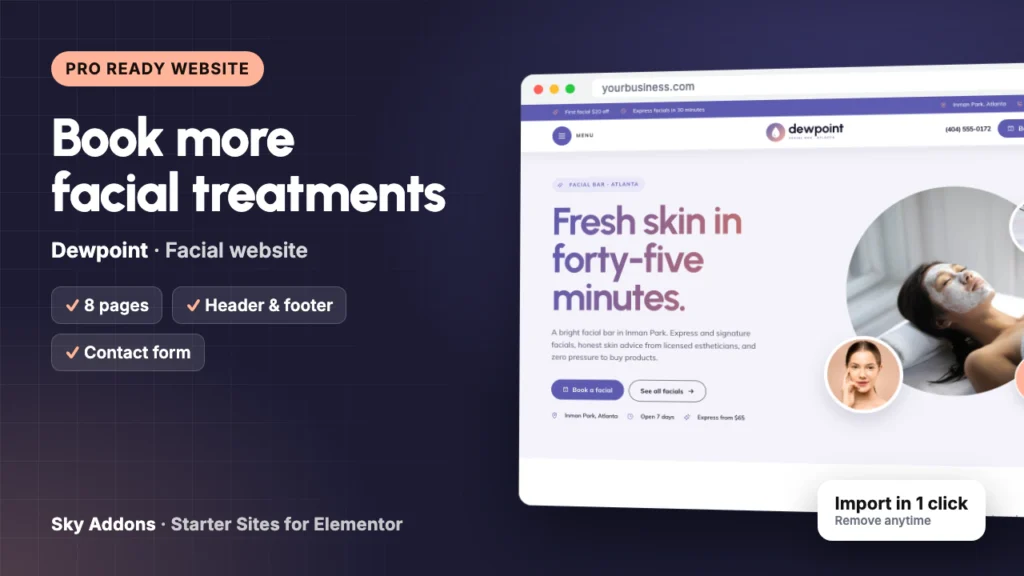
Dewpoint is a complete ready website for a facial bar or skin care studio, built in Elementor with Sky Addons widgets. You import it in one go from inside WordPress. Pages, header, footer, menus and booking forms arrive joined up, so you edit a finished site instead of building one.
| What you get | Details |
|---|---|
| Pages | Home, Facials, Pricing, First Facial, Skin Guide, About, FAQ, Contact |
| Header and footer | Sky Theme Builder: offer bar, phone, Book a facial button, full-screen menu |
| Booking form | Built with the Sky Addons form widget: first name, phone, email, skin type, treatment and a note |
| Content types | Services (9 sample facials), each with its own page |
| Plugins it installs | Secure Custom Fields, free from WordPress.org |
| Theme | Hello Elementor, unless you keep your current theme |
| Plan | Pro: needs Sky Addons Pro active |
| Mobile | Every page works on a phone, with a sticky Call and Book now bar |
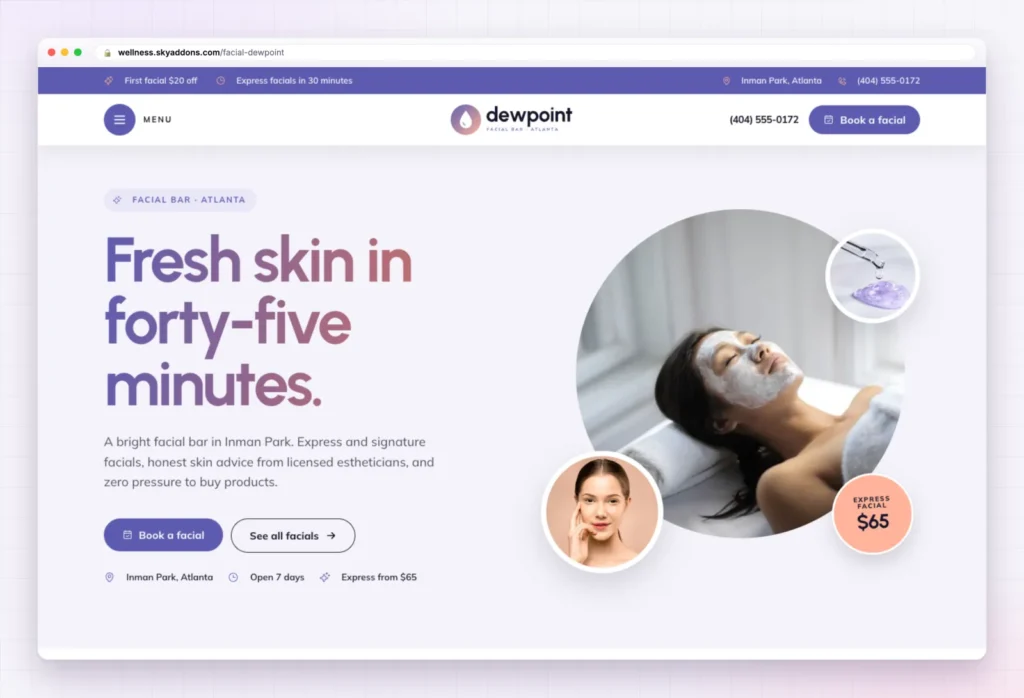
The demo is a facial bar in Atlanta, but this esthetician website template fits most skin care businesses:
The Home page of this esthetician website template opens with “Fresh skin in forty-five minutes.”, a short line about licensed estheticians and no pressure to buy products, and two buttons: Book a facial and See all facials. A top bar shows a first-facial offer and the express facial time.
Then the page leads the visitor toward a booking:
You change the headline, the offer, the team and the reviews.
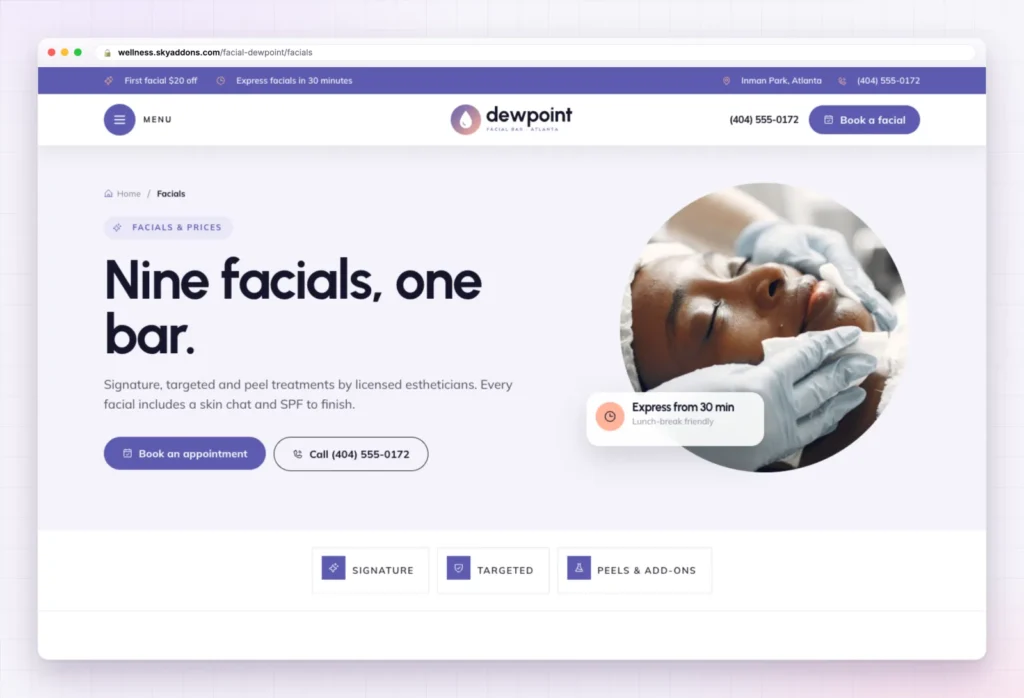
The Facials page sorts nine sample treatments into three groups, with quick links at the top: Signature (Express Glow, Signature Dew, Deep Hydration), Targeted (Clarifying, Calming, Lift and Firm) and Peels and add-ons (Dermaplaning, Brightening Peel, LED Light Therapy).
A studio section and a first-facial offer close the page. Facials are a content type, so each one is a single entry to edit. Rename them, remove what you do not offer, and write your own descriptions.
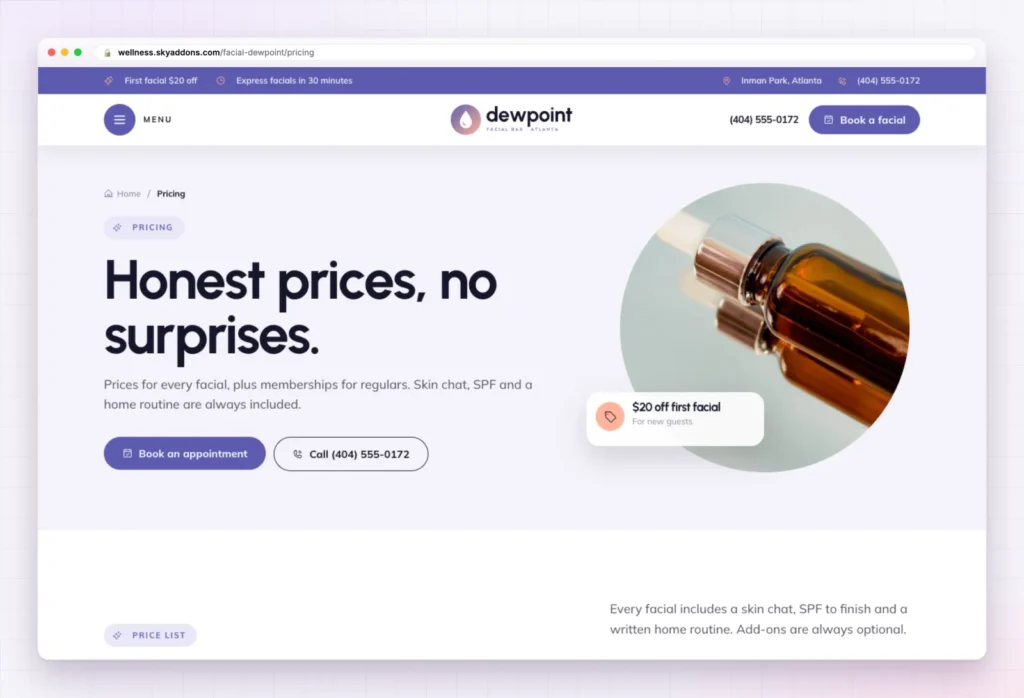
Clients hate being upsold on the bed. The Pricing page answers that with “Honest prices, no surprises”: a price list for every facial, then three memberships (Express Club, Dew Club and Bridal Glow), a gift card section and four small-print questions, such as whether memberships roll over.
Every price in the esthetician website template is sample content. Put in your own prices, and keep or remove the memberships and gift cards.
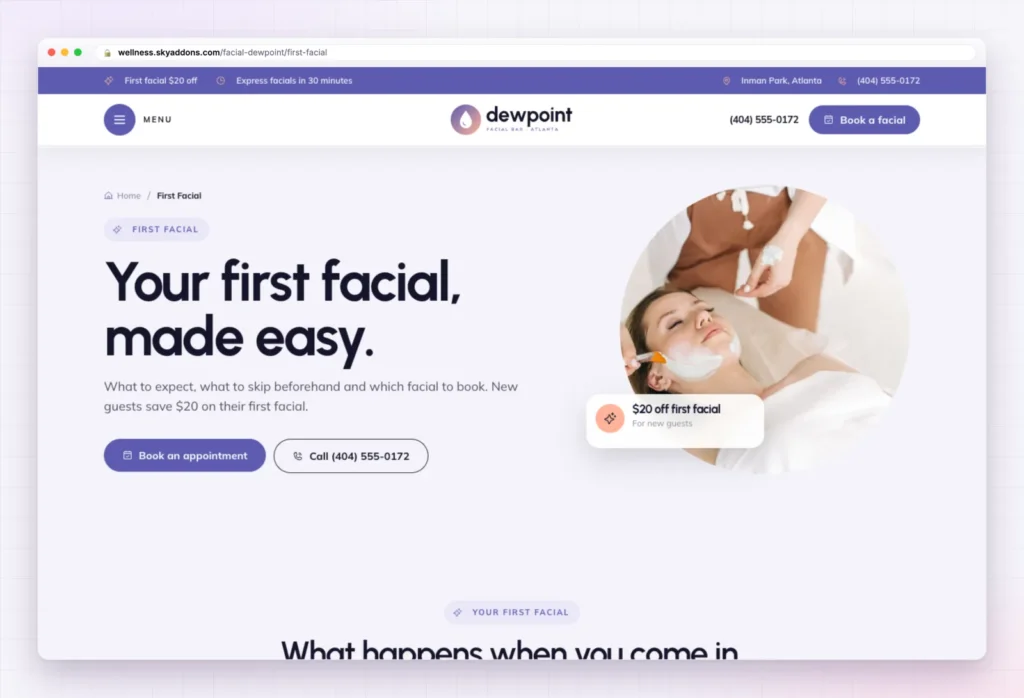
Many people have never had a facial. This page explains the visit in four steps: book and skip the actives, a quick skin chat, analysis then treatment, and a routine to keep. A short “before you come” list covers retinoids, waxing and arriving early.
Five panels help a nervous visitor choose a first facial, followed by a booking form and four first-timer questions, such as whether there will be extractions.
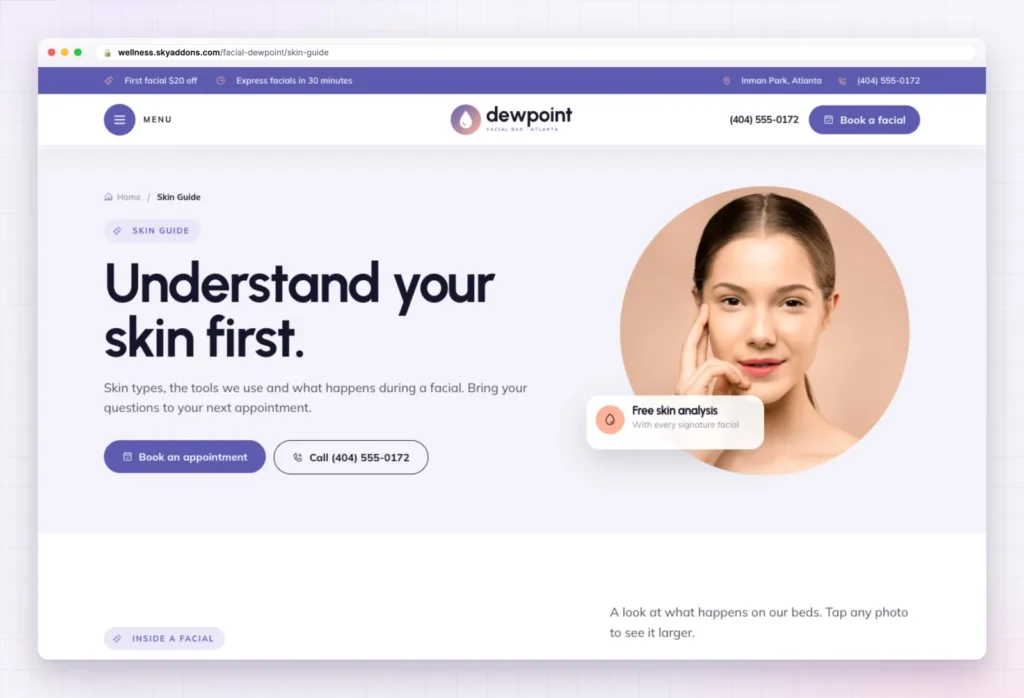
The Skin Guide page builds trust before the first booking. It has two photo galleries (inside a facial, and LED and tools) and a plain guide to four skin types: dry, oily, sensitive and combination, each with simple advice. A booking form closes the page.
Keep the advice general and safe, and change the gallery photos to your own room and tools.
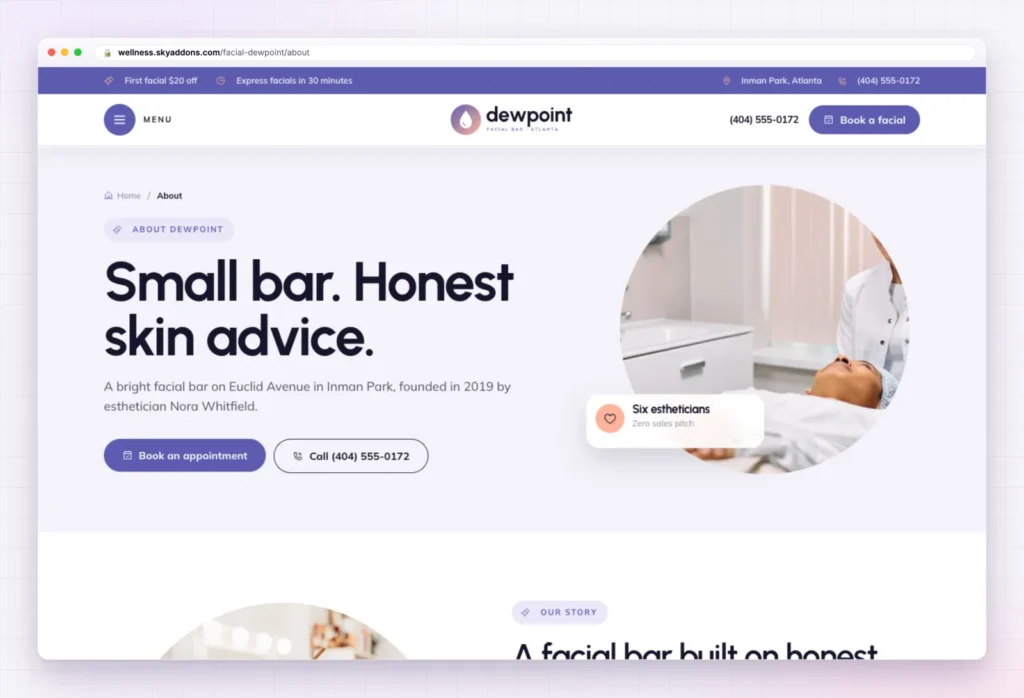
The About page tells the founder’s story under “Small bar. Honest skin advice.” Then come four promises (honest advice, gentle by default, respect your time, every skin welcome), the four estheticians, a section about the space, and guest notes. You change the story, the names and the photos, and check the team figures match your real team.
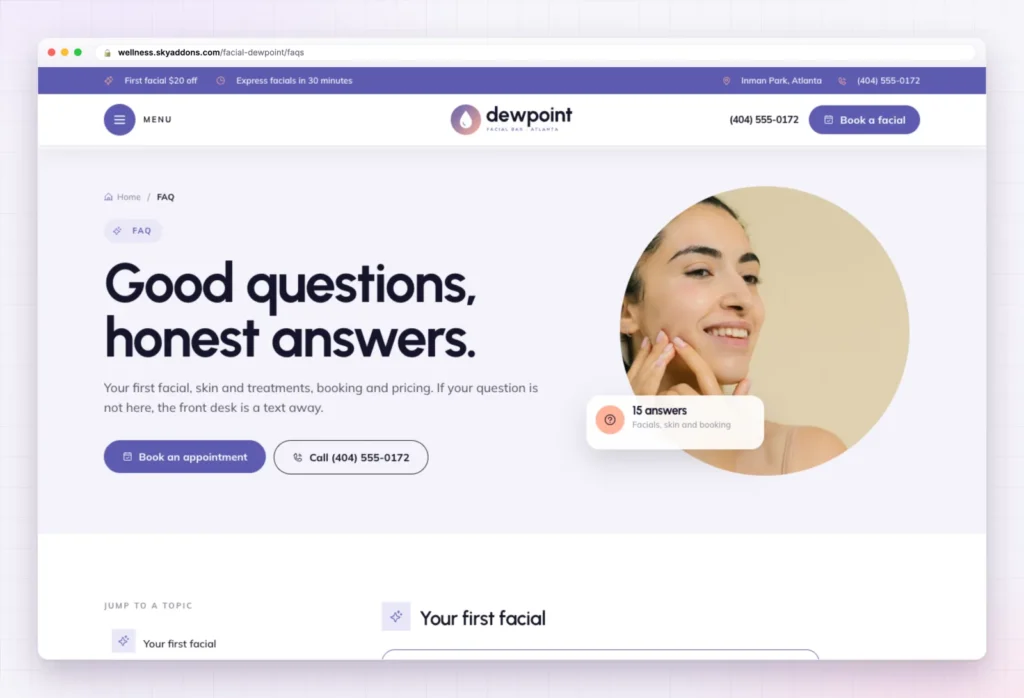
The FAQ page holds fifteen questions in four groups: Your first facial, Facials and skin, Booking and policies, and Pricing and memberships. They cover parking, makeup, pregnancy, cancellations and gift cards. A side card invites clients to text the front desk.
Rewrite the answers in your own words, especially anything about pregnancy or treatment safety.
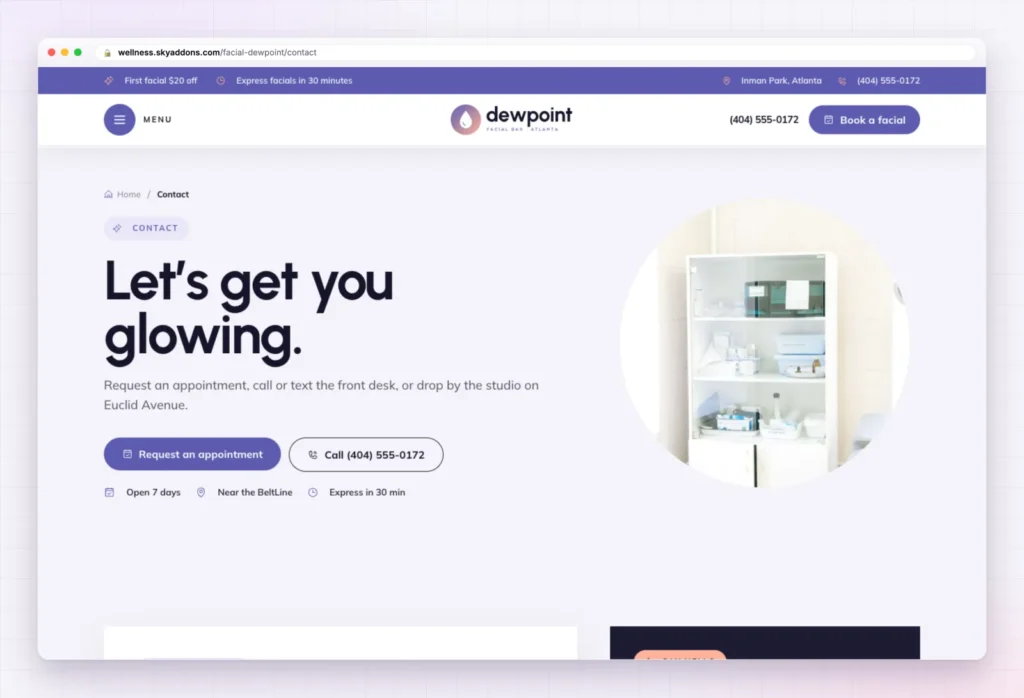
The Contact page opens with “Let’s get you glowing.” and a request form. Three cards follow (call the desk, send a text, drop by), with opening hours, a map and a Get directions button. Change the phone, text number, address and hours (all sample content).
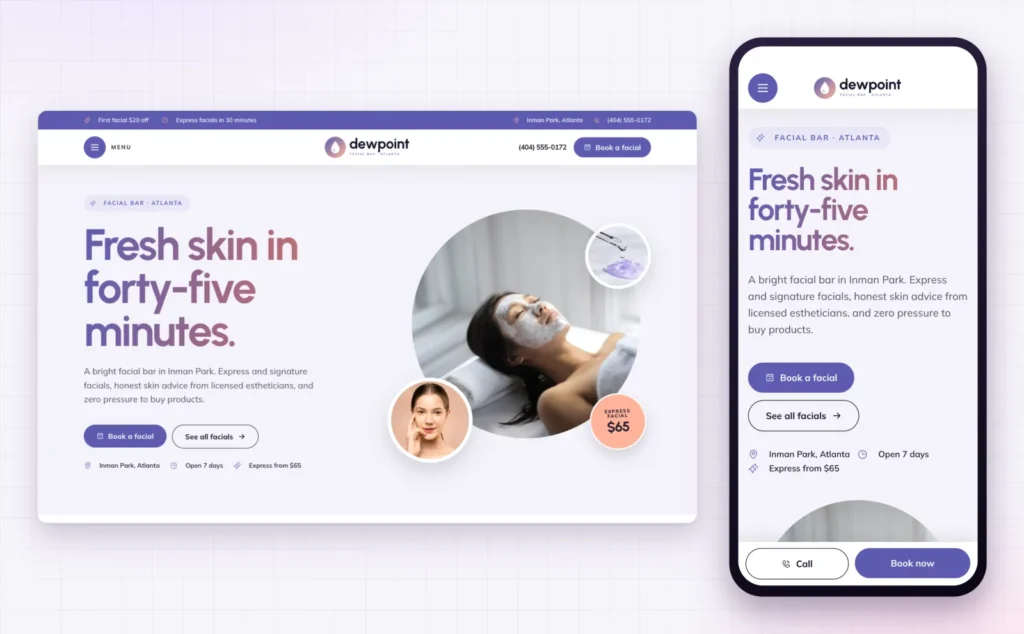
Most clients find a facial studio on a phone, often from a social profile. On a small screen, Dewpoint folds the menu into a button, stacks the headline and keeps Call and Book now fixed at the bottom of the screen.
That matters for local search too. Google’s guide to adding or claiming your Business Profile asks for a website link, and the page a client lands on should work on the phone in their hand.
The hard part of an esthetician website template is the layout, the order of sections and the joining up. That is done.
| Already done | You change |
|---|---|
| Eight pages laid out and linked | Logo and studio name |
| Header with offer bar, phone and Book a facial button | Phone and text numbers |
| Full-screen menu and footer | Address, map and opening hours |
| Booking forms with skin type and treatment choices | Prices, memberships and gift cards |
| Services content type with nine sample facials | The treatments you really offer |
| Global colours and fonts | Photos of your room, team and work |
| Phone layout with sticky Call and Book now bar | FAQ answers and guest notes |
Clients book the esthetician they trust to be honest about their skin. A clear menu, posted prices and a calm first-facial guide say that before you ever meet.
Changed your mind? Remove this import puts the site back as it was: imported items deleted, your old front page, colours, header, footer and theme restored. Nothing you had before is deleted or overwritten.
No. Dewpoint is a Pro kit, so it needs Sky Addons Pro active alongside the free Sky Addons plugin.
No. The import only adds. Remove this import puts the site back as it was, and pages you edited after importing are kept unless you tick the box.
Yes. The kit sets global colours and fonts, so a change in Elementor’s site settings applies wherever the design uses them.
Yes. Every page has a phone layout, and a Call and Book now bar stays at the bottom of the screen.
No. Everything is built with Elementor and Sky Addons widgets, so you edit text, photos and buttons by clicking on them.
Dewpoint is a finished eight page esthetician website template with a facial menu, prices, a first-facial guide, a skin guide and booking forms already in place. You change your name, numbers, prices and photos, switch the forms on, and the site is ready for clients. It imports in one click with Sky Addons Pro and comes out just as easily.

Comments are closed.