
Ripples Effect: Turn an Elementor Hero Into Water That Answers the Cursor
The Ripples Effect turns any Elementor section into water that reacts to the cursor. Five settings, no video file, and it ships in the free plugin.

Most visitors do not arrive at your home page. They land on a product, an article or a category from a search result, and the first question they have is where they are. A site without a trail leaves them to work it out from the design, and many of them will not bother.
Breadcrumbs answer the question in one line. They also give search engines a readable path through the site, which is why they show up under results as a tidy hierarchy instead of a raw URL.
Elementor breadcrumbs put that line wherever you want it, styled like the rest of the page, and handle the awkward part properly: what happens when an SEO plugin is already producing a trail of its own.
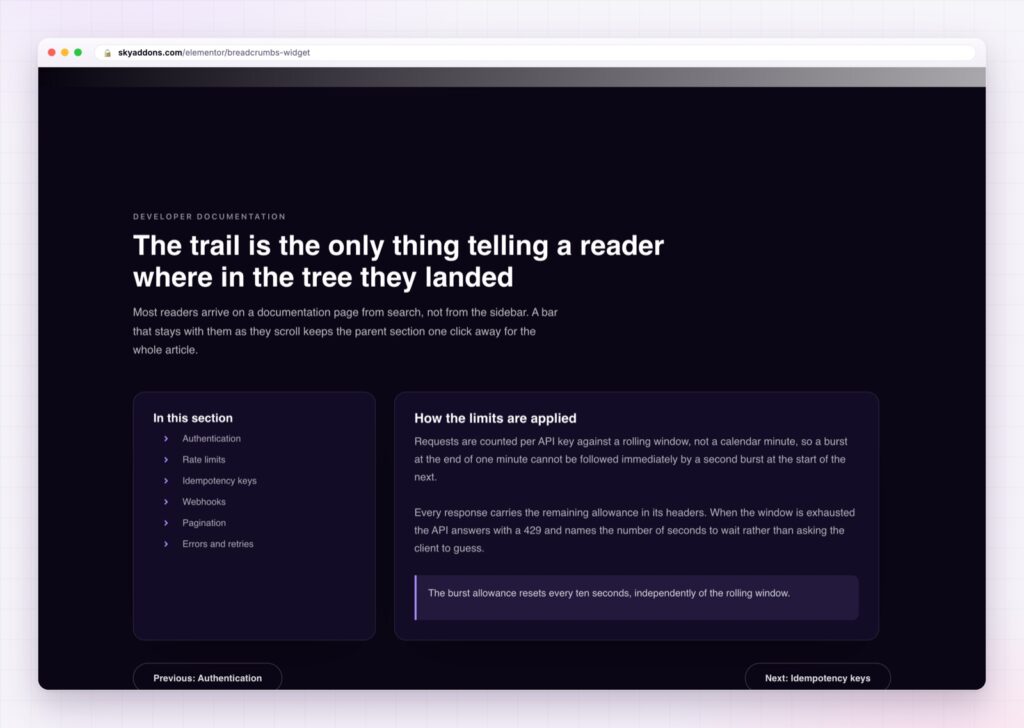
| A theme breadcrumb | Elementor breadcrumbs |
|---|---|
| Wherever the theme puts it | Anywhere in any template |
| Styled by theme CSS | Every state controlled, including the current item |
| Long titles break the line | Maximum title length, with the full text as a tooltip |
| Wraps to two lines on phones | Middle crumbs collapse to an ellipsis |
| Duplicate schema if an SEO plugin is active | Schema that stays quiet when a plugin is already emitting it |
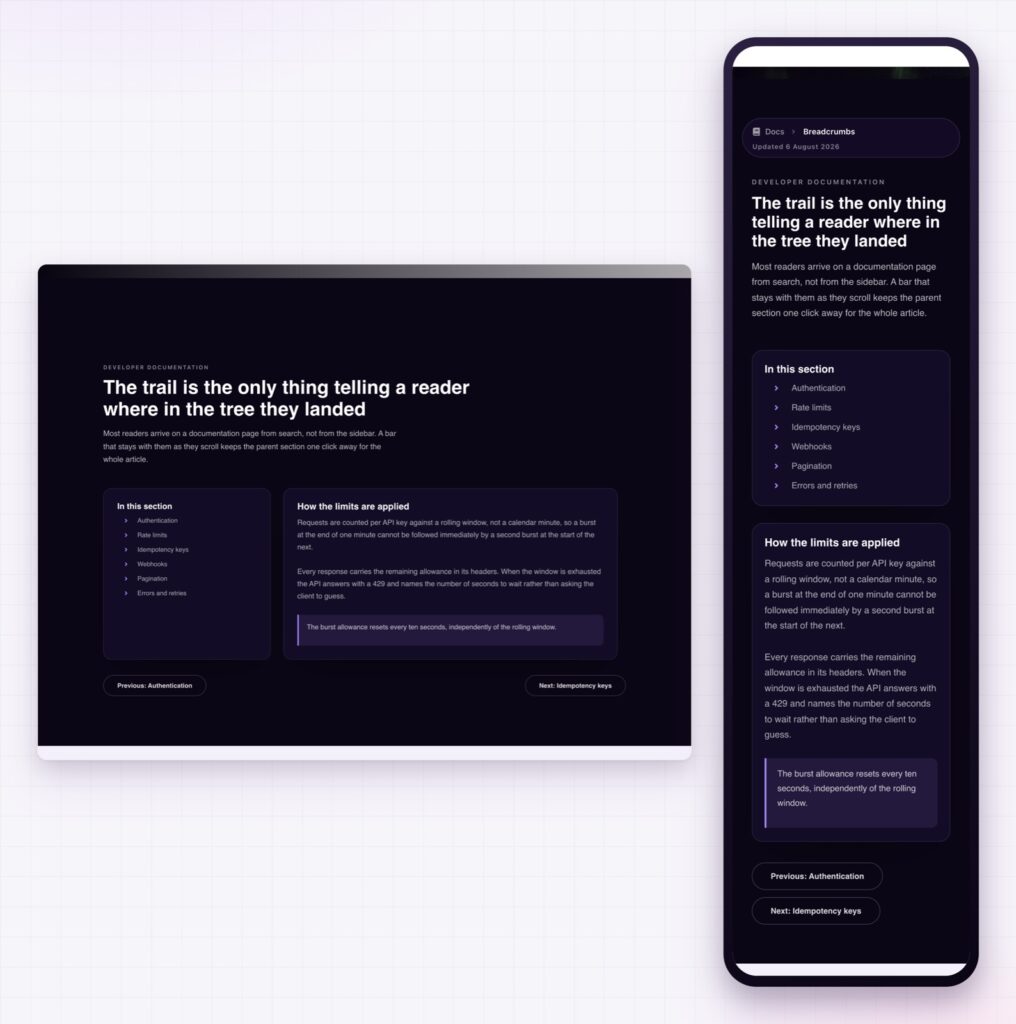
Six sources, including the plugin you already use. The built in trail, or a pass through from Yoast SEO, Rank Math, SEOPress, All in One SEO or Breadcrumb NavXT. If your client’s site already has breadcrumb settings configured in Yoast, you can keep those rules and just take over the presentation.
Schema that does not duplicate. BreadcrumbList structured data can be off, always on, or automatic. Automatic checks whether Yoast, Rank Math, SEOPress or All in One SEO is already outputting a list, and stays quiet when one is. Two BreadcrumbList blocks on a page is a real problem and this is the setting that prevents it.
Collapse middle crumbs, per breakpoint. A trail four levels deep is fine on a laptop and a wrapped mess on a phone. Collapsing the middle to an ellipsis keeps the first and current crumb visible, and you set that behaviour separately for each screen size.
Maximum title length. Long post titles are what actually break a trail. Truncate them to a sensible length and the full title stays available as a tooltip.
Every label is yours. Nine text overrides cover Home, Blog, Page, Shop, Category, Search, Author, Tag and the 404 page, so the trail speaks your site’s language rather than WordPress’s. There is also a word stripping option for removing repeated prefixes from titles.
Accessible by default. The navigation carries an accessible label you can write yourself, which is what a screen reader announces before reading the trail.
Breadcrumbs are for orientation, not decoration. If the trail is wider than the heading beneath it, shorten the titles rather than the font.
A trail turns a landing page into a place. Somebody who arrives at one product from a search sees that it sits inside a category with more things like it, and the next click becomes obvious. That is one of the cheapest improvements available on a deep site, because the information is already there in the structure.
The search engine side is just as direct. Google’s breadcrumb documentation describes how a BreadcrumbList lets a result display a readable path instead of a URL, which affects how trustworthy the result looks before anyone clicks it. The catch is that emitting two lists is worse than emitting none, which is exactly the situation the automatic setting exists to avoid.
The pass through option is the practical one. Plenty of sites have breadcrumb logic already configured in an SEO plugin, including custom taxonomies and exceptions nobody wants to rebuild. Keeping those rules and replacing only the appearance is much less work than starting again.
No. Breadcrumbs are part of Sky Addons Pro.
Yes. Either plugin’s trail can be passed through, so its rules stay in force and you control the styling.
Not on the automatic setting. It checks for Yoast, Rank Math, SEOPress and All in One SEO and stays quiet when one of them is already emitting a list.
The middle crumbs collapse to an ellipsis, leaving the first and current crumb visible. You set that per breakpoint.
Yes. Nine labels are editable, covering Home, Blog, Page, Shop, Category, Search, Author, Tag and 404.
Elementor breadcrumbs answer the first question a visitor arriving from search has, in one styled line that lives in your template rather than in the theme. They can carry their own trail or pass through Yoast, Rank Math, SEOPress, All in One SEO or NavXT, collapse sensibly on phones, and emit BreadcrumbList schema only when nothing else already is.
The Breadcrumbs demo runs nineteen trails on one page, including icon separators, collapsed variants and dark header styles. Every control is listed in the Breadcrumbs documentation.
For the header above the trail, the Elementor nav menu builds the bar and the mega panels, and the Elementor offcanvas menu handles the slide in version.
Breadcrumbs are part of Sky Addons Pro. The free versus Pro page shows where the line falls.


Comments are closed.