
Elementor Dynamic Tags: Pull Real Content Into Any Widget
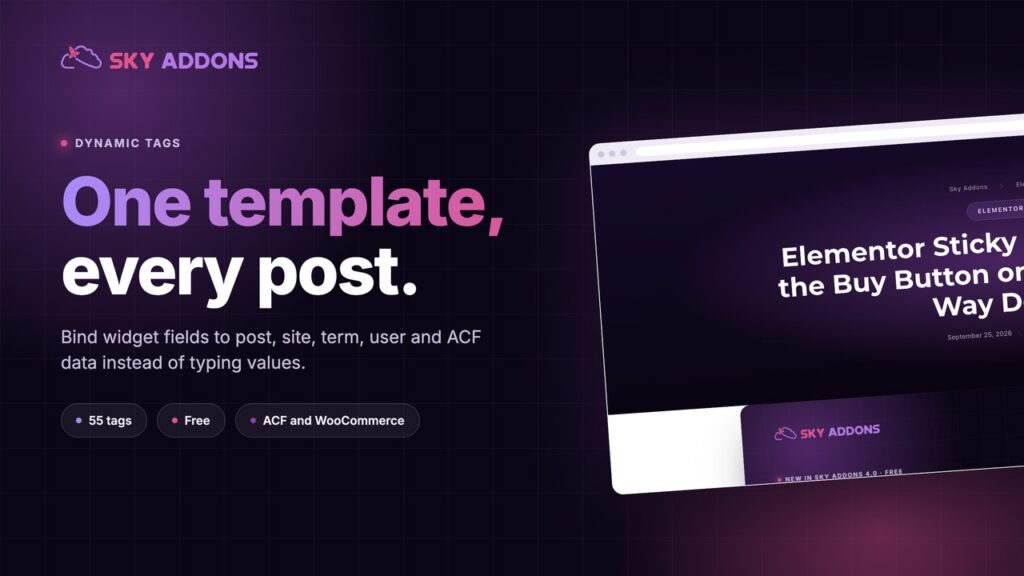
Sky Addons registers 55 dynamic tags for Elementor, covering post, site, archive, term, user and ACF data, so one template serves every post.

When an Elementor site feels slow, the addon pack is usually the first thing people blame. Sometimes that’s fair. More often the cause is somewhere else, and uninstalling the addon only removes the widgets you were using while the real problem stays put.
These are the checks we run, in order, before touching any plugin. None of them need code.
Test the page that actually feels slow, and test it on mobile, with PageSpeed Insights. Write down three numbers: Largest Contentful Paint (LCP), Interaction to Next Paint (INP) and Cumulative Layout Shift (CLS).
Google treats an LCP under 2.5 seconds, an INP under 200 milliseconds and a CLS under 0.1 as good. The details are in Google’s guide to Core Web Vitals.
Run the test twice. The first run after clearing a cache is often slower than what your visitors get.

Open your browser’s developer tools, go to the Network tab, reload the page and sort by size. Twenty plugins that add nothing to the front end cost less than one plugin that adds a large script to every page.
The question isn’t how many plugins are active. It’s which CSS and JavaScript files arrive, and whether the page uses them.
Addon packs ship far more widgets than any single site needs. In Sky Addons, every widget, extension and integration has its own switch in the dashboard. When one is switched off it isn’t loaded at all, so its files never reach the page.
Go through the list once per project. If a widget isn’t placed anywhere, turn it off. It takes a second to switch back on if a client asks for it later.
Images are the most common reason for a slow LCP. Look for these:
Resize images before you upload them, and in the Image widget choose the size closest to how large the image actually appears.
Every font family and weight is another file to download. Two families with three or four weights between them is enough for most sites.
Set your fonts once in Elementor’s Site Settings rather than picking a new one per widget. Then turn on Elementor’s Inline Font Icons option, which renders icons as SVG instead of loading whole icon font libraries.
Entrance animations, particles and parallax all run scripts, and content that waits to animate in can make a page look ready later than it is. Use motion where it helps the visitor understand something, and keep the first screen calm. One effect per section tends to look better anyway.
A page cache and a CDN usually do more for speed than any single plugin change. Open the page in a private window to confirm logged-out visitors get the cached version, and clear the cache after every change so you’re measuring the new setup.
If you’ve worked through all seven and a plugin still loads heavy files on pages that don’t use it, raise it with the developer. A well-built addon loads its assets only where they’re needed. If it can’t, replacing it is a fair call. Just make that decision after measuring, not before.
Running Sky Addons and stuck on a slow page? Send the URL to [email protected] and we’ll take a look.

Comments are closed.