A panel slider for Elementor: slides split into panels that move independently, for a layered, editorial transition.
Ateliers is a shared yard of eleven workshops behind a builders’ merchant. Each panel below is one studio’s note from the past fortnight.


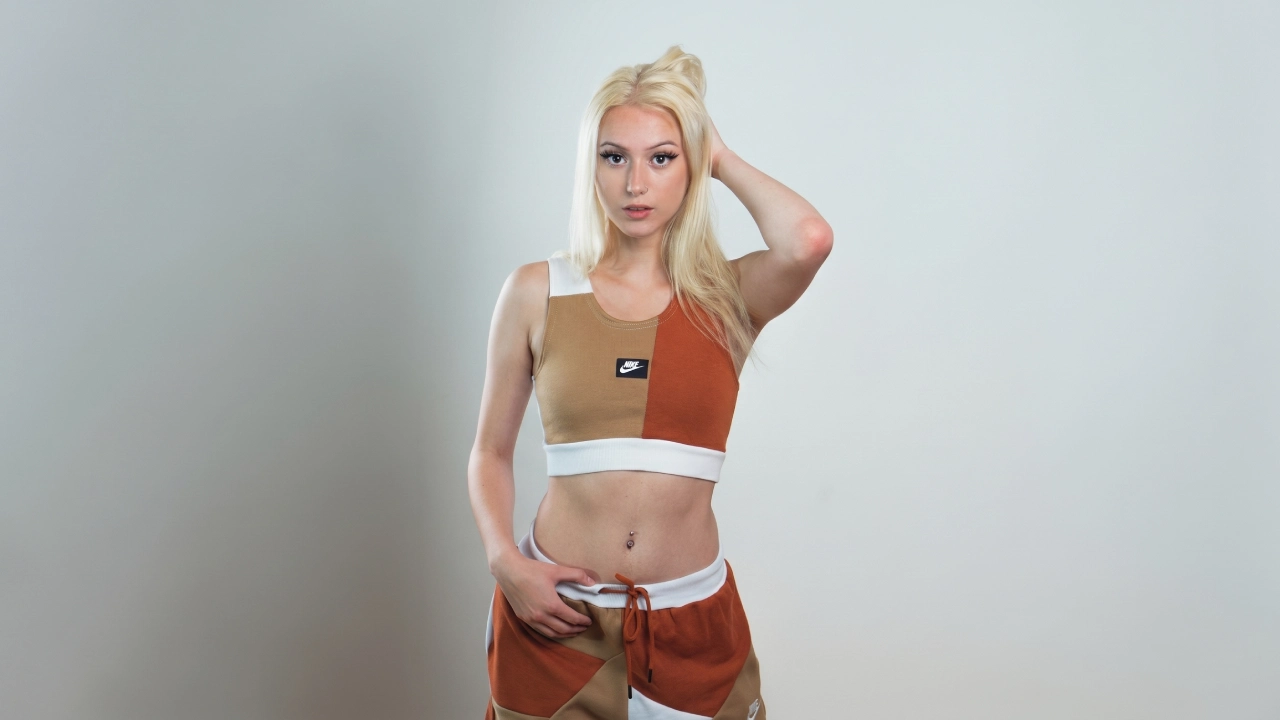



Hover a panel and the note opens. It is the same behaviour as the yard itself — nothing is on display until you walk up to it.








Two looms and an indigo vat that has been going since 2019. Open days are the only time the vat is not covered.
Studio Ines Karras
Unit 4, back of the yard






Repetitive strain, solvent extraction and the physiotherapist who now takes the yard’s bookings in one block.






One portrait per studio per year, taken in the last hour of light before the yard gates close.


11
studios, all let
£210
a month, unchanged since 2021












First and third Saturday, ten until four. No booking, and the tea is free because the urn is enormous.
Studios that have left keep their notes up. Three of the eleven units have changed hands and the history is worth more than the tidiness.
Written by whichever studio has the key that week, which is why the tone changes every time.




There is a waiting list for units and it is genuinely first come. Ask at the gate on an open day rather than emailing.

Straight answers about what this one does, where it fits in a real build, and what it costs you to ship.
Read the documentation for this one, or write to us — a human answers inside a business day.
It shows several tall image panels side by side and keeps each one closed until it is called for. The Panel Slider widget in Sky Addons for Elementor holds the title, text and button inside the panel and reveals them in place, so the row stays calm until a visitor engages with it.
On hover by default. With Sky Addons Pro installed the Show Content select adds three more modes: only the active panel, active plus hover, or always open. Without Pro the widget still works, it simply stays on the hover behaviour.
Three on desktop, two on tablet and one on a phone, and the Columns select runs from one to six per device. Slides Per Group is separate: leave it at one to advance panel by panel, or raise it to move a whole screenful at a time.
Yes. Source switches between a hand-built repeater and Dynamic Posts, where the featured image becomes the panel, the post title the headline, the trimmed excerpt the text and the permalink the link — driven by the full query builder on the Query tab.
Yes. Link On accepts Title, Item, or both at once, so the headline can point at the post while the panel itself stays inert — or the entire image becomes the target. The button is a separate switch with its own text, icon and hover animation.
Slide and Coverflow. Coverflow opens a popover with Depth, Modifier, Rotate and Stretch plus a Slide Shadows switch, and pairs well with Centered Slides so the focused panel sits in the middle of the row rather than at its left edge.
Yes — dragging always works, and the Grab Cursor switch makes it obvious by changing the pointer over the row. Free Mode lets the row come to rest between panels instead of snapping, which suits a long strip of images more than a three-panel feature.
Bullets, Fraction, Progress Bar or none, with a Dynamic Bullets option that shrinks the outer dots on long sets. Bullet height, width, radius, spacing and both colours are separate controls, and the whole row can be aligned left, centre or right.
640px, dropping to 400px below the tablet breakpoint. The Height control is per device and takes px or em anywhere from 100 to 1000, and Image Cover decides whether each picture fills that box or sits inside it at its own proportions.
No. It runs on free Elementor and ships in the free Sky Addons plugin, with autoplay and loop already on and speeds set in milliseconds. Only the extra Show Content modes are reserved for Sky Addons Pro; everything else is available as it stands.
Elementor widgets and extensions by wowDevs — built for people who would rather ship than fight a page builder.
One short email when something ships. No drip sequence.