Element parallax for Elementor: any element drifts from its own position as it crosses the viewport, in eight routes.
Printed litho in Wakefield on paper we can name. Issue 14 is about what people wear when nobody is commissioning them.



A stylist who only works with what clients already own, two photographers who share one studio, and the last darkroom in Leeds.




Ilse shot all four in the same room with the same north light. Nobody brought a rail of clothes and nobody was retouched.

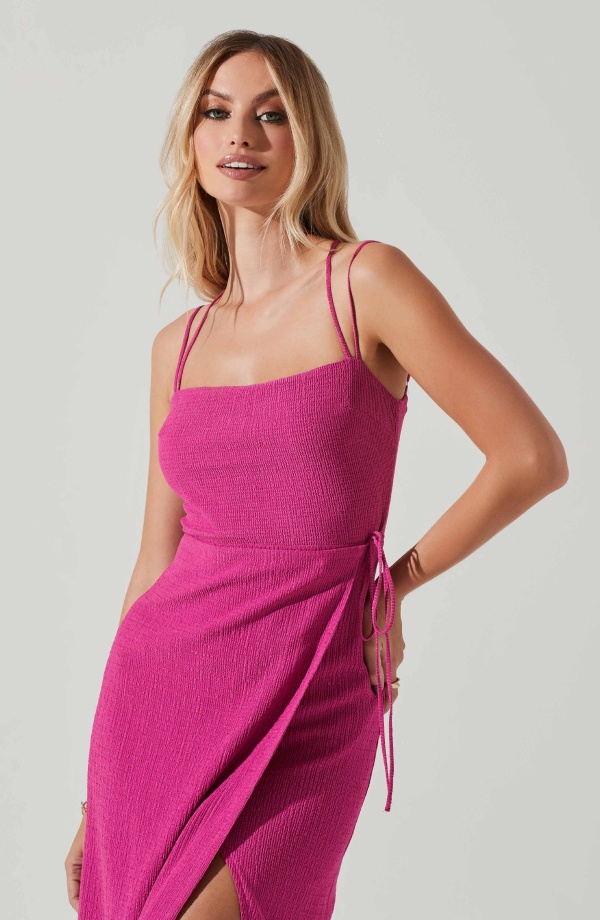

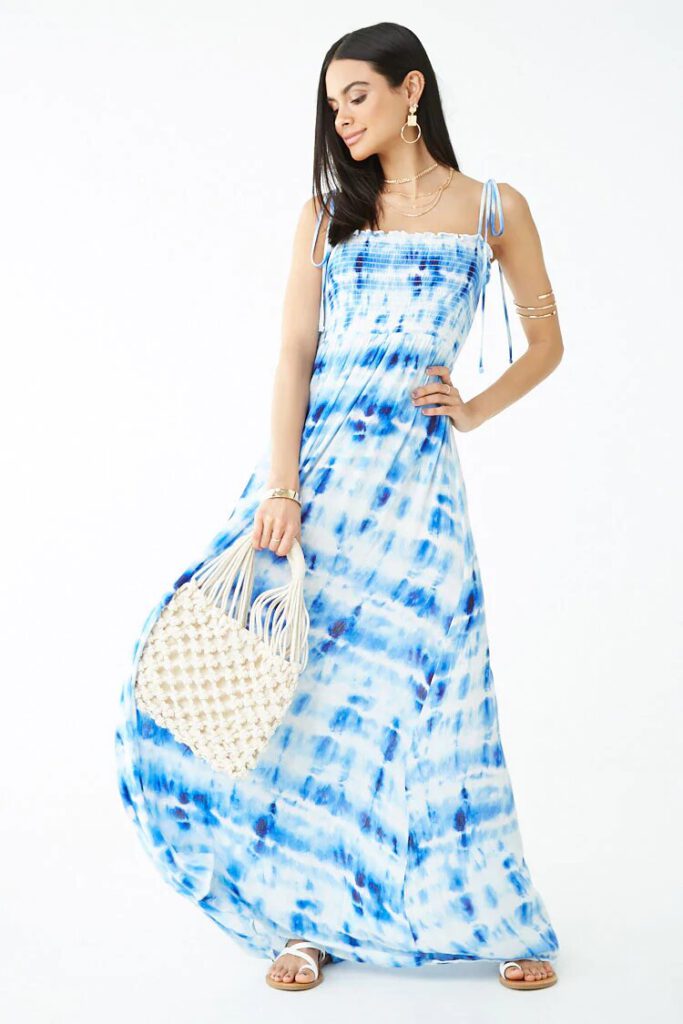
Thirty-eight pounds for four issues, or forty-six with the back catalogue bundled into the first parcel.
Issue 11 went in nine days and we are not reprinting it. The other three are still on the shelf.




Munken Kristall 120gsm inside, 300gsm cover, Pantone 4685 on the spine. It costs about eleven per cent more than the obvious alternative.


Half of what we run comes in unsolicited. If you know somebody who makes something properly and nobody has written about them, that is the pitch.
Every card below holds the same block, placed the same way. Scroll, and each one leaves its position by a different route — then sits exactly where it was put as it passes the middle of the screen. Nothing moves on a phone, which is how it ships.
Travel is one number, and it is the only thing separating the eight ready-made routes from each other. The ninth card is the same engine with the numbers typed by hand.
Forty-one shops across the UK and Ireland, plus the subscription. We post on Tuesdays, flat, in board-backed envelopes.

Straight answers about what this one does, where it fits in a real build, and what it costs you to ship.
Read the documentation for this one, or write to us — a human answers inside a business day.
On the Advanced tab, near the top, of any Elementor container or widget. Sky Addons for Elementor adds it as a panel section rather than a widget — you select the image, heading or container you already placed and switch it on. Containers and widgets get exactly the same set of controls.
Element Parallax moves the element itself — an image, a heading, a whole card — away from its resting position as it crosses the viewport. Background Parallax moves a container background picture while the content stays put. This one is for building a layered scene out of ordinary Elementor elements.
No, and that is deliberate. The extension writes the CSS translate, rotate and scale properties rather than transform, and those apply earlier in the rendering pipeline. Elementor Transform controls and its entrance-animation keyframes keep the transform property to themselves, so both land at once.
Eight named routes — Float, Sink, Drift Left, Drift Right, Diagonal, Rise and Spin, Zoom Drift and Tilt Drift — each driven by a single Intensity slider from 1 to 10. A ninth option, Custom, drops the preset and gives you From and To ranges for movement, rotation and scale to type yourself.
Switch on Sync to Container for each of them. Their motion is then timed to the parent container scroll range instead of each element own, so four images in one container move as a composed scene at different speeds rather than each starting and stopping independently.
No. Element Parallax is part of Sky Addons Pro and works on free Elementor. Elementor Pro motion effects are not required, and the approach differs: this asks for a named preset and one Intensity slider rather than a set of raw numbers per axis.
Only around the Z axis, on purpose. Custom mode offers a Rotate range from minus 180 to 180 degrees, flat in the page. X and Y rotation are deliberately left out, because a scroll-scrubbed 3D tilt parks the element mid-angle and reads as broken text rather than as depth.
A parent container set to hide overflow will crop the travel, because the element genuinely leaves its resting position. Allow overflow on that ancestor, or lower the Intensity so the movement stays inside the box. The element sits exactly where you placed it when it is centred in the viewport.
Disable on Mobile is on by default with a matching tablet switch, because mobile browsers resize the viewport as the address bar hides and that makes scroll-driven motion jump. The handler also reads the visitor prefers-reduced-motion setting and skips the effect entirely when it is set.
Yes. The edit canvas is a scrollable frame, so scrolling it drives the same scroll-triggered motion you get on the front end. That is worth knowing, because Intensity is far easier to judge by scrolling past the element a few times than by picking a number from 1 to 10.
Elementor widgets and extensions by wowDevs — built for people who would rather ship than fight a page builder.
One short email when something ships. No drip sequence.
