Two buttons side by side in Elementor with a divider between them — primary and secondary actions, styled independently.
Create powerful call-to-action sections with our dual button widget for Elementor.
Take your Elementor website to the next level with our professionally designed dual button element. Unlike standard buttons, this premium addon allows you to present two equally important actions together with perfect alignment, spacing, and visual harmony – ideal for “Learn More/Buy Now” combinations that boost conversion rates.

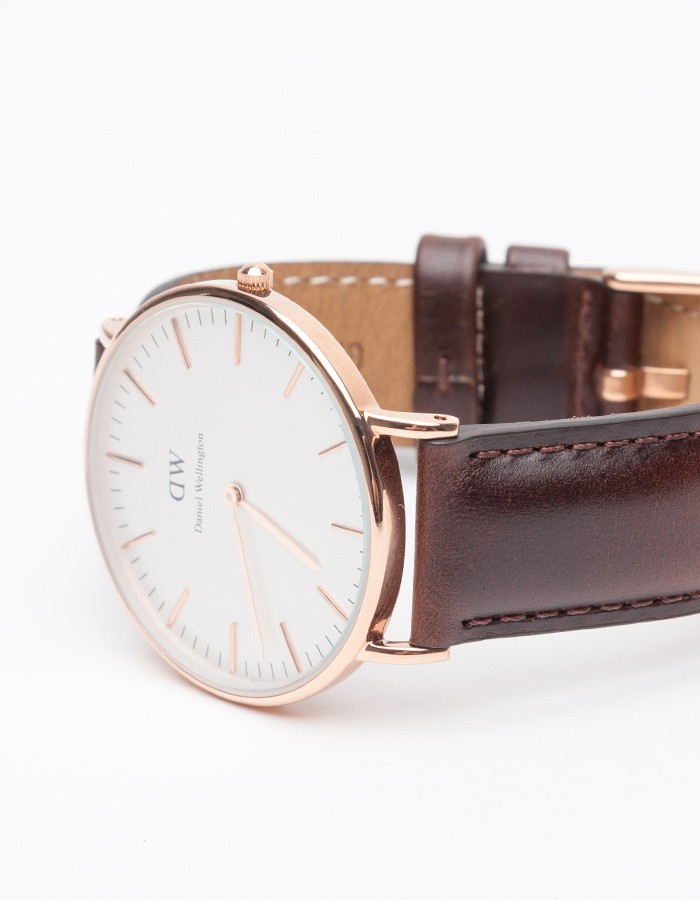
Bes Sky watch for you.
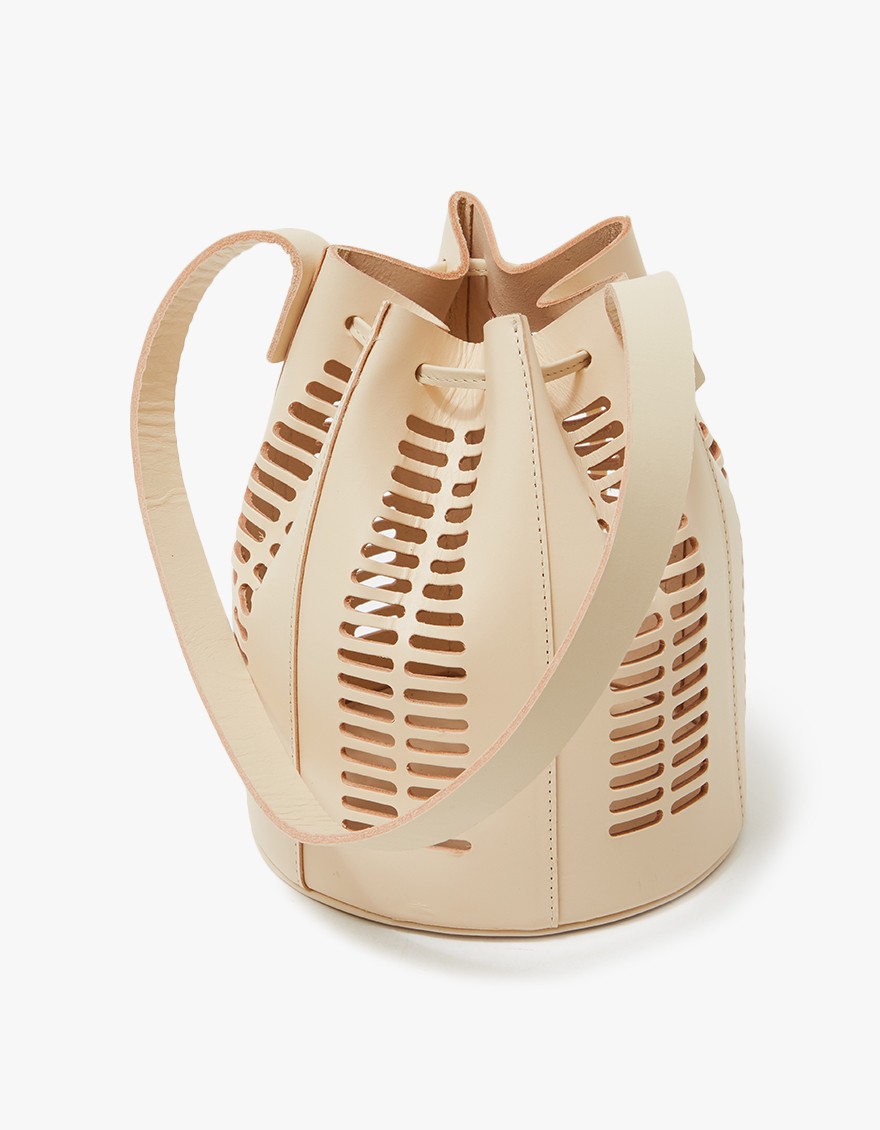
Sky Hand Bag for you.
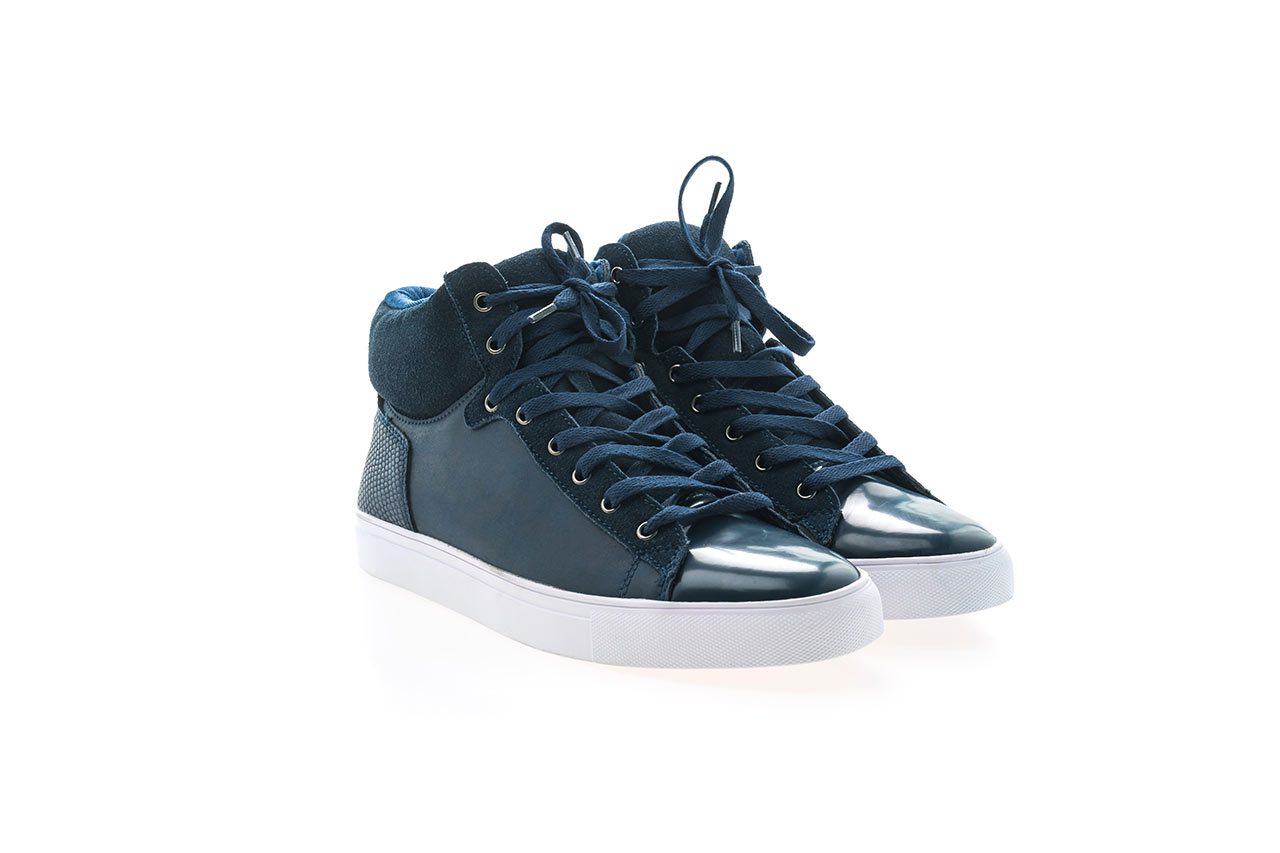
The best products for you.
Create responsive landing page call-to-actions that look perfect on every device. Our Elementor dual button widget automatically adjusts to screen sizes, ensuring your important conversion buttons remain accessible and attractive on mobile, tablet and desktop views – essential for modern WordPress websites.
Save hours of custom CSS work with our ready-to-use dual button widget for Elementor. Part of our comprehensive Sky Elements Pack, this widget offers professional results with minimal configuration.
This premium addon feature creates visually engaging buttons that communicate purpose at a glance.
Straight answers about what this one does, where it fits in a real build, and what it costs you to ship.
Read the documentation for this one, or write to us — a human answers inside a business day.
Yes — that is exactly what the Dual Button widget in Sky Addons for Elementor does. It renders Button A and Button B as one pair with an optional separator between them, carrying the word or by default. Alignment, overall width and the gap between the buttons are single controls on the pair.
Yes. The separator has a Content Type toggle set to either Text or Icon, so an arrow, a slash or any glyph from Elementor’s icon library can replace the wording. It also takes its own size, colour, background, border and radius, plus a Ring Width and Ring Color that draw a halo around it.
Yes. Button A and Button B each get their own text colour, solid or gradient background, border type, width, colour and radius, and each carries a full Hover tab — including a separate hover border radius. That is what makes a filled primary action next to an outlined secondary one a two-minute job.
No — typography is a single shared control that applies to both buttons in the Dual Button widget. Padding, colours, borders, radius, icons and links are all per button; only the font family, size, weight, transform, spacing and line height are common. If the two must differ, use two separate button widgets instead.
Yes. Each button takes an icon from Elementor’s library, including uploaded SVG, placed before or after the label with its own spacing. Beyond that, Icon A and Icon B have separate style sections for size, padding, border, radius, colour and background with hover states — so an icon can be a chip inside the button rather than a bare glyph.
Alignment, overall Width and Space Between are all responsive controls, so the pair can be centred and narrowed at phone width independently of desktop. The two buttons stay on one row with the separator between them; if you need them stacked vertically, two separate button widgets in a column is the honest answer.
Because the pair is managed as one object. You get a real Space Between value, a shared alignment and width, and a separator that stays centred between the two — none of which two independent button widgets give you without extra containers. Sky Addons still keeps every colour and border per button.
No. Dual Button runs on free Elementor. Both links, both icon sets, the separator with its ring, and every hover state are Sky Addons controls in the standard panel, so a two-action call to action needs no Elementor upgrade and no second button plugin.
Yes — a Show Separator switch turns it off, which leaves the two buttons sitting next to each other at whatever Space Between value you have set. Setting that gap to zero and matching the border radii is how you get the joined segmented-control look rather than two floating buttons.
Yes. Button A and Button B each have their own standard Elementor link field, which means the usual per-link options for opening in a new tab and adding nofollow, along with custom link attributes. The two buttons are independent anchors, so one can go off-site while the other stays internal.
Elementor widgets and extensions by wowDevs — built for people who would rather ship than fight a page builder.
One short email when something ships. No drip sequence.
