Animated skill bars for Elementor that fill as they enter view — for showing expertise, ratings or progress at a glance.
Twelve months of timesheets, sorted into the four things we actually sell. It opens every new-client call, because it answers what are you good at faster than a case study does.
Share of billable hours across the last twelve months. Every hour is counted once, so the four figures add up to 100%.

The ballot closed at midday on 6 May. One vote each, single preference, counted the same afternoon with two observers in the room.
The north wall carried it on the first count, so no second preferences were needed. Work goes out to tender in June and the full minutes are on the members’ board by the door.
A rate card gets skimmed. These two blocks get read, because an agency booker is looking for one language and one tool and wants to know in three seconds whether to keep scrolling.
Self-assessed against the Common European Framework. The number is a self-rating out of 100, not a test score, and the band beside each language is what it maps to.
Day-to-day confidence on the same self-rated scale. These are five separate answers, so they are not a share of anything and do not add up.
The figure beside each site is the amount actually in use. The bar measures it against the disk it sits on, which is why the smallest number here is the one causing trouble.
The scratch disk empties itself on Sunday night. If it fills before then the render queue stops, which is why it is the only meter on this page with an alarm attached to it.
Five growers, none of them more than half an hour out. The split moves every week with whatever is ready, so this panel gets rewritten on Monday morning before the orders close.
Packed on Wednesday night and dropped at nine collection points before eight on Thursday. Anything grown further than thirty miles is named on the label; there is nothing on it this week.
The board the site manager screenshots every Friday afternoon. Five stages, five honest percentages, one page a client can read without picking up the phone.
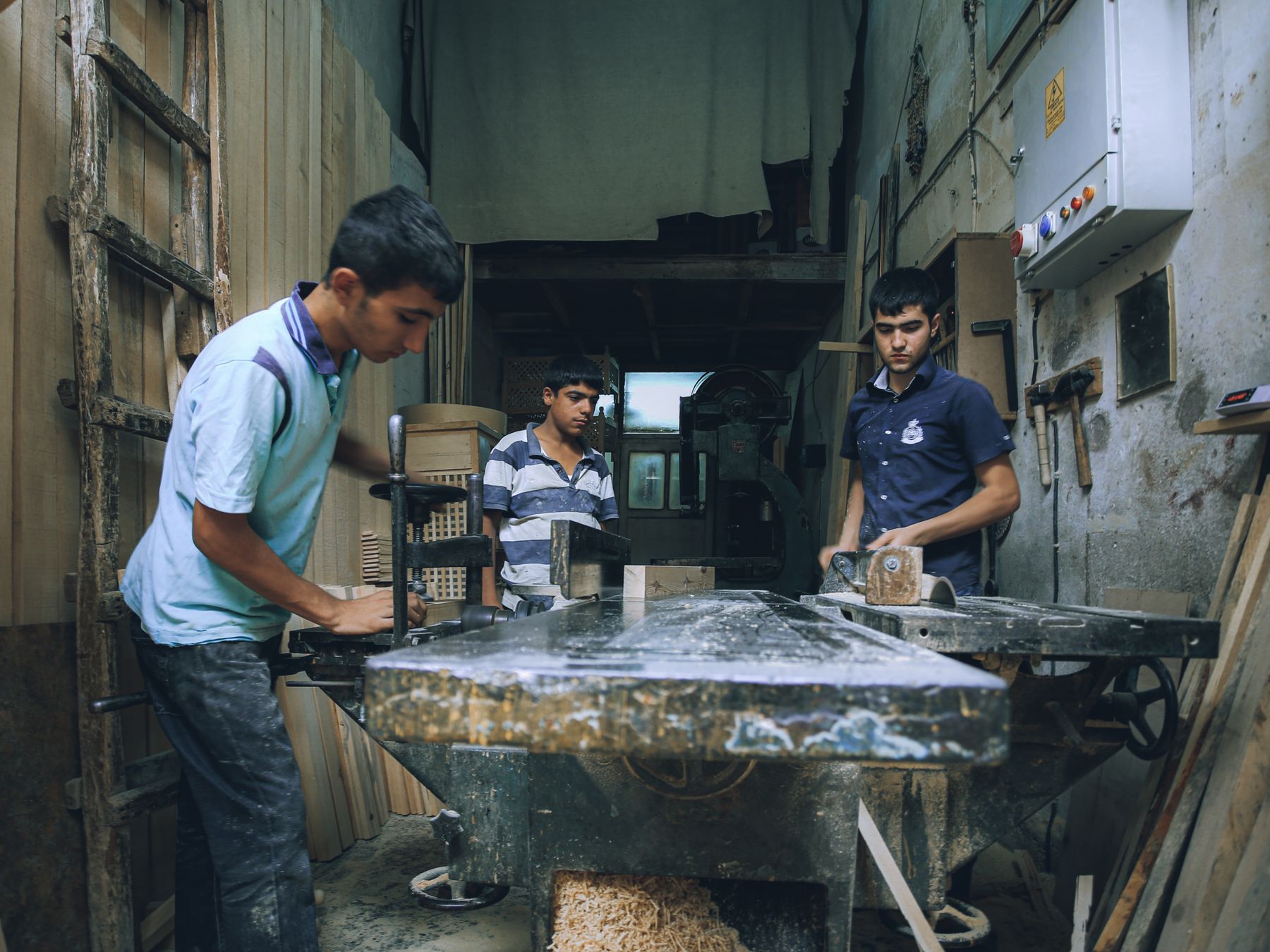
Joinery bench, Tuesday. Two of the five stages below happen in this room.
Each figure is that stage’s own completion, not its share of the job — they are not meant to add up.
Every advert says the work is varied. These are the real splits off last quarter’s job sheets, so nobody turns up on the first morning expecting a different job.
Two benches free. You would be making stair parts and shop fronts, mostly in oak and accoya.
Four days a week within an hour of the yard. Nights away are rare and always agreed a month ahead.
No experience needed. One place, starting September, with the college day paid and the tools provided.
Four meters on the billing screen. Each label carries the raw figure so nobody has to work backwards from a percentage, and the one about to run out is the only one that changes colour.
Automation runs are the meter worth watching this month. Overages are billed at the end of the cycle, so the raspberry bar is the one to act on before the 12th.
Progress here counts assessments that have been signed off, not videos watched. Two are marked, one is sitting with your tutor, and the last two have not been opened yet.
Your tutor left a note on the mortice assessment: the shoulders are tight, so bring the practice piece on Thursday and we will pare them back together.
Eight weeks left on the appeal. The top bar is the total raised. The three under it are where every pound is committed the moment it lands — published because donors ask, every single year.
Allocation adds up to 100%. Totals are updated every Monday morning.
Every bike carried the same 40 kg over the same eleven-mile route, twice a week, in whatever weather turned up. Scores are out of ten and weighted towards how each one behaves loaded, because that is when a cargo bike gets difficult.
The front loader is the better shopping bike and by far the easier one to park. The longtail is the one we would buy, because it is the only bike here that stays calm with a child seat and a full crate on the same trip.
Two questions from the annual survey. The first allowed one answer, the second allowed any number — and that difference is why one block adds to 100 and the other does not. Saying so is the whole job of the small print under each block.
One answer each. The four figures add up to 100%.
Readers could pick any that applied. These four do not add up to 100% and are not meant to.
We run three projects at a time, so nobody sits waiting for a designer who is already on something else. This is the studio diary as it stands this morning.
A project starts with a two-hour session in the studio or on a call, and nothing is invoiced before that. If the month you want is full we will say so rather than squeeze you in.
Straight answers about what this one does, where it fits in a real build, and what it costs you to ship.
Read the documentation for this one, or write to us — a human answers inside a business day.
When they reach the viewport, and you decide how far. The Advanced Skill Bars widget in Sky Addons for Elementor has a Trigger Threshold control set to 80% by default — lower it and the bars start filling as soon as a sliver appears, which suits bars near the foot of a long page.
Yes, using the pair of sliders on each row. Skill Max Value sets the scale and Skill Value the reading, so a max of 10 with a value of 8 fills the bar 80% while printing 8. Clear or change the Value Suffix, which is a percent sign by default in Sky Addons.
Almost anywhere. The Sky Addons Advanced Skill Bars widget positions the name above, inside or below the track, and the value above, inside, below, or as a bubble riding over the end of the fill — that last one takes its own rotation, background and border so it can sit at an angle.
Neither. Advanced Skill Bars ships in the free Sky Addons for Elementor plugin and runs on free Elementor, so the animation, the striped and rainbow fills and the per-bar colouring cost nothing. Elementor Pro is a separate product and plays no part in it.
Yes. Flip the Customize switch on any row of the Sky Addons Advanced Skill Bars and that bar gets its own track colour, its own fill — solid, gradient or image — and its own name and value colours, while every other row keeps following the shared style below.
Yes, with two switches that work together. Striped lays diagonal bands across the fill of the Sky Addons Advanced Skill Bars, and Animated sets those bands travelling along the bar so it reads as active rather than finished. Both work on top of whatever fill colour or gradient you have chosen.
A fill that cycles through a list of colours instead of holding one. Switch on Rainbow Animation in the Sky Addons Advanced Skill Bars, set a speed in seconds, and give it a comma-separated colour list — seven colours are supplied by default and you can replace them with your own brand set.
Two. Default stacks the label, track and value in the usual way; Vision unlocks a Display Direction control that arranges those three parts inline, in a column, or in either reversed order. Both come from the same Sky Addons Advanced Skill Bars widget, so switching is one dropdown.
Yes. Turn on Show Skill Icon in the Sky Addons Advanced Skill Bars and every row gains its own icon picker, accepting any Elementor icon or an uploaded SVG. Size, colour and spacing from the label are set once for the whole list, so a row of tool logos stays even.
Yes — anything expressed as a proportion. The Sky Addons Advanced Skill Bars widget suits project completion, storage used against a quota, funding raised against a target, poll results or nutrition breakdowns. Only the label and the suffix change; the bar does not care what the number means.
Not as printed text — both sliders move in whole numbers and the figure counts up in whole numbers too. The practical answer in Sky Addons is to scale the pair: 9 with a max of 10 fills exactly the same 90% and prints a number the reader can trust.
Partly, and it is fair to say so. The skill name and its value are real text in the page, so both are announced and indexed by search engines. The track itself is a styled element rather than a native progress control, and the optional icon is hidden from assistive technology as decoration.
Elementor widgets and extensions by wowDevs — built for people who would rather ship than fight a page builder.
One short email when something ships. No drip sequence.
