Reveal Effects is a set of animation and effects for Elementor. This widget provides lot of customization options to make it work very close to your needs.
Today we will discuss with you about 10 Fascinating Fashion Blogs: A list of fascinating fashion blogs that will help you understand trends and get inspired.
The #1 tip for Summer Shopping when on a budget : A blog post with tips on how to look chic without breaking the bank. We wish this article will help you a lot.
10 Tips on How You Can Get the Best Deal When Shopping Online: A blog about how to use the internet to your advantage when shopping. You must know about that.
Design 2
Reveal Effects
Reveal Effects also has a full width mode and many others features. With this plugin you will be able to create animated elements, reveal sidebar menus, and do more cool stuff!
How to Shop for Trendy, Affordable Handbags Closet Essentials: A blog around shopping for handbag essentials.
Design 4
It's Powerful
You can easily animate any part of your page with Reveal Effects. Build stunning page layouts with it’s powerful and intuitive interface.
Design 5
Reveal Effects
Reveal Effects is a powerful animation widget for Elementor and comes with lot of customization options and features which you won’t find with any other competitor.
It's easy to customize and even easier to use. Add on our clever Backdrop Filter as your finishing touch for a final look that is worthy of any design award!
Where does Reveal Effects live in the Elementor panel?
On the Advanced tab of any widget, and on the Layout tab of containers and old-style sections. Sky Addons for Elementor adds it as a panel section, not a widget — you pick something you already built, whether that is a single image or a whole section, and switch the reveal on.
How is a reveal different from an entrance animation?
An entrance animation moves the element itself into place. A reveal leaves the element exactly where it is and wipes a coloured overlay across it instead, so the layout never shifts. You also choose whether the content shows through while the overlay travels, or only appears once it has passed.
Can I use more than one colour band?
Yes — up to ten layers. Layer Colors takes a comma-separated list, one colour per layer, and any unmatched layers reuse the last colour given. Layer Delay staggers them from 0 to 2000 milliseconds, which is what turns a single wipe into a striped, multi-colour sweep.
Which directions can the overlay travel?
Four: left to right, right to left, top to bottom, and bottom to top. Duration runs from 200 to 5000 milliseconds and there are twenty-eight named easing curves on top of the default, so the same direction can read as a snap, a glide or a bounce.
Do I need Elementor Pro for reveal effects?
No. Reveal Effects is in the free Sky Addons for Elementor plugin and works on free Elementor containers, sections and widgets. One control inside it, the Custom Selector used for targeting inner items, is the part that requires Sky Addons Pro.
Can I reveal each card in a grid one at a time?
Yes — set Target Selector to Custom and give it a CSS selector for the inner items. Each matched element then gets its own reveal instead of the whole block being covered by one overlay. That particular control is a Sky Addons Pro feature; the default whole-element reveal is free.
Can the reveal replay every time the element scrolls back?
Yes, with the Replay on Scroll switch. Left off, the reveal plays once and stays revealed, which is right for ordinary page content. Switch it on for something a visitor scrolls past repeatedly, such as a short repeating band or a panel they will return to.
When exactly does the animation trigger?
At the Trigger Threshold: the percentage of the element that must be visible before it fires. It defaults to 80 percent and adjusts from 5 to 100 in steps of 5. Lower values fire earlier, which helps on tall elements that would otherwise reveal well after the visitor has read them.
Can I leave part of the element permanently covered?
Yes — Cover Area sets the percentage still covered once the animation finishes, and it defaults to 0 for a full reveal. Leaving 10 or 15 percent parks a coloured bar over one edge of the image, which is a cheap way to build a caption strip out of the effect itself.
The overlay is hidden behind something else. Can I fix it?
Raise Overlay Z-Index. The reveal paints a coloured layer over the element, so anything on the page with a higher stacking value sits in front of it and the wipe never shows. The control exists for exactly this case — nudge it up until the overlay is visible again.
 summer
  summer
  online
 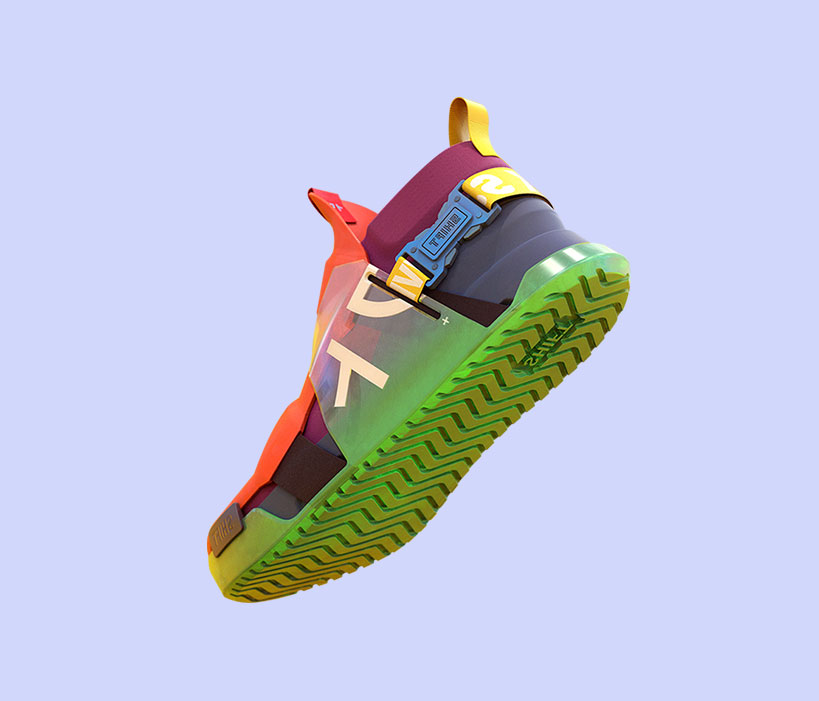 $250.00
 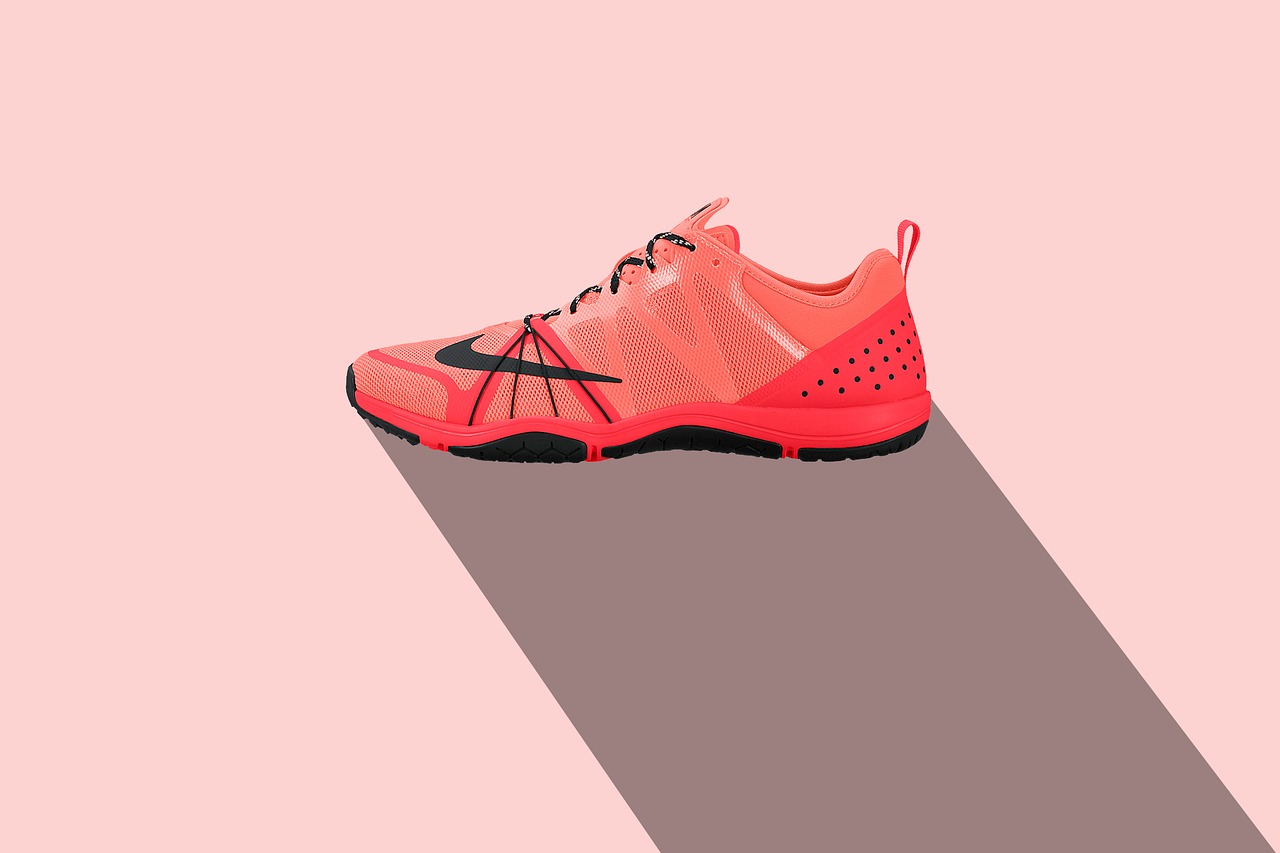 $250.00
 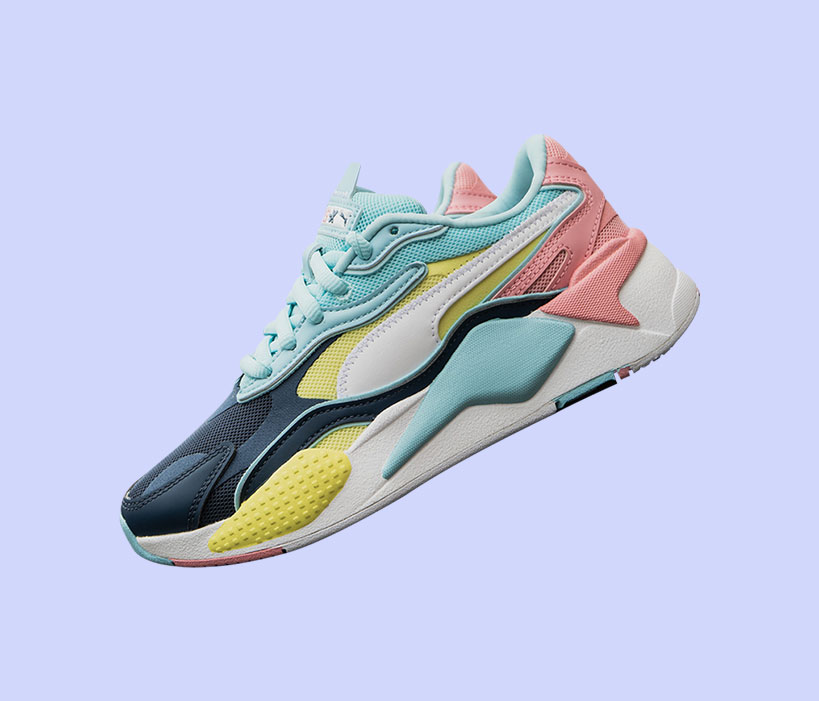 $250.00
  Popular